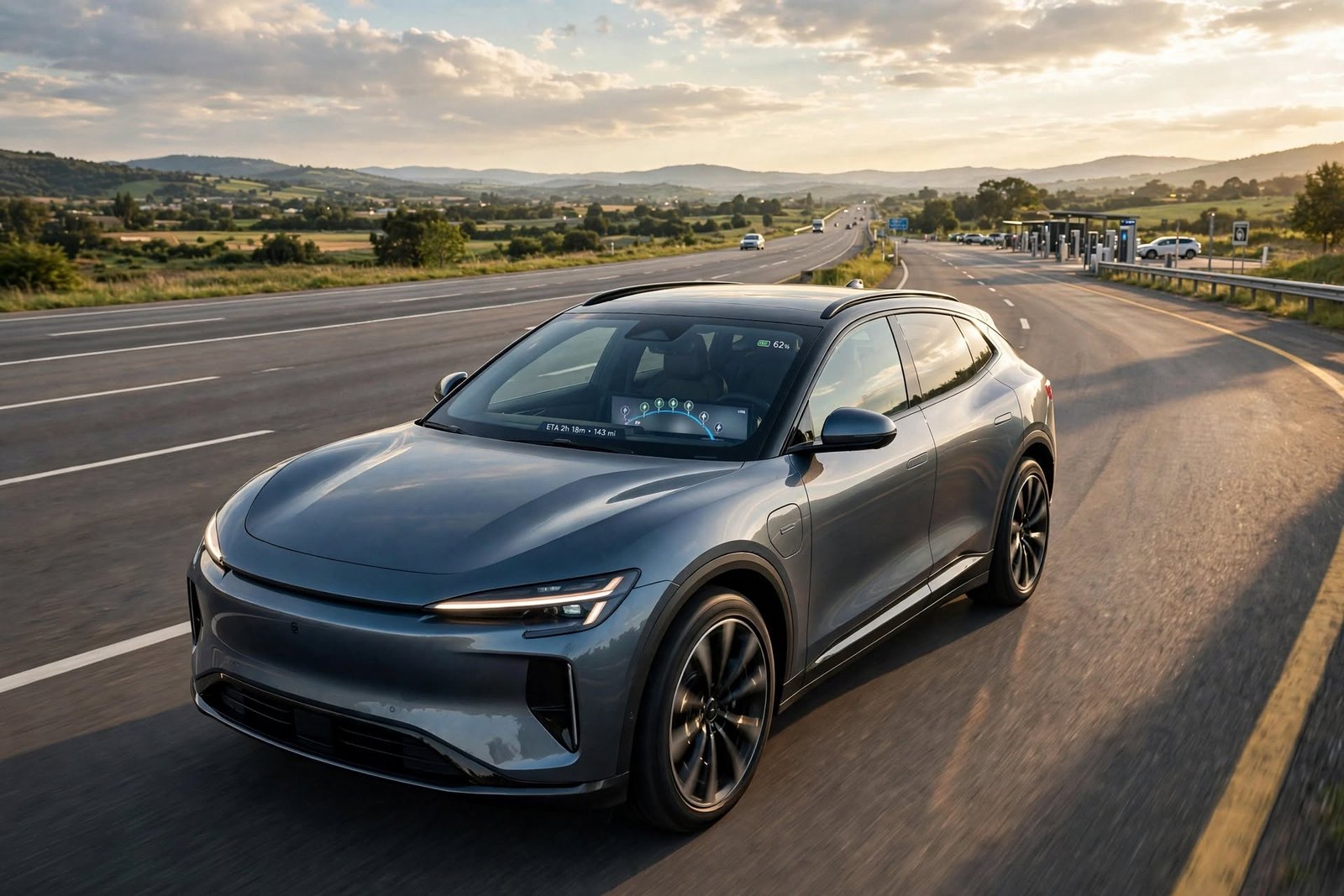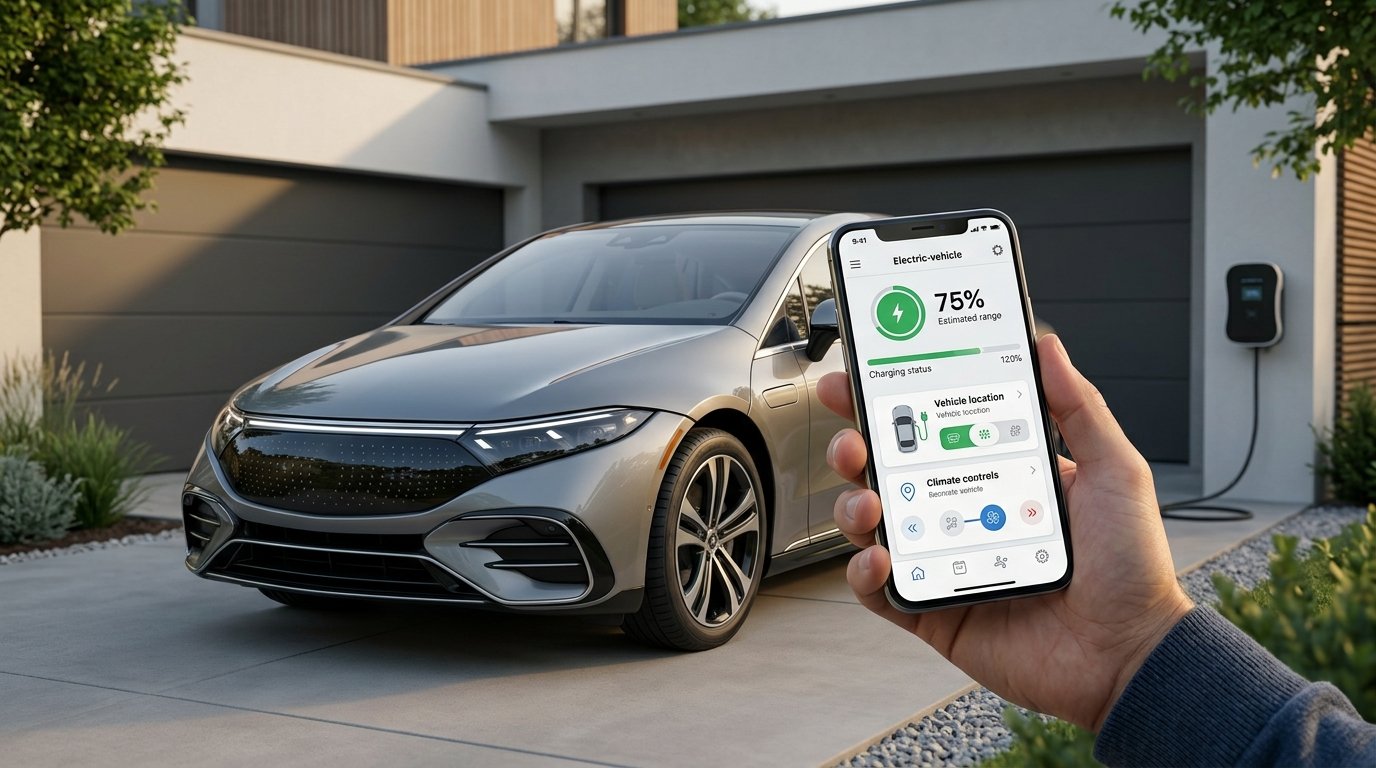
Electric cars have seen a transformation in how users interact with their cars, which in turn has led many manufacturers to develop smartphone apps that give remote access to car features. Getting into the vehicle to check the battery isn’t a must, as with the app which is available, you can see the present charge level, estimated range, charging status, and also other info. Also, depending on the car, some apps also allow you to start or stop charging, set charging for later, control pre-conditioning of the cabin, find the car, lock or unlock the doors, and get info on the vehicle. These features, in turn, make for a more convenient daily experience of EV ownership.
The exact functions which are available vary by manufacturer, vehicle model, software version, market, and connected services. For the same EV which puts forth a wide range of controls, some vehicles from the same make may, in fact, have very little. What we are to see then is that advertising is general and does not always reflect what is available for the specific car you drive or will purchase. As you play around with these apps, it is also at this point you will see which remote features truly add value to your daily commute.
How EV Remote-Management Apps Work
EVs interface with what is to them compatible car models via the manufacturer’s connected services. The car puts out info like battery level, charge state, location, and any other data it has, which in turn is put into the manufacturer’s systems, which we in turn see in the mobile app. When the driver gives a remote command, like to change the climate setting or lock the doors, that request goes back to the car. Cellular and other communication methods see to it that this all works even when the driver’s phone is not by the car.
Setting out the process, which is usually to download the manufacturer’s app, create or sign into an account, and connect the vehicle to that account, goes this way. Once registration is complete, the app may put forth a dashboard which includes info on battery, range, charging progress, vehicle location, and more. Also, some commands may take a few moments to get to the vehicle, and remote functions may be affected by the vehicle or phone’s poor connection. Thus, it is to be noted that an app’s performance depends on the vehicle’s connection system and also the quality of the network.
Tesla App
Tesla’s mobile app provides a large variety of remote control features for compatible cars. What you get out of the app is which car you have and what services are available to you. You can check battery info, charge status, expected range, and your car’s location. Also, in the app you will find options to lock or unlock the vehicle and to manage climate settings. This allows owners to pre-set the car for a trip or to get important info without getting in the vehicle.
Charging is a large component of what the Tesla app does. In our app, users are able to see in real time how their charge is going and also to control what charging options are available to them right from their phone. Also, we have included climate control which allows the car to pre-heat or cool off while it is still parked. These features we have included show that an EV app can become a very regular part of the driving experience as opposed to just a tool for seeing basic info.
MyHyundai With Bluelink
MyHyundai, which has the Bluelink feature, presents remote services for our Hyundai models. What you get depends on your model, but you can expect to see battery and range info, set charging, choose your charging preferences, and use remote vehicle controls. Also, we see that EV owners have access to charging schedules and other tools which in turn make regular charging more manageable.
Remote climate control is a useful feature which is available on some vehicles. Before getting in, you may set the climate which in turn will reduce the time it takes for the interior to reach a comfortable temperature. Also, Hyundai’s connected services will give you info on the location and status of your vehicle. It is best to check what is included in your model, though, as not all Hyundai EVs may have all features.
Ford App
Ford has a mobile app that is available for compatible electric vehicles which provides a wide range of connected features. What you see will depend on the car you have, but generally you can check on the status of the charge, the health of the car, and also do some remote control features. Also, with this app, owners are able to check in on their car’s health from the comfort of their home or office.
Remote climate control options also play a role in pre-conditioning the car before you hit the road. In some vehicles, we have charging-related settings which drivers use to set charging targets or to control the charge based on their habits. As with other EV apps which we see in the market, what is available varies by vehicle and what the connected services are offering, which is why it is a good idea for drivers to check what is included in their model.
Rivian App
Rivian has a large set of remote features for which compatible vehicles can be used; at present, we see battery and charge info, location, lock and unlock, and climate control. As per the car and what services it has, we also see charging schedules and other connected features supported by the app. This sets up a package which allows drivers to watch over key info and perform some functions without having to be by the vehicle.
The app also works in conjunction with Rivian’s full suite of connected-vehicle features which include trip planning and charging info. This is to say that which features an application has is not as important as how well they work together. An application is more useful when battery health, charging, climate control, location, and vehicle controls are at the touch of a button from the same interface.
Important Remote-Management Features to Look For
When looking at EV options for your personal use, pay attention to which features actually add value over time. We see that in what the battery is doing, the state of charge and expected range should be very present to the driver. Also, we should have info that the car is in fact charging and how we’re doing towards a full charge. For parking in foreign or busy areas, a vehicle which shares its location is a plus. Also very useful are clear notifications which inform you of key charging and vehicle status updates.
Remote controls which add to the convenience of the owner. As per the car model, you may see options to lock or unlock doors, turn on climate control, have the car located for you, or to manage the charge. In the case of EVs, charging is very important which may include starting or stopping a charge, setting a charge goal, or timing the charge. Also, do not think that all features are present in each model, as what is available may vary between models, trims, software versions, and markets.
Battery and Charging Information
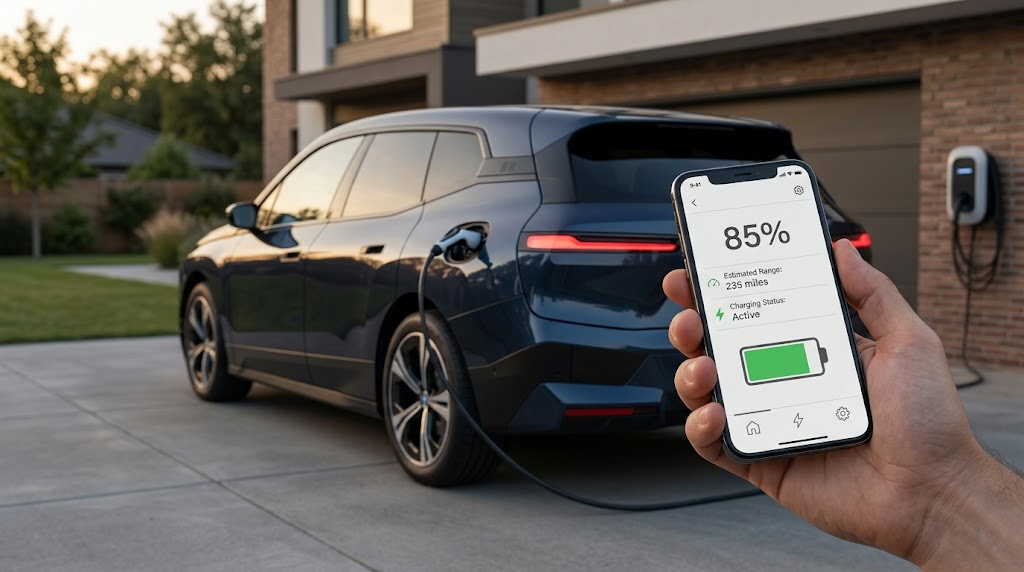
Battery info is a key feature in EVs which we put at the forefront so that drivers can tell if their car is going for a trip. In a great app, this info is presented in an easy-to-understand way; we look at battery percentage and estimated range mostly. Also, some apps report on charging progress which in turn allows owners to see what’s happening with the charge, and to what degree the car will be ready when they need it. Understanding EV charging costs can also help drivers put the information shown in their app into a broader picture of their charging expenses.
Charging features that improve the convenience of EV ownership are a thing. What you get may vary by manufacturer, from the option to start or stop charging, set a charge limit, or put together a charging schedule. What may also be of use to those that charge at home is that pre-set charging times which in turn fit in with your day-to-day routine. Also, note that which of these features you have is dependent on your car model.
Climate and Vehicle Controls
Remote pre-conditioning of the cabin is a feature which allows drivers to pre-set the temperature in the car before getting in. In very hot or very cold weather, this can be a great benefit as you may enter a car that is at a more comfortable temperature. What we see is that which features are offered varies by manufacturer, but it isn’t uncommon for you to be able to turn on the heat or air conditioning from your phone.
Other types of remote controls include door lock and unlock, light activation, vehicle location, and checking of the car’s systems. These features are for use in day-to-day situations which may include going back to make sure the car is locked. It is important that drivers know what each remote feature does and what the vehicle’s requirements are before the command will work.
Security and Privacy Matter Too

In the case of EVs, they have the ability to access vehicle info and remote controls which in turn means account security is an issue. Users should put forth strong account passwords, secure their smartphones, and also avoid, to the greatest extent possible, sharing login info. Also, manufacturers may put in place extra security measures for connected services. By protecting both the phone and the vehicle account, you may reduce the risk of unauthorized access to connected features.
Privacy is a key issue which also includes the fact that connected apps may access info like your vehicle’s location, charging activity, and status. Also, drivers should go over what the manufacturer reports on privacy and get to know how your connected services work. If a third-party service is given access to your vehicle account via an app, also check out what info that service will have access to and what controls they have before you give access.
What to Look For When Choosing an EV App
Before you buy into an EV, it is recommended that you research the smartphone features of the exact model you are looking at. What we see is that manufacturers present different sets of connected features for different vehicles, model years, trims, markets, and as part of what comes with the car or what is a paid subscription. Thus, it is best to check the official documentation for your specific make and model instead of assuming that what is true for one model in a brand’s range is true for them all.
Drivers should also note the ease and reliability of the application which is at issue. As for important info like battery level, range, charging status, and vehicle location, that should be easy to put your hands on. Also, remote commands should give out clear feedback which means the owner will know that an action went through. That which we discussed is included in the larger set of remote-management features which in turn will determine the connected EV’s value in day-to-day use.
Charging Schedules and Vehicle Location
Charging plans are a great fit for EV owners that have set routines. Instead of going in and out of the charge session each time the car is plugged in which can be a pain, a compatible app may allow the driver to program when charging to start or stop. This also makes it easy to do overnight charging which in turn gives owners more input into what that charge schedule looks like.
In an unknown parking spot, a car may be difficult to locate, but an application may display the car’s exact location at the press of a button and also present more info to help track it down. Also, by integrating the location data with the battery health and vehicle status info, drivers can access multiple relevant reports without having to get out of their car.
Selecting an EV by App Experience
The smartphone app is a single element in the decision to buy an electric vehicle which is what you should not do, but at the same time, they do play a role. We see that two EVs which have the same battery size and drive range may still have very different connected features. One may include in-depth charge control, climate management, and a great deal of info on the vehicle, while the other may mostly report basic status updates. These differences become even more relevant when considering integrated EV charging solutions and the wider charging ecosystem that can support an electric vehicle.
Drivers also have to keep in mind that applications do change with software updates. Manufacturers may put in new features, revamp interfaces, or change how connected services function. The best way is to look at what your present car has to offer and see which features are included or which require extra services. This gives drivers a better idea of what remote ownership will be like.
Conclusion
EV car apps have become a key element of today’s electric vehicle ownership. What you get depends on the make and model of your vehicle but may include monitoring battery levels, tracking charging which includes pre-scheduling, controlling cabin temperature, finding your vehicle, locking or unlocking doors, and access to other vehicle info. Tesla, Hyundai, Ford, and Rivian report to offer a variety of these features for which your car is compatible.
When it comes to reviewing an EV application, what drivers should do is pay attention to the functions which they will use. In terms of battery and charging info, reliable remote controls, climate control, vehicle location, security, privacy, clear notifications, and an easy-to-use interface are elements which play a role in a better ownership experience. Also, by looking at these features along with the vehicle’s battery, charging capabilities, and connected service needs, drivers may see what they are to expect in terms of running their EV via a smartphone.