OnlineCheckWriter.com is drawing attention to the preparation involved in printing checks with MICR information. Its online tools support check-document creation, while businesses remain responsible for confirming account details, printing materials, and the requirements of the financial institutions handling their checks.
The topic matters for companies moving from preprinted checks to printing more of the document themselves. That change can affect which information the printer must produce and which supplies are appropriate. A familiar check layout on a computer screen does not, by itself, establish that the finished document meets processing requirements.
Understanding the MICR line
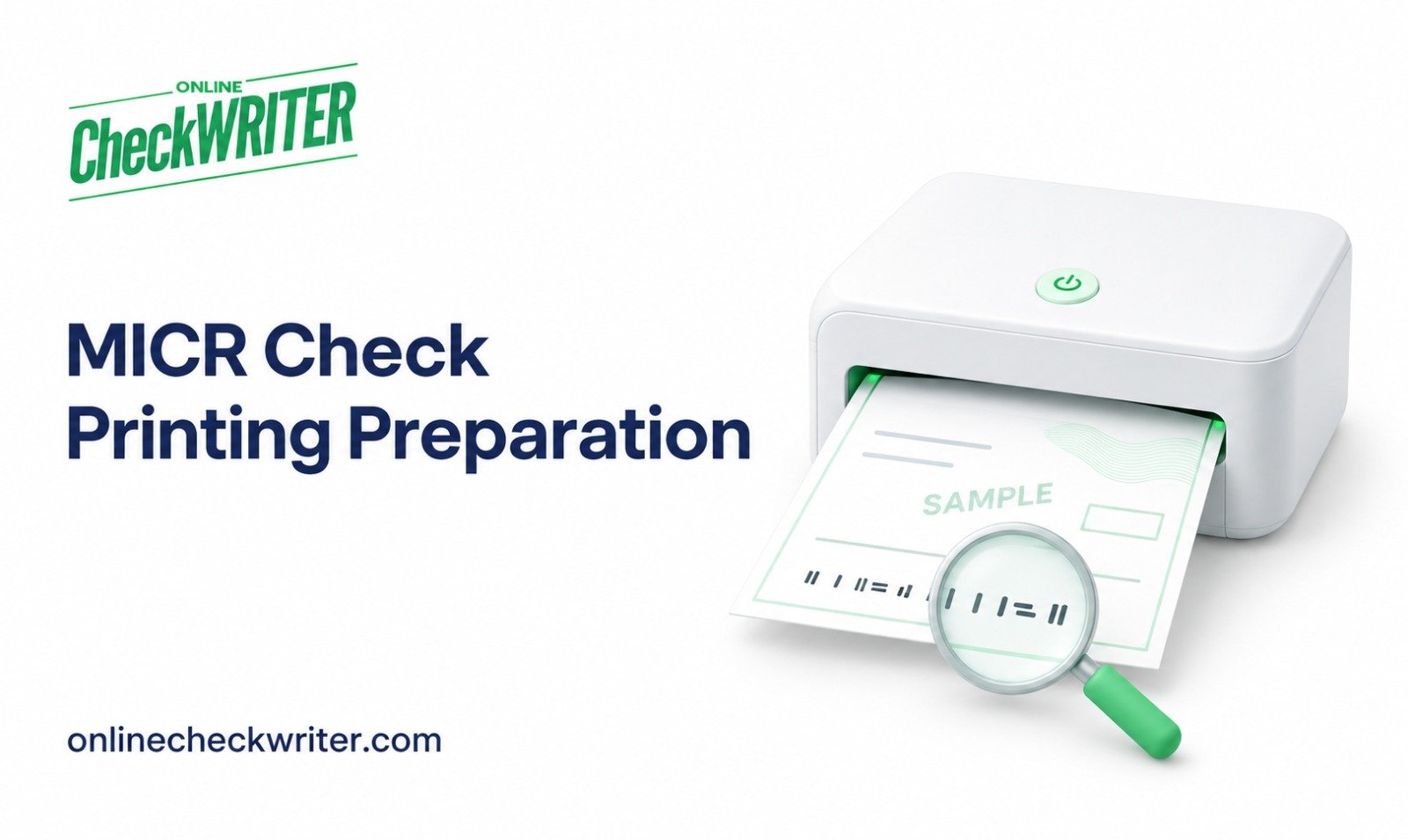
MICR refers to magnetic ink character recognition. The line at the bottom of an original check carries information used during processing, including account and routing details. Businesses should treat that information as sensitive and verify it before preparing a payment.
Federal Reserve guidance explains that industry standards generally require magnetic ink for the MICR line on original checks. Other fields can use regular ink when the MICR line is properly preprinted. Businesses should confirm their particular stock and equipment setup with their financial institution.
OnlineCheckWriter.com’s page for businesses seeking to print MICR checks describes entering check information and preparing supported layouts. The service should be evaluated together with the physical requirements of the intended printing process.
Choosing a setup before purchasing supplies
A business using blank stock has a different task from one using stock with account information already printed. Identifying that difference before ordering supplies can help avoid purchasing materials that do not fit the planned workflow.
The review should include printer compatibility, appropriate ink or toner, paper dimensions, and layout. Employees should confirm these details with the relevant providers instead of assuming that a standard office setup supports every check format.
The company’s payment volume can also influence the operational decision. A business printing a small number of checks may prioritize a repeatable setup that a designated employee can maintain and document.
Testing the finished document
A clearly marked sample provides an opportunity to inspect alignment before a live payment run. Page scaling, margins, and printer orientation can change the placement of fields even when the design appears correct on screen.
Businesses should keep decorative elements away from the MICR area and other required information. A logo should not cover the payee, amount, date, or signature field.
A visual review is useful but does not establish magnetic readability or guarantee bank acceptance. The business should ask its financial institution how to validate a new format and retain the approved settings for future use.
Keeping payment approval separate from printing
Preparing a document does not authorize an expense. Before printing, employees should match the payee and amount to an approved invoice or another documented obligation.
Check numbers also need attention. A duplicate number or unexplained gap can complicate reconciliation. Businesses should maintain a record of issued and voided numbers and review it when changing software, accounts, or printing procedures.
Blank stock, signature files, and printed documents should be accessible only to the appropriate employees. Spoiled samples should be handled as sensitive material if they contain real banking information.
Reviewing the process after issuance
Once a check is issued, the business should keep its record connected to the invoice and monitor the relevant account activity. A printed document is not proof that the recipient has received cleared funds.
A written checklist can make the process easier to repeat when staff or equipment changes. Businesses considering OnlineCheckWriter.com can review the supported workflow and confirm current terms before establishing their own printing procedure.
About OnlineCheckWriter.com
OnlineCheckWriter.com, powered by Zil Money, offers software tools for preparing check documents and managing supported business payment workflows.
Service Disclaimer
Printer compatibility, stock, MICR materials, and bank acceptance requirements must be confirmed for the intended use. Check 21 does not guarantee acceptance of every self-printed check. Features and fees are subject to applicable terms.
Financial Technology Disclaimer
OnlineCheckWriter.com, powered by Zil Money, is a financial technology company, not a bank. Banking and money movement services are provided through partner financial institutions and licensed service providers. FDIC insurance may apply only to eligible funds held through FDIC-member partner banks, subject to pass-through insurance requirements and applicable terms, conditions, and limitations. Coverage is not automatic or unconditional. Review the applicable agreements for information about the institutions and services involved.
Media Contact
Name: Sabeer Nelli
Address: 111 N Market St, San Jose, CA 95113, United States
Email: support@zilmoney.com
Phone: (408) 775-7720
Fax: (877) 722-3376
Website: www.sabeer.com
LinkedIn: linkedin.com/in/sabeer-nelliparamban