Introduction
In today’s computing we see communication between devices, applications, servers, and networks as a base element. A computer which is on a network doesn’t just send info to another computer without using agreed upon rules that determine what data is put together, sent out, received, and what it means. These rules we call networking protocols. They serve as a common language that allows different hardware and software from different manufacturers and operating systems to talk to each other.
From opening a site in your browser to sending an email out, to getting an IP address or transferring a file, protocols run in the background to make all of this happen. In the study of net-centric computing, we see that understanding these protocols is a key base which in turn allows students to learn how integrated systems put out and receive info reliably, securely, and efficiently in local networks and the internet.
What Are Networking Protocols?
Networking protocols are the set of standards and procedures which run the communication between machines on a network. In them we find which format data should take, how devices identify each other, what the process is for transmission of messages, what to do about errors which occur, and which action reception systems take to what they receive. Without protocols devices would have a hard time to make out what another device is saying, even if they are physically connected.
We have different protocols for different communication tasks which is why in present day networks we use many protocols as a team rather than to depend on one single standard. For a more in depth look into networking protocols students can study how different protocol types support different networking functions. This knowledge also puts into light how we are able to do everyday actions like browse the web, send email, and use online services.
TCP/IP: The Base of Internet Communication.
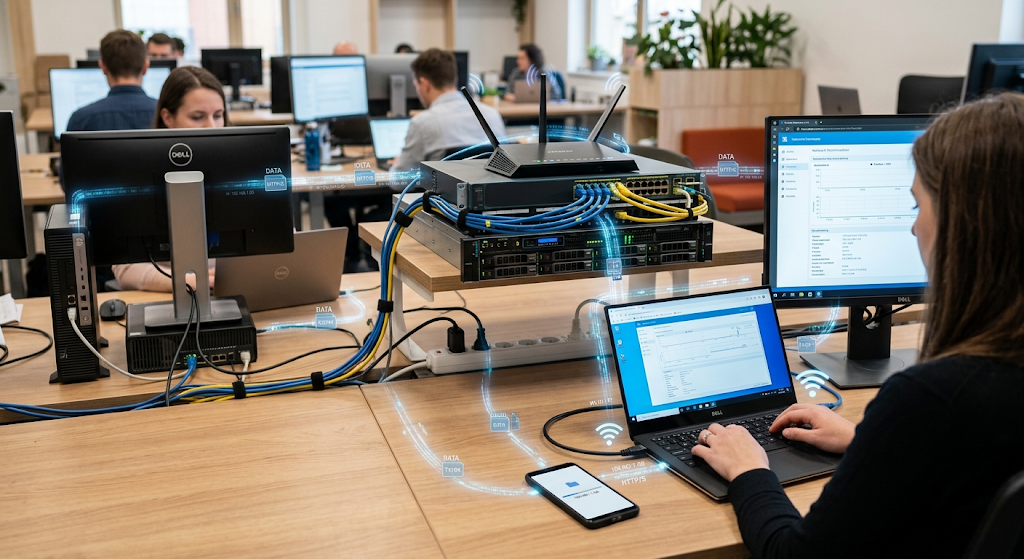
Transmission Control Protocol which we also know as TCP and Internet Protocol which we know as IP. Although they have different roles, they work in unison to transfer info between machines. IP is mainly for address and route of packets as they make their way from a source device to the right destination. TCP’s job is primarily focused on that of reliable delivery which includes setting up connections between end points, organizing sent out data, determining if info has arrived properly and we also have its role in retransmitting lost data.
Together these protocols enable computers, servers, smartphones, and other network elements to exchange info across networks that may cover large geographic areas and which may use different physical technologies.
Why TCP/IP Matters in Net-Centric Computing
TCP/IP is of great importance in net centered computing as many network applications use it as a base for communication. In the case of a student enrolling in an online learning system, interacting with a cloud application, or connecting to a remote server, TCP/IP provides the basic elements that those systems use to trade data. IP addresses play a role in identifying network endpoints and in the meantime routing protocols which are put in place for the packets to travel through to their destination.
TCP is what we see at the transport layer which provides reliable and ordered delivery of data as a requirement of some applications which need data to arrive as it was sent out and in the right order. Not all network applications use TCP but by understanding IP address allocation, routing and what goes on at the transport layer level it is easier to see what is going on under the top level services. Thus study of TCP/IP is a base which in turn gives a student the background to understand protocols like HTTP, HTTPS, FTP, SMTP, DNS and DHCP.
How HTTP Works
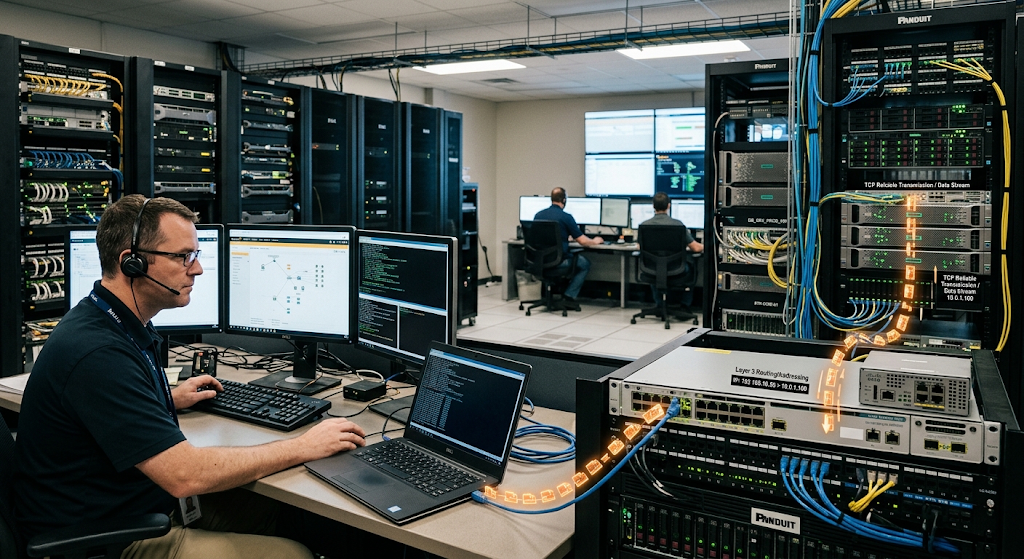
HTTP which is Hypertext Transfer Protocol is a primary application layer protocol for communication between web clients and web servers. Upon a user input of a website address into a browser the browser in the end puts out HTTP requests to a web server for resources which may be web pages, images, stylesheets, scripts or other info. The server in turn processes those requests and returns responses with the requested resources or information on what went wrong with the request.
HTTP uses a request and response model that makes for organized communication between browsers and servers. We see that common HTTP methods are GET for request info and POST for sending info to a server. By which we can see that a site does not just appear by magic to the user; in fact a series of network communications go on between a client and one or more servers.
The Importance of HTTP
HTTP is at the core of what the World Wide Web does and is a fundamental concept for students of networked applications. We see on the Internet that what HTTP does is to present a standard way out of which clients and servers communicate with each other. It’s the backbone which allows retrieval of info, filling out of forms, interaction with APIs and a host of other web based services. At the same time though HTTP does not in itself present a secure way for that info to be sent between a client and a server.
That issue is of great import when we are talking about transmission of private info. What we today see in the modern web is the use of HTTPS which adds security to HTTP. By first presenting HTTP do we mean to say that we make it easier for students to see the need for HTTPS and also to see how secure web communication is different from regular web communication.

What Makes HTTPS Different?
HTTP is the base for web communication, but HTTPS provides HTTP with a secure connection. This security feature is in large part what made HTTPS a mainstay of today’s web infrastructure.
How the Domain Name System Works
DNS is also a very basic protocol and service in the field of network communication. People tend to prefer easy to remember names like what we use for website domains instead of numbers which are what we use in IP addresses. While for the most part computers and network infrastructure prefer to use IP addresses to identify their destination, we as humans do have that luxury. DNS plays a key role in this by its function of turning domain names into the right IP addresses and also to provide info on network services.
When a user puts in a domain name in a browser the device may have to do a DNS look up first before it can get in touch with the right server. Also DNS info is a world wide collection of servers which allows the system to handle the great number of domain requests from internet users. Without DNS access to Internet services would be much less convenient as we would have to remember numeric addresses.
Why DNS Is Important
A user’s action may be a result of many protocols which are in play at the same time.
The Role of File Transfer Protocol
In a client server model which is a pattern of communication one system puts forward to start the connection while the other system which has the files and related services waits as the server. In net centric computing which is a field of study students use File Transfer Protocol (FTP) to see how application layer protocols present in the higher levels of the protocol stack implement specific services on lower level networking technologies.
Also it shows that instead of trying to develop a single protocol to do all types of network communication we may design different protocols for particular tasks.
FTP and Secure Alternatives
A protocol may function as intended in its communication task yet still require additional security measures in real world settings.
How SMTP Supports Email
SMTP which is Simple Mail Transfer Protocol is mainly in the business of sending and relaying email between mail systems. As a user sends out an email that message goes out into the mail system toward the recipient’s mail system. SMTP puts in place standard rules that allow mail servers to talk to each other during this process. A mail client may pass along an outgoing message to a mail server and from their servers will route the message to its right destination.
SMTP is mostly on the send and transfer of the messages as opposed to the full set of functions which are required to read and manage received email. Other protocols and which tech also get into play when users go to retrieve their messages from mail servers. For students, SMTP is a good study case of how what we do every day, like sending an email, is a result of very specialized network protocols which play together.
SMTP in Modern Communication
Email outlays that knowledge of individual protocols is key in net centered computing. A user may think of email as a single entity but in fact many network functions take place which include the send, delivery, storage and retrieval of a message. SMTP plays a large role in the process of sending and server to server delivery, also in which protocols like IMAP or POP3 play into the retrieval of stored email.
Also present in modern email systems is the feature of encryption, authentication, filters and other security measures which help to protect users from abuse. We put this information out there for students which also reports that the breakdown of roles between different protocols is very useful. Rather than one protocol doing everything we have different protocols which focus on particular aspects of a communique’s journey. This layering is a main trait of today’s computer networks and is also a requirement for the design of large scale and manageable network systems.
What is DHCP
DHCP is an acronym for Dynamic Host Configuration Protocol which helps devices get network configuration info at the time of connection. Upon a computer or smart phone’s access to a network, it will require info like IP address, subnet info, default gateway, and DNS server details in order to communicate properly. If we were to manually set this info in each device that joins the network we would see great delays and also we would see a high rate of config errors in large scale networks.
Also, the role of a DHCP server is to pass out to clients the right config info. Thus it makes network admin more efficient and also reduces the amount of manual config required from end users and admins. As a student it is important to know about DHCP as it is a key element in that networking is more than just plugging in cables or joining a wireless network. Also that devices must have proper config info in order to communicate well with other network elements.
DHCP in Everyday Networks
DHCP works in many types of settings which include home, school, business, public, and data center networks. As a device attaches to what we think of as a typical network it requests and is given network info from a DHCP server which in turn gives out an address that enables the device to join in on the network conversation. That address may be given out for a while and then is either renewed or given out again. This dynamic approach also allows networks to do a better job of managing available IP addresses as devices come online and go offline.
For students DHCP is a great study case of automation in network admin. Instead of each user having to know about IP address assignment and do it by hand the network itself can take care of many of the details. This in turn improves the user experience and the scale at which modern networks can function, especially as we see hundreds or thousands of devices which may want to connect.
How These Protocols Work Together
A Simple Web Browsing Example
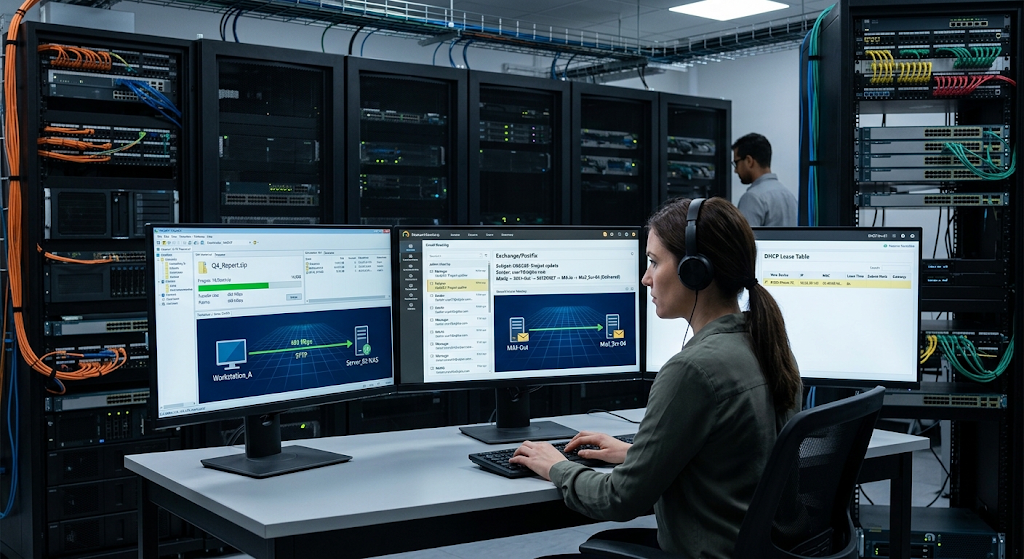
The authors of the material presented above put forth that the individual protocols which we have talked about function better when seen as elements of a total communication system. Imagine a student who is at a computer and types in a web address into the browser which is secured by SSL or TLS. Before the browser is able to connect to the site the DNS may be used to determine the IP which corresponds to the domain name.
IP in turn gives out the address and also routes so that the packets go to the right destination. TCP may secure a reliable path for the data to travel and at the same time HTTPS will see to it that the info exchanged between the browser and the web server is protected. If the student’s device is a newcomer to the network, DHCP may have at a previous time given it an IP address and other network info. This example is to show that protocols do not work in silos. Instead different protocols which each do a specialized job team up via layers to finish a task which to the user is very basic.
Why Students Should Understand Network Protocols
Understanding of networking protocols gives net-centric computing students a base which they can build up to more complex networking and computing topics. Protocols explain how devices talk to each other, how info travels, how services find each other out and how applications pass data. Also they are important for troubleshooting. For instance when a site won’t load the issue may be with DNS resolution, network config, routing, transport communication, the web server or some other element. What each protocol does is made clear which in turn allows students to approach these issues in a methodical way instead of looking at the network as a whole black box.
Also protocol knowledge is an asset in fields such as cyber security, cloud computing, software development, systems admin, network engineering and distributed computing. As more apps move to connected and cloud based environments which is the case with many present day computing systems that know what each protocol does is very important for any person that is to work with these types of systems.
Conclusion
Networking protocols are the base of what we see in present day net centered computing. TCP/IP puts forth the basic elements for address, route, and transfer of info across linked networks, at the same time HTTP is the protocol which enables communication between web clients and servers. HTTPS introduces security to web traffic, DNS plays the role of taking human friendly domain names and turning them into network destinations, FTP gives what is needed for file transfer, SMTP is for email transfer, and DHCP does large scale network config tasks.
Although each protocol has a very specific job, they also work in unison to support day to day activities like surfing the web, sending email, connecting devices, and using remote services. For beginners and students, study of these protocols is a great step towards understanding how modern networks function. Once these basics are out of your grasp, you can move on to more in depth topics like cloud networking, APIs, distributed systems, cyber security, virtualization and network automation which you will be able to understand and apply better.