Introduction
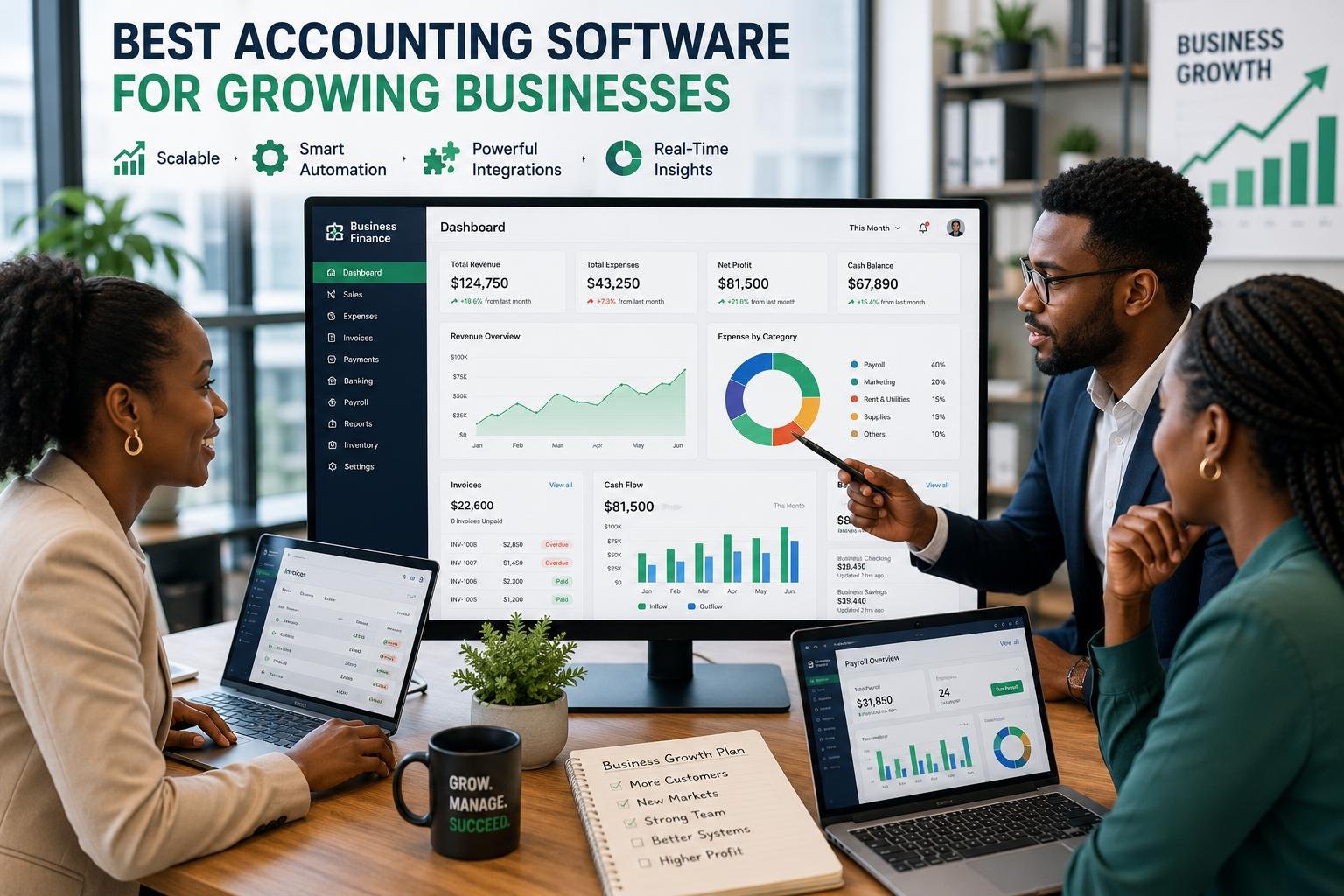
The selection of accounting software for a business that is expanding differs from that of a new start-up. With rising sales, teams grow, transactions happen more often, and operations grow to new markets or locations, and financial management can become more complex. While a simple accounting system may be sufficient for a small number of customers, it might eventually fall short of the demands of many users, increased transactions, payroll, reporting and integrations. That’s why scalability needs to be thought about from the outset and not as a challenge to be overcome later on. Even for companies that manufacture physical products, maintaining good inventory management control is important, as inventory data can have an impact on purchases, cash flow, profitability, and financial reporting. An excellent accounting solution should evolve with the business and not become overly complex or require an expensive move when the business expands and becomes more complex.
Key Features for Growing Businesses
Growing business accounting software should offer more than just income and expense tracking. It should establish a financial management base that will be able to scale up with growth in transactions, more staff, new customers, suppliers and more complex reporting needs. It is especially significant in the case of growth, which tends to be slow and it is hard to see when an existing system will be too small to continue serving. Ultimately, businesses should consider whether their platform will be able to scale to include extra users, entities, currencies, products, locations and financial data as their needs evolve. When additional employees are handling financial data, it’s important that there are robust security and user permissions as well. If the company is expanding, other employees, such as accountants, managers, salespeople, payroll personnel and external advisers may need to use the system, but they don’t necessarily have access to the same information. Flexibility and suitable control are provided on a scalable platform.
Ensure Users are Able to Access and Collaborate with other Users.
When a business grows, financial responsibilities are seldom the sole responsibility of one. There could be several employees that need to be able to create an invoice, record expenses, approve purchases, reconcile bank transactions, payroll, or review reports. Reliable multi-user access to accounting software can help keep these jobs to a minimum and make them easier to handle, while minimizing the time spent exchanging spreadsheets and manually transferring information between departments. A good platform will enable the administrators to create roles and permissions for users, and they can only use the functions that are important for their roles. Approval workflows can include an additional layer of control, by requiring that certain transactions be submitted to be approved before they are finalized. Audit trails are also very useful as they can assist management to determine who initiated, altered, or approved specific transactions. These collaboration capabilities can be beneficial for expanding firms and also reduce the time spent on tasks while keeping financial responsibility.
Process payroll and Employee Management
As a business grows from small to large, payroll becomes more of a crucial element. Manual payroll calculations can be time-consuming and prone to inaccuracies when calculating salaries, deductions, benefits, taxes, and other payroll-related calculations. Payroll software that has built-in or a connected payroll system can help get payroll information closer to the company’s overall financial information, which makes it easier to understand the total cost of labor and that the information is accurate. Before choosing a platform, companies must decide if their payroll needs match their geographic, employee, payment, tax, and reporting requirements. There are systems that include payroll as part of their primary subscription, and other systems that will charge you an extra fee or require it to be integrated with another payroll system. As for growing companies, it is also important to see how the payroll solution works with even more employees if the company expands without having to adopt a new system.
Inventory Management and Operational Growth
Inventory can be one of the most complex elements of financial management. As businesses grow, inventory can become one of the most intricate aspects of financial management, particularly when dealing with a product-based business. The company might require tracking quantities available, purchases, sales, returns, movement, reorder levels, and also the monetary worth of its stock. Having an accounting system that has inventory capability can be useful to link those operations to financial data so that maintaining separate spreadsheets to reconcile may not be necessary. Businesses should look at if it’s able to support multiple products, stock adjustments, purchase orders, multiple warehouses, multiple locations and inventory reporting. Other benefits include integration with sales platforms and point-of-sale systems, which help minimize manual data entry. The usefulness of inventory features is very much driven by the business model, so for a service-oriented business, advanced business inventory features might not be so vital, in contrast to a retailer, a distributor or manufacturer. Selecting the right amount of inventory to support can save you from some operational restrictions in the future.
Advanced Reporting & Financial Visibility
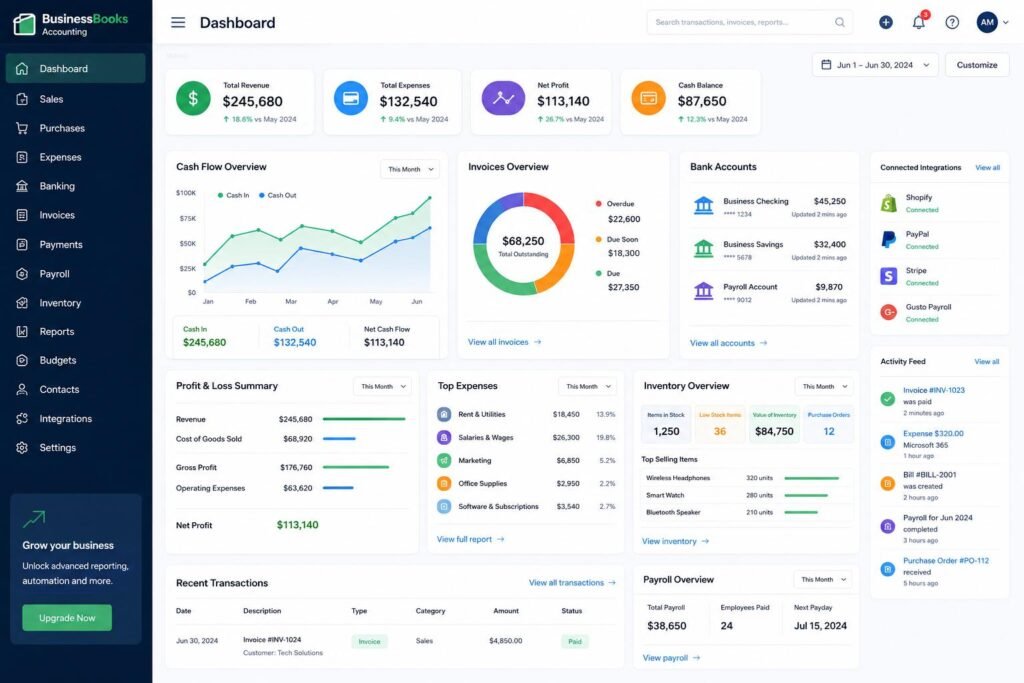
When a business expands, financial statements must give a business report more information than just income and expenses. With more complex management decisions, finance professionals and business owners might have to review profit and loss statements, balance sheets, cash-flow statements, accounts receivable, accounts payable, expense trends, budgets, and performance metrics in various departments or by location. Reporting tools and reports can be used to transform accounting information into information which management can use in deciding on hiring, pricing, investments, expansions, cost control, and so forth. Customizable reports, reporting dashboards, comparative periods, filtering options, and even export features are all things businesses should be looking for when they need to export information. Other platforms even offer real-time or near real-time financial visibility from which managers can get the value of changes earlier. The idea is to create more reports, not to make these reports more valuable, but to make financial information easier to understand and useful for planning when the organization grows.
Time Saving and Automation Features
Automations can become more valuable with the increase of transactions. A few minutes is a relatively small time commitment for a business with 10 transactions per month, but can be a big administrative burden for a business with hundreds or thousands of transactions. Accounting software can handle repetitive tasks like recurring invoices, reminder payments, and importation of bank transactions, categorization of transactions, bank reconciliation, expense entry and more. Automated workflows can also be used to route a transaction for approval, or for employee notification of something that needs to be done. But there shouldn’t be a loss of suitable financial controls due to automation. Businesses need to be aware of what activities can be automated safely while what activities should be reviewed by humans. A robust system will enable users to establish rules, but still have visibility of key financial activity. Automation can help save repetitive tasks for a growing organization and enable accounting teams to invest more time in interpreting financial performance, cash flow and aiding strategic decision making.
Payment Connections and Banking Integrations
Banking integration is also a key factor as a company expands, it is likely to make more banking transactions and payments than a small company. Integrating business bank accounts with accounting software can enable businesses to have their transactions automatically recorded in the accounting system, eliminating the need for duplicate manual transactions. This can make bank reconciliation quicker and easier and can assist the accounting teams to keep up more up to date records. Payment integrations can also link invoices to the payment collection system to keep businesses informed about unpaid bills and check if the customer has paid. Businesses should look at whether their bank is supported and how often they can synchronize transactions, the security measures taken and whether it supports multiple accounts when evaluating banking integrations. Other businesses that are present in different markets might require assistance with a number of currencies or financial institutions. Reliable connections can minimize the administration and ensure timely and accurate financial information.
Integration with Third-Party Applications
Once a business gets large enough, accounting software is seldom used by itself. Growing companies can leverage customer relationship management solutions, e-commerce solutions, payment solutions, project management solutions, expense management solutions, point of sale solutions, payroll solutions, inventory solutions, and BI solutions. Having powerful third-party integrations enables data to flow between these systems without forcing employees to make multiple copy and paste operations. This can minimize error and develop a more integrated technology environment. Businesses need to evaluate the acceptance of a platform’s integration marketplace, in addition as the caliber of any integration, when comparing platforms to account. Additionally, look for an application programming interface for integrations by third-parties. Today’s system that has a lot of integrations may be more valuable than one that has great features, but weak connectivity because businesses can add other features in without having to rebuild their entire financial workflow.
Price and Total Cost of Ownership
Cost is a key factor when selecting accounting software, however the lowest cost subscription isn’t necessarily the lowest cost software in the long-term. Some accounting software are priced by tiers, with basic software suited for small companies and more advanced software providing extra users, automated, reporting or additional functionality like inventory or payroll. Organizations need to look at what’s packaged at each level and what its increase and decrease in expenses will be as it expands. Payroll or extra users, premium integrations, payment processing and advanced reporting may incur extra fees. The implementation, training, data migration and support costs should also be taken into account. An initially cheap platform could end up being expensive because the company has to invest in upgrading the platform several times or buy several external apps to cover for a lack of features. So, rather than just taking the monthly or annual subscription price, businesses need to consider the total cost involved.
Popular Accounting Software Options for Small and Medium Businesses
There are a few accounting systems already available that are able to accommodate the needs of growing businesses, though it is important to consider who’s the best fit for the organization based on their size, industry, budget, and accounting needs. QuickBooks Online is a small and growing business accounting solution, has accounting, invoicing, reporting, payroll options and integrations. Xero is another popular choice, especially for companies that prioritize cloud-based accounting, collaboration, bank links and other apps. Sage provides accounting and financial management solutions that can cater to businesses of varying sizes and meet the increasingly complex needs of growing businesses. The use of other Zoho applications by businesses can make the whole Zoho range appealing for them to use Zoho Books as well. However, when the business organization is bigger and more complex, larger or more complex organizations may eventually find themselves needing some platforms such as NetSuite, which can offer them more extensive enterprise resource planning capabilities. Businesses should look at the various software and compare them to what their business needs and is likely to do in the future, not just popularity.
How to Avoid Outgrowing Your Accounting Software
Growing companies often make the biggest error of choosing accounting software for today’s needs — not their future needs. It doesn’t need to be expensive to have a lot of advanced features that can’t be used, but companies should think about what the company will have to deal with in terms of its finances over the next few years. Management should determine what the anticipated changes in workforce size, volume of transactions, product mix, locations, sales channels, currencies, reporting requirements, and integration requirements will be before selecting a platform. It’s also important to understand the constraints of each pricing level to make sure the company is aware of what will happen when they require extra features. Think about data portability, too: Transitions between cash history over the years can be disruptive. Having a platform that offers a clear upgrade path could help with growth in the sense that the firm may be able to add new features to the platform without having to overhaul its accounting system.
Conclusion
The ideal accounting software solution for a growing business doesn’t have to be the most expensive or comprehensive service, but rather the one that can help grow your business. It is the system that delivers the right mix of usability, scalability, cost control, automation, integration, reporting and cost. Companies need to think beyond bookkeeping and the question of scaling if other users, payroll, inventory, banking integration, third-party apps and increasingly more in-depth financial reporting are concerns. They should also review carefully the pricing structure, to grasp how costs could vary as the organization grows. The most crucial criterion is that accounting software should be assessed as a component of the firm’s financial framework, instead of a standalone bookkeeping application. Selecting a platform that will allow for expansion will minimize disruption.
Get more well researched information accounting software for growing businesses here.