Introduction
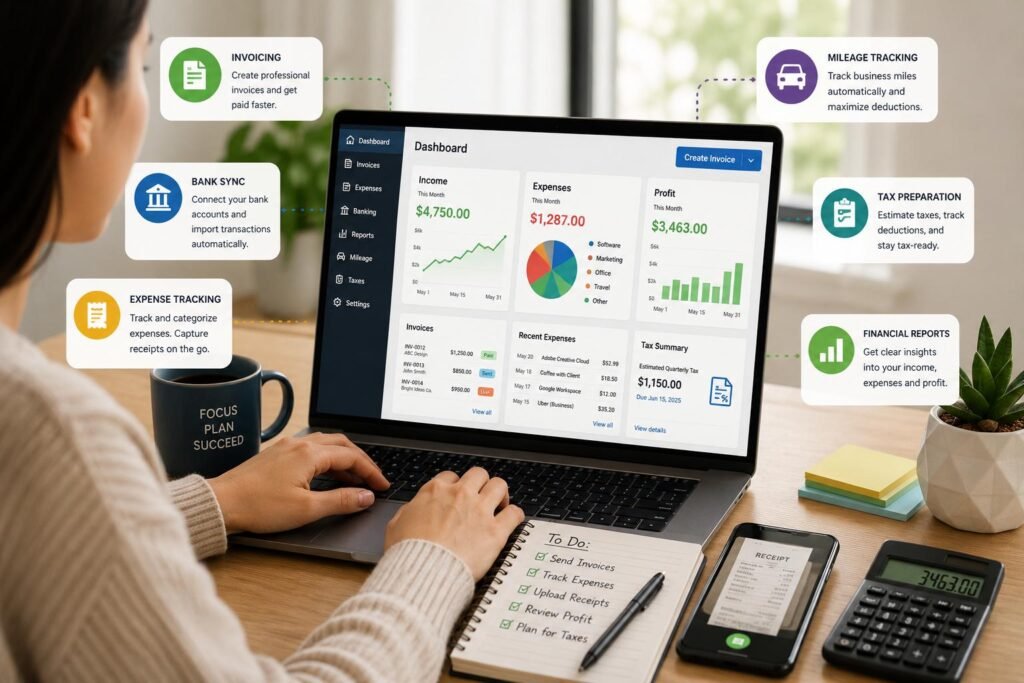
It can get complicated very fast when you’re managing your money as a freelancer or self-employed individual. Independent workers don’t just make payments to clients; they must also create invoices, track payments, stay on top of business expenses, save receipts, get ready for tax time, and determine if the business is profitable. If the business is small, then it’s possible to do everything on a spreadsheet or in a bunch of different standalone applications; however, if the business grows, then manual processes can become problematic. These tasks can be consolidated with the right accounting software, which can help to streamline the administrative burden and provide freelancers with a better understanding of their finances. A platform should make regular bookkeeping easier, not more difficult, as it is in larger corporate bookkeeping systems.
For freelancers who require easy income and expenses tracking, certain accounting software can be very beneficial to keep business-related transactions separate from personal ones and ensure accurate recording of all business transactions for the entire year. Independent workers, who require an easy-to-use program to keep an eye on the money leaving and entering their business, may also find Income and Expense Tracker on the App Store helpful. If you are a freelancer who requires an all-in-one accounting solution, however, you might find a more suitable solution with a comprehensive accounting platform that provides invoicing, tax preparation, tracking mileage, managing receipts, collecting payments, financial reporting, and more. Ultimately, the type of freelance work, the number of transactions, payment preferences, tax needs, budget, and bookkeeping preferences of the freelancer will all determine the best option.
What Freelancers Should Look for in Accounting Software
Issuing Invoices and Collecting Payments.
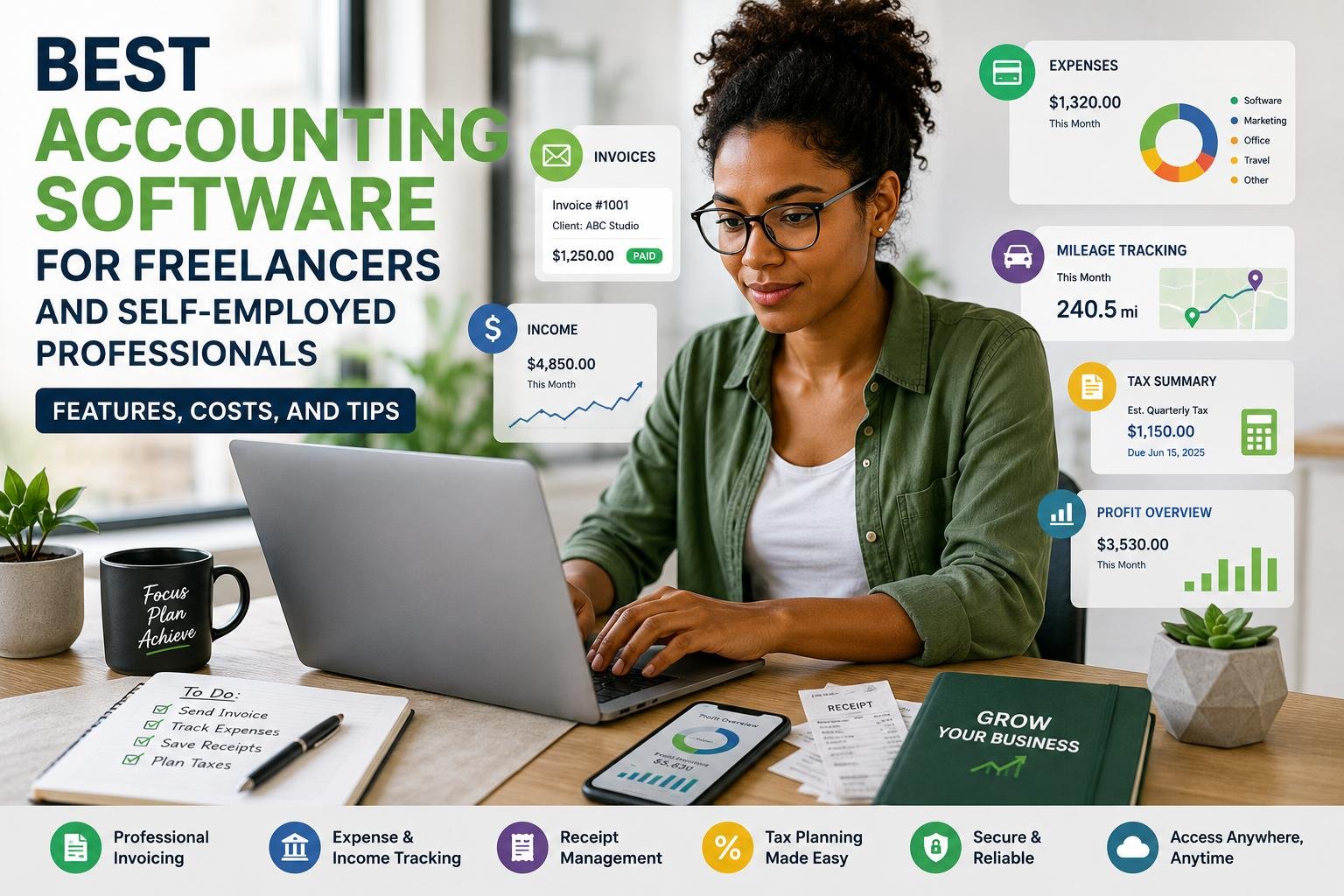
One of the most critical accounting tasks for freelance is handling invoicing; after all, the first step to getting paid is to create an accurate invoice that’s also professional. The ideal accounting software should enable the users to get an invoice to the client in a blink of an eye, record the client and service details, set the payment terms and track whether the invoice was paid or not. It can be especially helpful to have automated reminders, as freelancers may not have an AR department to keep them on track with the customers. Some platforms also enable the client to pay directly from the invoice with cards or bank transfer. For instance, with Wave’s free Starter plan, you can send an invoice, and with its paid Pro plan, you can do this and much more, including automated late-payment reminders. Therefore, instead of picking software just for its stated cost per month, freelancers need to take into account both subscription expenses and payment processor fees.
Keeping Track of Income and Expenses
It’s crucial to be able to track your income and expenses correctly to know exactly how much your freelance enterprise is making. Income from various customers can be segmented in accounting software and costs like software subscriptions, advertising, office supplies, professional services, transportation, etc., and other business costs can be organized. Bank connections may also help minimize manual work, as transactions can be synced directly to the system, but it’s always important for users to regularly review and categorize transactions. For instance, QuickBooks Self-Employed integrates with financial accounts to bring in transactions to categorize, and its self-employed features are built around keeping tabs on business income and expenses, mileage, and tax data. Freelancers should also look for software that allows them to keep track of their personal and business transactions, as it can be difficult to sort out bookkeeping and tax paperwork if they are all rolled into one.
Prepare and Plan Taxes.
Another major factor to consider while selecting accounting software is tax preparation, as freelancers are by and large liable for their own taxes. The software should not be used as a substitute for professional tax advice but it will assist in maintaining the underlying documentation in order. Expense categories and estimated tax calculation, tracking of deductible expenses, year-end reports and record sharing with an accountant are additional helpful features. For instance, QuickBooks Self-Employed is able to estimate quarterly federal tax payments, categorize expenses and move data to TurboTax for end-of-year filing in certain situations. Freelancers need to be aware that tax law can differ greatly from country to country and sometimes within countries, so something that works for the tax system in one country might not in another. (quickbooks.intuit.com) Tax users should verify that a software program is compatible with their location’s tax rules and reporting needs prior to acquiring the software.
Mileage Tracking
For freelancers who frequently meet clients, visit job sites, attend events or work in other business-related places, mileage tracking is an invaluable asset. Rather than having to reconstruct business trips months later, mileage software can track business trips in real time and generate reports which can be used to help calculate taxes or expenses. For example, FreshBooks offers mileage tracking on mobile that can track trips and separate business travel from personal travel. (FreshBooks) QuickBooks Self-Employed also features real-time mileage tracking with the mobile app and manual entry of trips if needed. Freelancers should be aware of the classifications of mileage as it could be treated differently for business and personal reasons. (quickbooks.intuit.com) For businesses that value mileage deductions, a platform that can track miles automatically can prove to be a good time saver and prevent lost trips.
The Best Accounting Software Options for Freelancers
QuickBooks for Self Employed Professionals
QuickBooks would be a solid choice for freelancers that need accounting and tax-related solutions integrated into a single environment. It offers self-employed products that are created to assist independent workers with their income, expenses, mileage, receipts and business deductions. Users can also create profit reports, and also link their financial accounts to lower manual tasks in bookkeeping. There are some QuickBooks options for self-employed and solopreneur, with pricing and features based on the option and plan chosen. The primary benefit is that it is exceptionally broad – freelancers can then begin by performing basic bookkeeping and progress to more advanced accounting features as their enterprise grows more complex. The negative aspect is that consumers should take care that features like added reporting, accountant access, accounting services, and expanded accounting functionality might rely on the subscription they select.
FreshBooks
Freelancers and service-oriented individuals that prioritize invoicing, client management, expense tracking, and user-friendliness will find FreshBooks especially appealing. It currently has features like expense tracking, estimates, online payment, financial reports and tax-time reports and more expensive plans include receipt scanning, bank reconciliation, accountant access and project profitability reporting. (FreshBooks) FreshBooks also offers mobile mileage tracking, which is helpful for those who frequently travel for work. According to its current pricing page (FreshBooks), pricing starts at $23 per month, but can vary and may have promotional pricing available. Freelancers should therefore verify the plan that is available in their country first to make a budget for the software.
Wave
For freelancers looking to keep up the costs of accounting from the get-go down, Wave is worth considering. It offers Starter plan that is priced at $0 right now and gives you unlimited estimates, invoices, bills, bookkeeping records, and optional online payments. The Pro version is priced at $19 each month when paid monthly, which includes capabilities like auto-importing bank transactions, categorizing transactions, auto-capturing digital receipts and setting up automated payment reminders. This is a great attraction to freelancers who need easy invoicing but don’t necessarily need to sign up for a paid account service right off the bat. Users need to check the availability of banking, payment and other functions in their country, though, as the functionality of a product or the type of transaction processing varies from country to country. While a free accounting plan may be beneficial, it must still supply the report and record-keeping that the freelancer requires for their tax and business needs.
Zoho Books
For freelancers looking for cost-effective accounting software, Zoho Books might be a suitable option. It offers the capabilities of invoicing, expense management, receipt scanning, online payments, bank reconciliation, recurring invoices, payment reminders, and financial reporting. Zoho’s pricing and plans can be different in different countries: at the time of writing the pricing page for South Africa includes a free plan for solopreneurs and micro businesses, and paid plans include features such as adding more users, custom reports and bank feeds. (Zoho) Zoho Books also takes mileage expenses into account and enables people to import, take care of and export expenses. (Zoho) The platform might be ideal for freelancers seeking enhanced accounting capabilities beyond an expense tracker without the hassle of a comprehensive enterprise accounting software.
Comparing Costs and Value
The lowest-priced accounting software doesn’t always suit the needs of every freelancer. Some freelancers may need to stick with a free plan because they only send a handful of invoices and track a small amount of transactions, while others might save more money by investing in automation and get rid of hours of manual bookkeeping. Freelancers need to think more deeply about the pricing when comparing that with the subscription rates advertised and other factors such as payment-processing fees, receipt scanning limits, mileage functionality, bank connections, additional users, access by accountants, and tax-related services. Each platform offers a unique way to bundle its features with FreshBooks, Wave, QuickBooks and Zoho Books having different entry-level prices, it’s best to compare prices by equivalent plans. You may find a slightly costlier platform more beneficial if it saves on administrative tasks, enables easier payments or generates reports that you’d otherwise need to use another tool for.
How to Choose the Right Accounting Software
Use the Appropriate Software for your Work.
The type of freelance work needs to be taken into consideration when choosing the accounting platform. The accounting needs for a graphic designer, writer, consultant, photographer, software developer, a driver or tradesperson are likely to differ greatly. A consultant who sends out regular bills might focus on automated billing and payment reminders, for instance, whereas a travel-oriented photographer might be interested in focusing on mileage tracking and receipts. A company offering online products that might need to accept a wide variety of currencies and require robust payment processing would require extensive payment integrations and multi-currency functionality. Freelancers should first know what their most common financial tasks are and then choose a software platform that can streamline those tasks. This way, users can avoid paying for all of the fancy extras they may not make use of, while still having the necessary functionality, such as invoicing, expense tracking, tax reporting, or mileage tracking, on-demand.
Prioritize Ease of Use
Self-employed individuals will need to be able to use the software easily as they often have to carry out accountancy tasks as well as primary duties in their business. An application with a high learning curve could be an additional burden instead of a solution. Find a clean dashboard, clear transaction categorization, mobile access, easy invoice generation, auto-banking, and financial reports. Also important is to try out a free trial if one is offered before subscribing to a service. Some software has a free plan, some has a trial period – it’s dependent on the product and the market, but FreshBooks, for instance, is currently offering a free 30-day trial. Freelancers must make realistic transactions during the trial, make an invoice, upload a receipt, check a report, and test the mobile app. This provides a much better indication of usability than simply reading a feature list.
Consider Future Growth
A freelancer can begin with a few clients and eventually develop into a much larger operation. Selecting software that will support reasonable growth can ensure that the change to different systems does not take place. Growth aspects that are very important might include accountant access, advanced financial reports, bank reconciliation, project profitability, multiple users, recurring invoices, integrations and more advanced accounting abilities. For instance, FreshBooks provides bank reconciliation, access for your accountant, double-entry accounting reports, and project profitability at the higher plan levels. Xero’s accounting and reporting features are progressively becoming more advanced in all of its plans, though its pricing structure will now change in the United States as of October 1, 2026. When choosing a platform, freelancers should steer clear of one that will limit their ability to grow later on and will only be costing them more as their income grows, clients increase or administrative needs expand.
Tips for Managing Freelance Finances more effectively
However, the first step selecting accounting software is just the beginning; the following steps are also vital – good financial habits. Freelancers must link the right bank accounts, classify transactions on a regular basis, send out the invoices and keep track of the expenses while the information is fresh. Receipts should be taken into account and kept immediately rather than placed several months in wallets, email inboxes, or folders. Business and personal expenditures should also be kept in separate accounts if possible as this will make it easier to read and examine financial reports. Freelance writers should review monthly income and expenses, outstanding invoices and profit at the end of each month and not just during tax season. They should also make sure to back up important data and check out the security and data retention policies of their software. With these easy tips, accounting software becomes a financial management tool instead of a transaction repository.
Conclusion
The ideal accounting software for the self-employed and freelancers is the one that offers the right blend of simplicity, handy tools, cost-effectiveness and scalability. QuickBooks is a good option for freelancers who require a lot of self-employed tax, mileage, receipt and reporting capabilities, and FreshBooks is really well suited for service professionals who favor invoicing and getting their billings from their clients. Wave is appealing to self-employed individuals who want to start out for free, and Zoho Books provides a wide array of accounting features that can assist solopreneurs as they evolve. Freelancers shouldn’t just look at price; they should also compare how each platform processes and records invoices, income and expenses, taxes, mileage, receipts, payments, reports and usability in the day-to-day. An appropriate accounting system can save administrative time, enhance the visibility of finances, inform decision making, and free up more time for self-employed professionals to spend with their clients and developing their business.
Get more well researched information about Best accounting software for freelancers here.