Introduction
Not all accounting software is created equal, and picking the one with the most users or the coolest features isn’t the only way to decide which to use. The right system needs to align with your current business practices and have the flexibility to grow your business tomorrow. A freelancer with a few invoices would have varying requirements to a retail enterprise that is processing many invoices every week, or a construction company that requires project costing, which a consultant might not. It’s best to create a realistic framework which helps choose accounting software that takes into account size, industry, users, transaction volume, payroll, reporting, integrations, security and budget. This way, the business owner can objectively review the solutions and ensure that they are not incurring costs for something they might not use or opting for something that is so inexpensive they will soon end up being constrained by it.
Identifying your Accounting needs is a Crucial Step in Comparing Accounting Software.
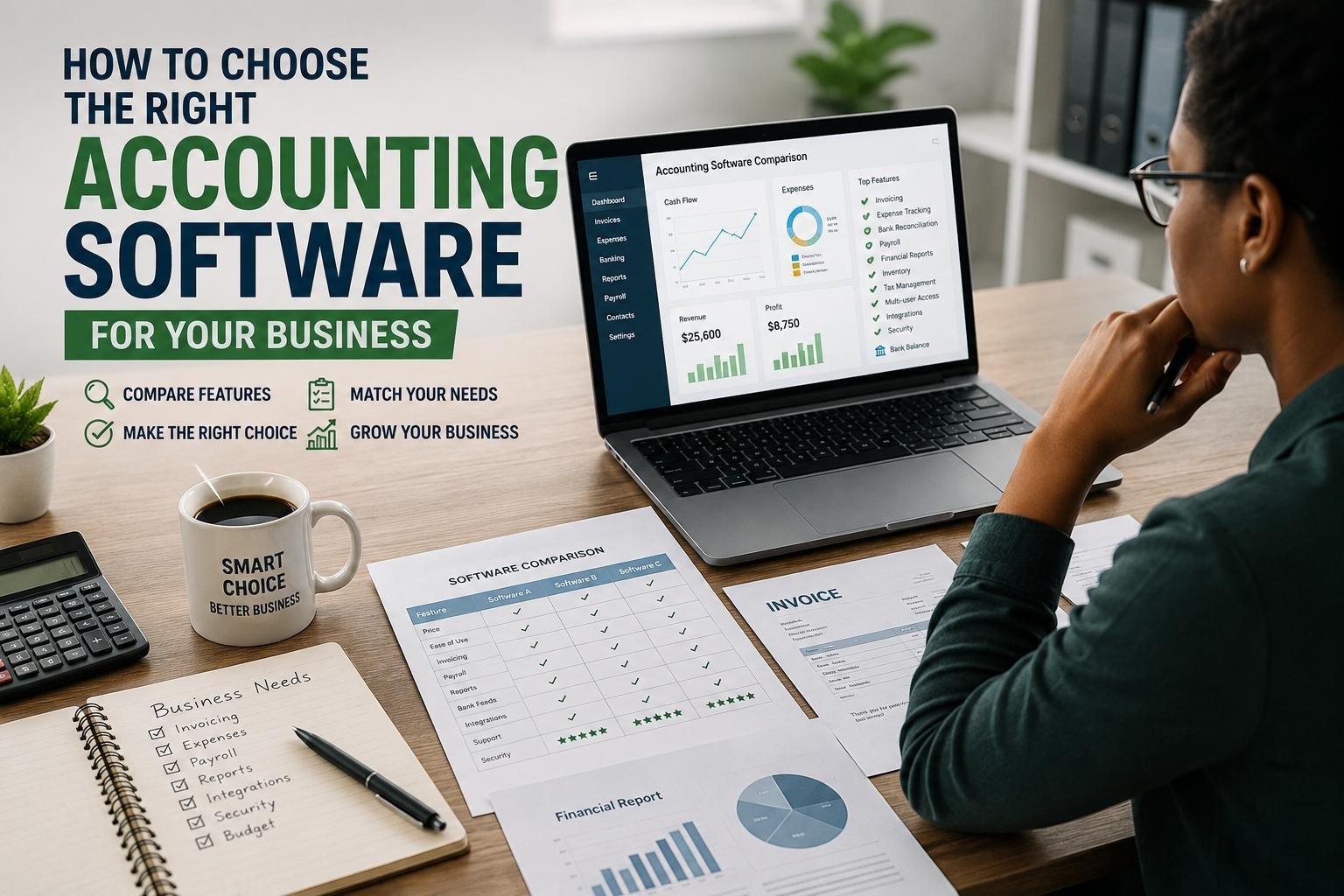
Decide what you are looking for that the software needs to do before comparing brands. List the accounting activities your business is engaged in on a regular basis such as invoice, expense, bank reconciliation, accounts payable, accounts receivable, inventory, payroll, tax, budgeting, project tracking, and financial reporting. List requirements, not features, to keep you focused on what’s important rather than having to wade through a long list of features. You can also use the various types of accounting software before starting a software comparison to figure out which software is used for bookkeeping as opposed to accounting for your company. The goal is to select the software that is able to get the task done that you are most critical, not the software with all the most bells and whistles. Having clear requirements makes it easier to quickly turn down options that don’t fit.
Take into Account Size and Stage of Your Business
Your choice of business size should be one of the first criteria that you use. There is no one that can operate a single account, microbusiness, a growing start-up company and an established small business without differences in their demands. Very small businesses might just require income and expense tracking, invoice generation, bank feeds and simple reports. As a business expands, it might need more than one user, more control, inventory management, purchase management, budgeting and detailed reporting. Advanced permissions, departmental accounting, consolidation, audit trails, and integration with other business systems might be required with larger organizations. If you select software that is much more advanced than you’re currently using, this can lead to additional training requirements and costs; if you select a basic package that isn’t suitable for expanding your operation, it can force you to migrate to a different system later on at a significant cost. Don’t buy software because of the size of your business now, but for the complexity and growth of your business in the next few years.
Identify and Select Industry-Specific Features.
Business size isn’t the only thing that matters in industry needs. While accounting software may work for a variety of standard bookkeeping tasks, it is not necessarily the best for all businesses. A retailer might require inventory levels, product pricing, sales tax support, and point-of-sale integration, whereas a professional services company may prioritize time tracking, profitability of projects, and billing to clients. Job costing and comparing budgets and expenses on projects may be required by a construction or consulting business. Restaurants or other businesses that make numerous daily sales can take advantage of reliable sales and payment integration, and nonprofits might need to track funds and restricted income. If you’re considering a platform, look at the specific transactions and reports that are industry-specific then make sure they are either native to an industry-ready platform or can be seamlessly integrated into a platform that does support those transactions and reports. As a business expands, you can save a lot of time thanks to industry fit.
Consider the Number of Users and Levels of Access to the System.
The software you choose and plan should depend on the number of people to whom you need access. For some businesses, it might only be necessary for one owner or bookkeeper to enter each transaction, for others, it may be required for other staff, such as managers, accountants, payroll staff, sales staff or an external bookkeeper. Please note that a plan being touted for multiple users does not mean the same privileges are granted to each user. Verify if there are any role-based access, different permissions, approvals and restrictions on sensitive information. Think about the access changes that will occur with your company’s expansion. Two users can have a good system but that may become cumbersome for 10 users. It’s also important to see if extra users will cost more for the subscription and if you can access the accountant or not, and if the platform offers an audit trail of individual logins who made, changed, or approved important records. Efficient and financial security with good access controls.
Customize Your Software to Your Transactions
Another one of the transaction volume, which is easy to underestimate, Businesses that process 20 invoices a month and a few bank transactions or receipts can typically maintain a basic accounting package, but companies with hundreds or thousands of bank transactions, receipts, purchase orders and invoices will likely require a larger package. Don’t just focus on the number of transactions that you make during the day, try to figure out how many you’ll be making in the next 12 to 24 months. Check if there are any restrictions on invoices, bills, bank connections, inventory records, users, automated imports, etc., imposed by the provider. Take into account the level of automation. Bank feeds, recurring invoices, transaction rules, bulk reconciliation, receipt capture and auto categorization can save valuable time during periods of elevated transaction volumes. If you want to be cost-effective and cost efficient, make sure you know the limits of the platform before you commit since it might not be efficient or cost-effective when you expand your activity.
Go over Payroll Requirements Thoroughly
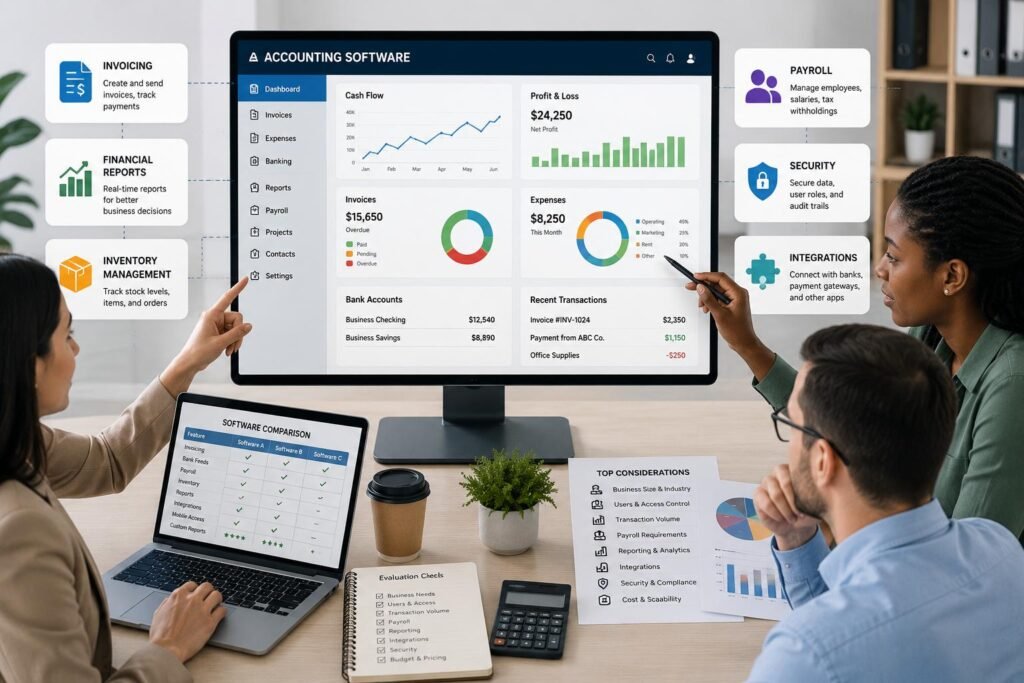
Payroll is something that really requires its own attention as it may come with legal, tax, privacy and administrative requirements that aren’t being addressed by routine bookkeeping. If your business has employees, see if payroll is integrated into the accountant software, is an add-on, or a separate service. Ensure that the locations where employees are working, deductions, payslips, calculation of taxes, reporting and year-end requirements are catered for by the payroll option. Look at the payroll information that flows into the general ledger – salary expenses, taxes, and liabilities will be automatically recorded, avoiding re-entry and the possibility of mistakes. If you don’t have workers on your payroll today, but you are planning to hire them in the near future, consider payroll before signing on a platform. A system that does a good job on bookkeeping but lends poor support to payroll can waste time and magnify the chances of error when your employees grow. Payroll should, therefore, be evaluated as part of the accounting process in general.
Determine the Type of Reports required for your Business.
Reporting should be assessed based on the actions you will be taking as a decision maker with the help of the software. Even for most businesses, basic reports like profit and loss statement, balance sheet, cash flow statement, accounts receivable aging and accounts payable aging might not be sufficient. Other reports that might be required are sales reports, expense analysis, inventory valuation, project profitability, budget versus actual, departmental results, or customized management reports. Narrow reports down by date, customer, project, location, department or any other factor that is important to your business. Also note that there are export options available as well; you might need to share information with an Accountant, Auditor, Lender, Tax Professional, or Spreadsheet Application. The ideal accounting software should make the transactions that have been recorded meaningful information, not just numbers. These reporting tools should correspond to the questions that you ask yourself about the revenue, cost and profitability, cash flow and overall business performance regularly.
Verify Integrations, Data Compatibility.
Integrations can make or break time-saving in accounting software or become another administrative burden. List the tools your business currently uses or is planning to use that focus on payments, banking, P.O.S., ecommerce, expense management, customer relationship, inventory, payroll, and spreadsheets. Next, review if the accounting software integrates directly with those systems and if there is any information that can flow between them. A good integration should minimize reentering data and ensure that transactions get to the accounting records regularly. If a provider doesn’t have a logo on their website, this doesn’t mean that it’s not integration. Discover what it syncs, how often it synchronizes the data, if it keeps the connection, and what it does in case of error, or connection dropout. The more digital tools a business can use, the more valuable a reliable integration becomes, as it takes the time out of manual processes and risks of record inconsistencies.
Make Security and Financial Data Protection a priority.
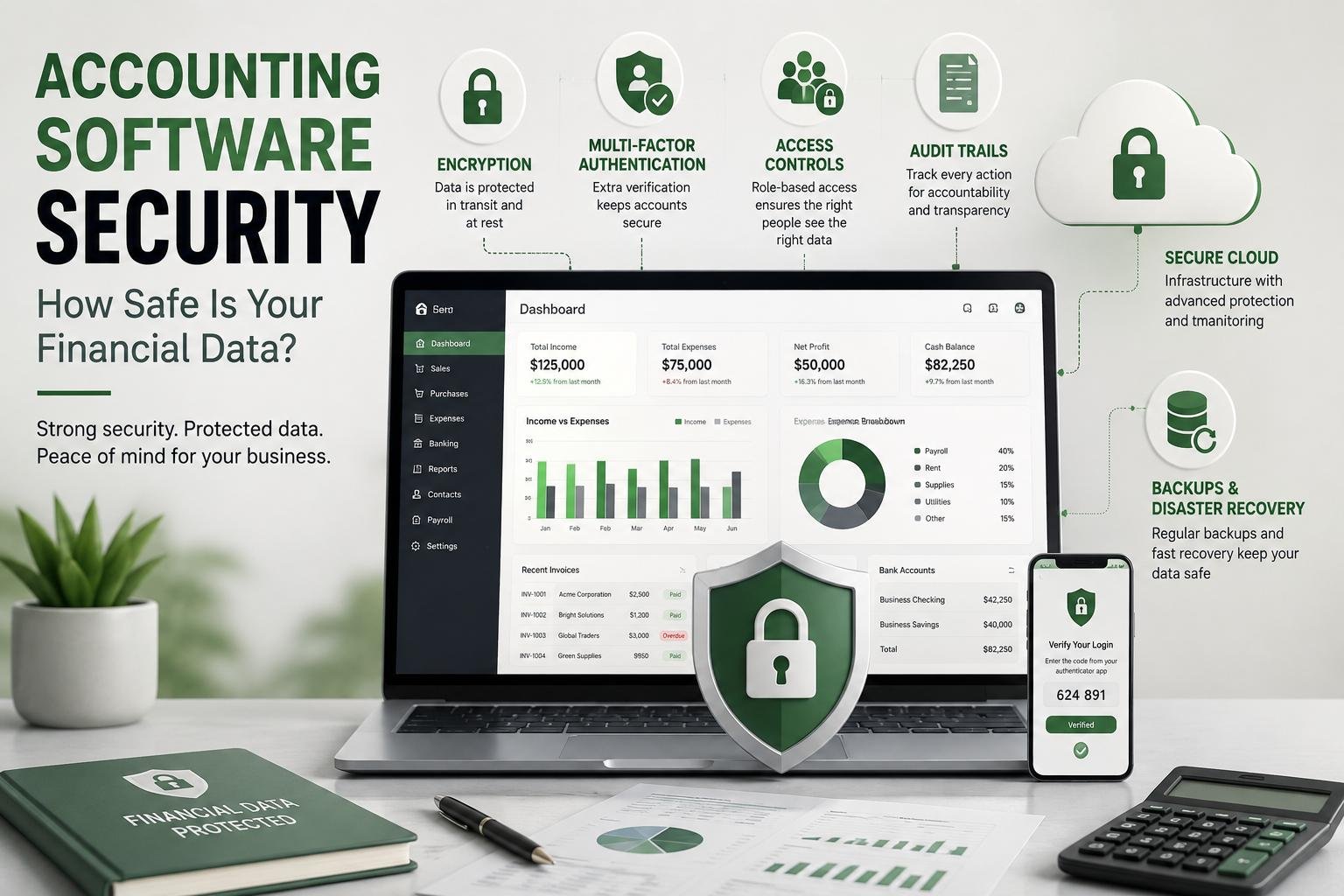
Security must be an integral consideration and not an afterthought. Accounting systems hold personal information of revenue, expenditures, bank accounts, employees, customers, suppliers and possibly tax records that could have significant consequences for the company’s finances and reputation. Check if the provider encrypts data, implements secure logon, frequent backups, access controls, and monitoring measures to safeguard customer information. The multi factor authentication is especially helpful as it does not allow a thief to simply steal a password and be able to gain access to financial information. It’s also crucial to know what the company does with data retention, accounts when an employee leaves, backups and access for users. Where the provider provides security documentation, read it, instead of just relying on the general marketing language. For companies that use accountants or have more than one person on the account, having robust permission control and audit logs are particularly significant as it assists businesses in tracking down any changes that might have been made improperly or without permission.
Compare Total Cost and Upgrade Options.
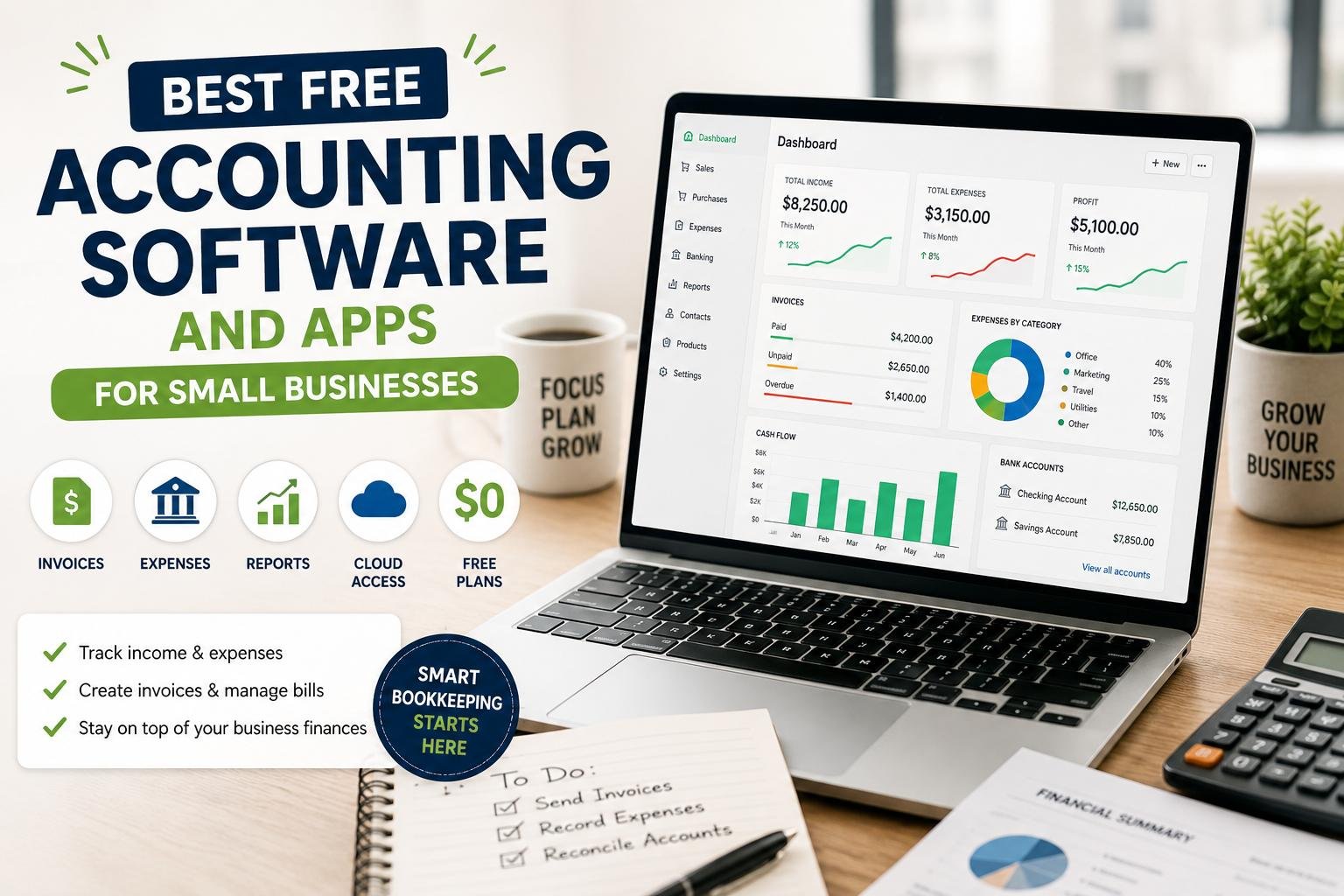
When considering budget consider the monthly subscription plus the total cost, a plan that is on the lower end of the price spectrum may come with restrictions, and require paying extra for more users, payroll, inventory, advanced reports, transactions, integrations and automation. The first two to three years is the period where the costs are most likely to be incurred and even if you are looking for a system that doesn’t incur setup fees, you should account for migration, training, add-on costs, payment processing (if needed), and support costs. While free trials are helpful in seeing real workflows before you commit to a payment, keep in mind that a trial doesn’t necessarily mean that the platform is going to be affordable in the long term. Don’t overlook the added lessons if you end up needing to upgrade. An optimum software solution does not necessarily have to be the lowest price; it’s the one which delivers the capabilities that your company requires at a foreseeable price with none cost of paying for an excessive amount of features that you’re not going to use. Recognizing upgrade paths is also an effective way to avoid undesirable surprises about the cost later.
Test Usability and Make final selections
How easy it is to use and supported is an important factor that can make a huge impact on the worth of accounting software. The platform can be technologically advanced, but if business users and team members struggle to navigate its features, they might be unable to utilize certain essential functions and could still end up making avoidable data entry errors. In a trial, try some common tasks, not just “browse the dashboard. Make an invoice, note an expense, reconcile a bank transaction, generate a financial report, add a user and correct an entry. Observe the number of steps involved in each task and understandability of the words used. Consider the channels, response times and resources for customers, training materials, and community support, as well. Test the finalists, and then compare them in a simple scoring process, according to the most important requirements. Make note of significant weaknesses in addition to strengths, so that good marketing doesn’t mask a deal-breaker. The final decision should be based on the real use and not on popularity.
Select Software that is Scalable to your Business.
The final selection should also take into consideration growth, migration and changing needs. Check to see if you can transfer your financial data in a format you can use if you ever switch platforms. Ensure that historical transactions, customer information, supplier information, invoices and account structures can be transferred without too much manual effort. Consider what would happen if you doubled the size of your staff, opened another store, stocked some inventory, added payroll and started selling through a new channel. It is not always the software with the greatest features that is the best accounting software available. It is that which works for your workflows, secures the financial data you have, offers valuable reporting features, integrates with the systems you rely on, and offers you a sensible next steps. Selecting carefully can help lower expenses, boost the accuracy of bookkeeping and help make financial data more useful for everyday business decisions.
Conclusion
When it comes to selecting accounting software, the key is not necessarily to go with the popular choice or the cheapest option, but rather the solution that will work best for your business. First of all, you need to determine your business size, industry needs, user requirements, transaction volume, payroll requirements, reporting needs, integrations, security needs and your budget expectations. Then, evaluate the alternatives in terms of their current and future capacity to meet those needs. Try out key workflows for free or on a demo to ensure you’re comfortable with the features before investing, and be mindful of transaction limits, user restrictions, upgrade fees, data security, and customer service. When done correctly, a well-considered selection process can prevent the need for unnecessary expenses, manual accounting tasks, and also provide you with dependable financial data to support with decision making. Your accounting software should do more than just help you track your transactions; it should help you manage your business finances better, accurately and sustainably as your business grows.
Get more well researched information about how to choose accounting software here.