If you’ve ever found yourself crawling behind your TV to swap HDMI cables between a gaming console, streaming box, and Blu-ray player, you already know the frustration of managing multiple devices in a modern home theater. The problem only grows as you add more sources—a media PC here, a cable box there—until your setup becomes a tangled mess of compromises. The solution lies in choosing the right HDMI switcher, but navigating the options available from audio visual equipment suppliers can feel just as overwhelming as the cable chaos itself. How do you know which device truly delivers the flexible routing options your system demands? The answer starts with asking the right questions. This guide is designed to arm home theater enthusiasts with the knowledge they need to engage suppliers confidently, cut through marketing jargon, and ultimately select an HDMI switcher that transforms their entertainment experience rather than complicating it further.
The Fundamentals: HDMI Switchers in Your Home Theater Setup
An HDMI switcher is a device that connects multiple source components—game consoles, streaming devices, Blu-ray players, media PCs—to a single HDMI input on your television or projector. At its core, it eliminates the need to physically swap cables by letting you toggle between sources with a remote control or automatic signal detection. Think of it as a traffic controller for your video and audio signals, directing the right content to your display at the push of a button.
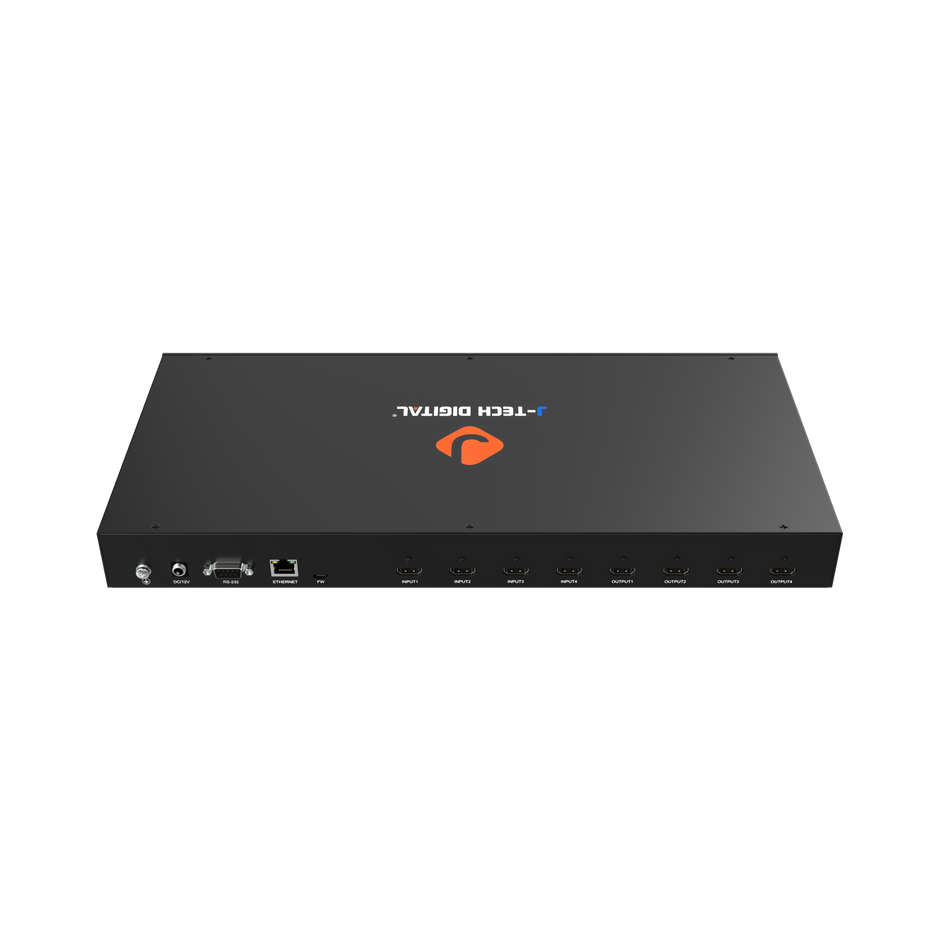
For anyone building a clean, flexible home entertainment system, a switcher is practically non-negotiable. Modern TVs typically offer only two or three HDMI ports, which fills up fast once you account for a soundbar, a gaming console, and a streaming stick. A switcher expands your capacity without requiring a full receiver upgrade. It’s equally valuable in situations where your AV receiver lacks enough inputs, or when you want to route a signal to a display that sits far from your equipment rack. Understanding a few key terms will help as we dig deeper: “input” refers to each source connection on the switcher, “output” goes to your display, “EDID” is the handshake protocol between devices, and “HDMI routing” describes how signals travel from source to screen. With these basics in place, you’re ready to engage suppliers with sharper questions.
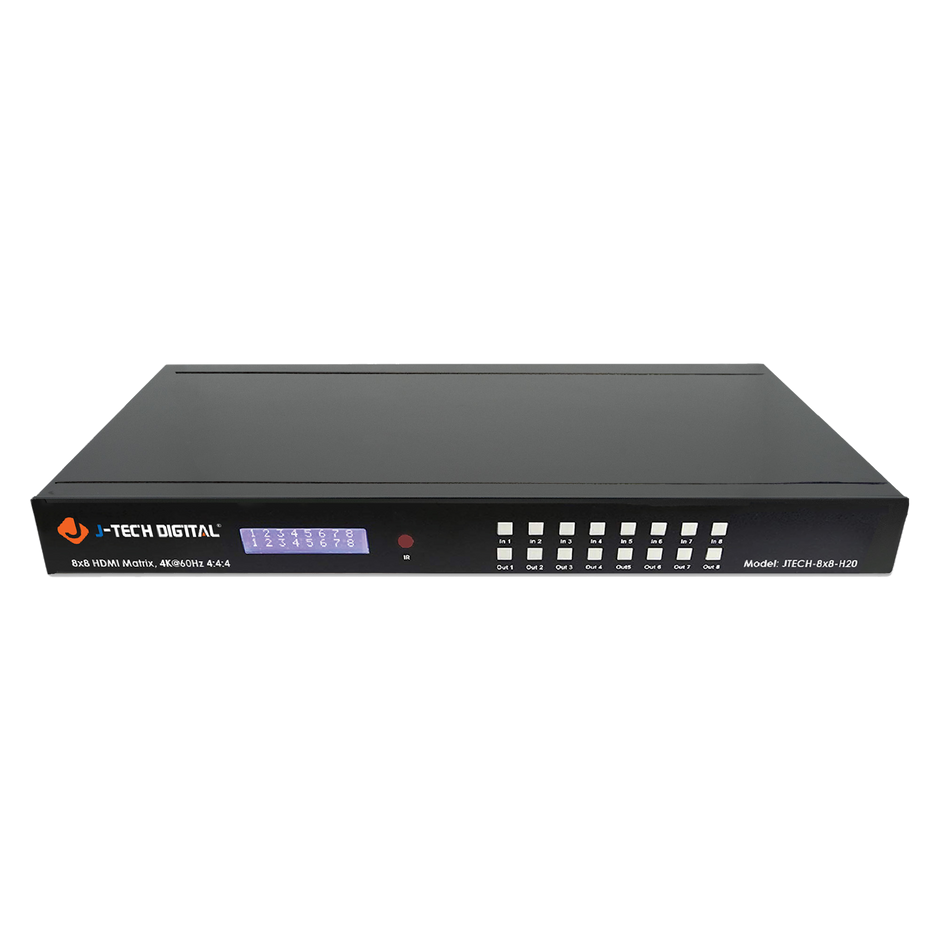
Critical Questions for Audio Visual Equipment Suppliers
Walking into a conversation with an audio visual equipment supplier without a clear set of questions is like shopping for a car without knowing whether you need a sedan or a truck. The right questions protect you from overspending on features you’ll never use—or worse, ending up with a switcher that can’t handle your setup six months from now. Organizing your inquiries into two categories—technical performance and supplier reliability—ensures you cover the ground that matters most.
Technical Specifications and Compatibility Queries
Start by asking which HDMI version the switcher supports. HDMI 2.0 handles 4K at 60Hz, while HDMI 2.1 opens the door to 4K at 120Hz and 8K—critical if you game on a next-gen console or plan to upgrade your display soon. Follow up with bandwidth questions: does the unit support 18 Gbps or the full 48 Gbps of HDMI 2.1? Next, ask how the switcher manages EDID. Poor EDID handling causes blank screens, flickering, or incorrect resolutions because your sources can’t properly identify the display’s capabilities. A good switcher offers EDID management options that lock in your preferred resolution and audio format. Speaking of audio, confirm support for passthrough of Dolby Atmos, DTS:X, and uncompressed 7.1 PCM if your system relies on advanced surround sound. Finally, ask about HDR compatibility—does it pass HDR10, Dolby Vision, and HLG without stripping metadata? Each of these specs directly impacts whether your picture and sound arrive at the display exactly as intended.
Support, Warranty, and Supplier Reliability
Technical specs only matter if the product holds up over time, so shift your questions toward the supplier’s track record. Ask about warranty length and what it covers—some manufacturers replace defective units outright, while others require you to ship the product back at your own expense. Inquire whether firmware updates are available and how they’re delivered; a switcher that receives periodic updates can gain compatibility with new devices and fix bugs long after purchase. Ask about response times for customer support and whether help is available via phone, email, or live chat. It’s also worth asking whether the supplier publishes detailed documentation, setup guides, or troubleshooting resources. A company that invests in customer education signals confidence in its product and commitment to long-term satisfaction. Finally, look for reviews from other home theater enthusiasts—suppliers with consistent positive feedback across forums and retail sites have earned trust through real-world performance, not just marketing promises.
Advanced Considerations: HDMI Routing and Matrix Units
Once you move beyond the basics of switching multiple sources to a single display, you enter the territory where simple switchers give way to more sophisticated solutions. A standard HDMI switcher operates on a many-to-one principle: several inputs feed into one output. This works perfectly when you have a single TV and multiple sources. But what happens when your home theater ambitions extend to a second display in the bedroom, a projector in the basement, or a TV on the patio? That’s where matrix switchers earn their place in the conversation.
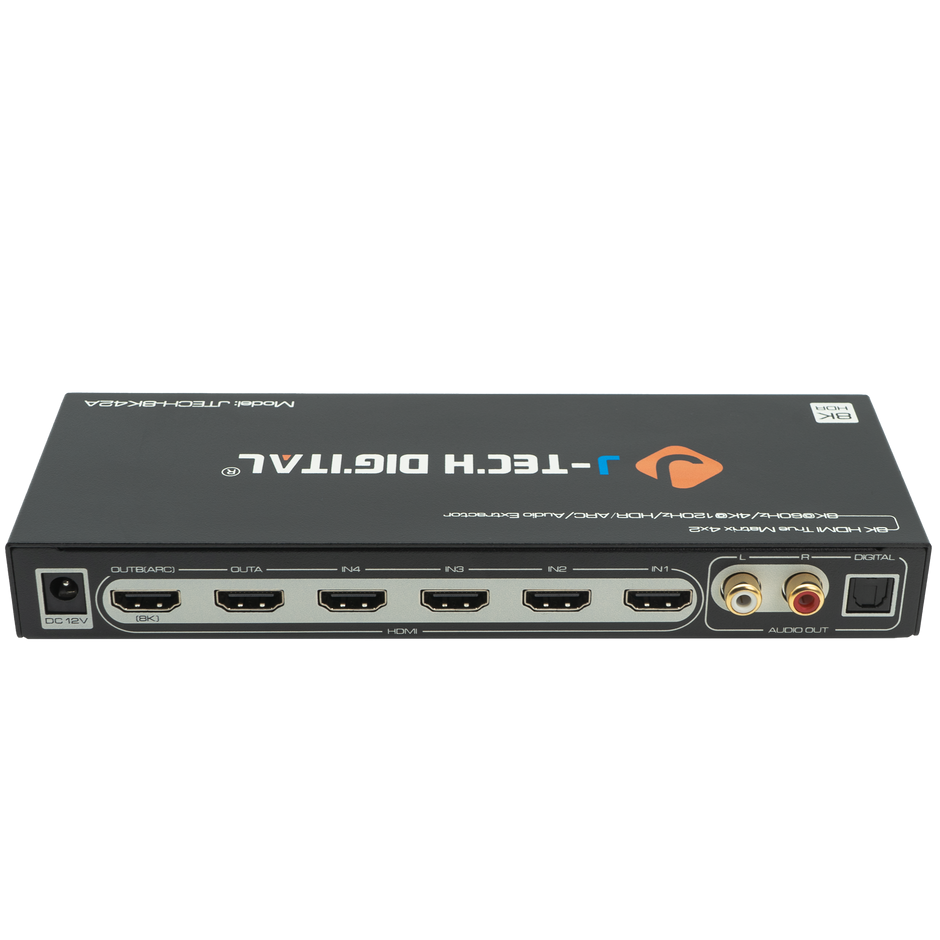
An HDMI matrix unit handles many-to-many routing, allowing you to send any source to any display independently. A 4×4 matrix, for example, accepts four HDMI inputs and distributes them across four separate outputs. You could watch your cable box in the living room while someone streams a movie on the bedroom TV and a third person games on the projector downstairs—all from a single equipment rack. This kind of flexible routing eliminates the need to duplicate source devices across rooms, saving both money and setup complexity.
When discussing matrix options with your audio visual equipment supplier, ask whether the unit supports independent audio extraction on each output, which matters if different rooms use different sound systems. Inquire about control options as well—some matrix switchers integrate with home automation platforms like Control4 or Crestron, while others offer IP-based control through a web browser or dedicated app. You should also ask about signal distance limitations. HDMI signals degrade over long cable runs, so matrix units designed for multi-room distribution often include built-in signal equalization or compatibility with HDBaseT extenders that push signals over standard Ethernet cable up to 100 meters. The decision between a simple switcher and a matrix unit ultimately comes down to whether your setup involves one screen or several, and whether you anticipate expanding into a distributed whole-home system in the future. Getting clarity on this distinction early prevents costly upgrades later.
Putting It All Together: Steps to Choose Your HDMI Switcher
Start by taking inventory of your current setup and where you want it to go. Count every source device you own today, then add at least two extra inputs for future additions—a new console, a VR headset, or a device that doesn’t exist yet. Next, determine how many displays you need to serve. If the answer is one, a standard switcher will do; if it’s two or more, begin researching matrix units with the appropriate input-to-output configuration.
With your requirements mapped out, research suppliers who specialize in HDMI routing solutions. Companies like J-Tech Digital Inc publish detailed spec sheets and compatibility lists that make it easier to match a product to your exact needs. Use the technical questions from earlier—HDMI version, bandwidth, EDID management, HDR and audio passthrough—as a checklist when comparing models side by side. Don’t skip the reliability questions either; a supplier’s warranty terms and firmware update history reveal how well a product will perform two or three years down the road. Once you’ve narrowed your options to two or three candidates, test integration before committing to a permanent installation. Connect your most demanding source first—typically a gaming console outputting 4K HDR at a high refresh rate—and verify that the signal passes cleanly without dropouts or color banding. Confirm that your audio receiver or soundbar decodes the formats you expect. Only after this hands-on validation should you mount the switcher in your rack and manage cables for a clean final result.
Ask the Right Questions, Build the Right Home Theater
The difference between a home theater that frustrates and one that delights often comes down to the questions you ask before purchasing. By approaching audio visual equipment suppliers with specific, informed inquiries—covering HDMI versions, bandwidth capabilities, EDID management, audio passthrough, HDR support, warranty terms, and firmware update policies—you position yourself to select an HDMI switcher that genuinely serves your system rather than limiting it. Understanding the distinction between basic switchers and matrix units ensures your investment in HDMI routing matches both your current configuration and your future ambitions, whether that means adding a second display or building out a whole-home distribution system.
The suppliers who welcome detailed questions and back their products with transparent documentation, responsive support, and consistent firmware improvements are the ones worth your business. Armed with the framework in this guide, you no longer need to rely on marketing claims or guesswork. You have the tools to evaluate products on their merits, test them against your most demanding sources, and build a home theater setup that works seamlessly every time you press play. Confidence in your equipment choices is the foundation of every great entertainment experience—start with the right questions, and the right answers will follow.