Introduction
Repetitive tasks are important in programming, and efficiency is a crucial aspect in such a circumstance. Loops can be used to automate these repetitive tasks, and this is one of the most powerful features of Python. Loops can cut your programming load considerably and make your code much smaller whether you are working with large amounts of data, doing arithmetic, or working with simple operations many times over in Python.
This article will discuss the basic idea of loops, which are the for and while loops, and demonstrate how they assist in automating computational processes in an efficient manner. At the conclusion of this guide, you will have a good idea of how to apply loops to simplify the amount of code unnecessary and reduce the complexity of your programming work.
What Are Loops?
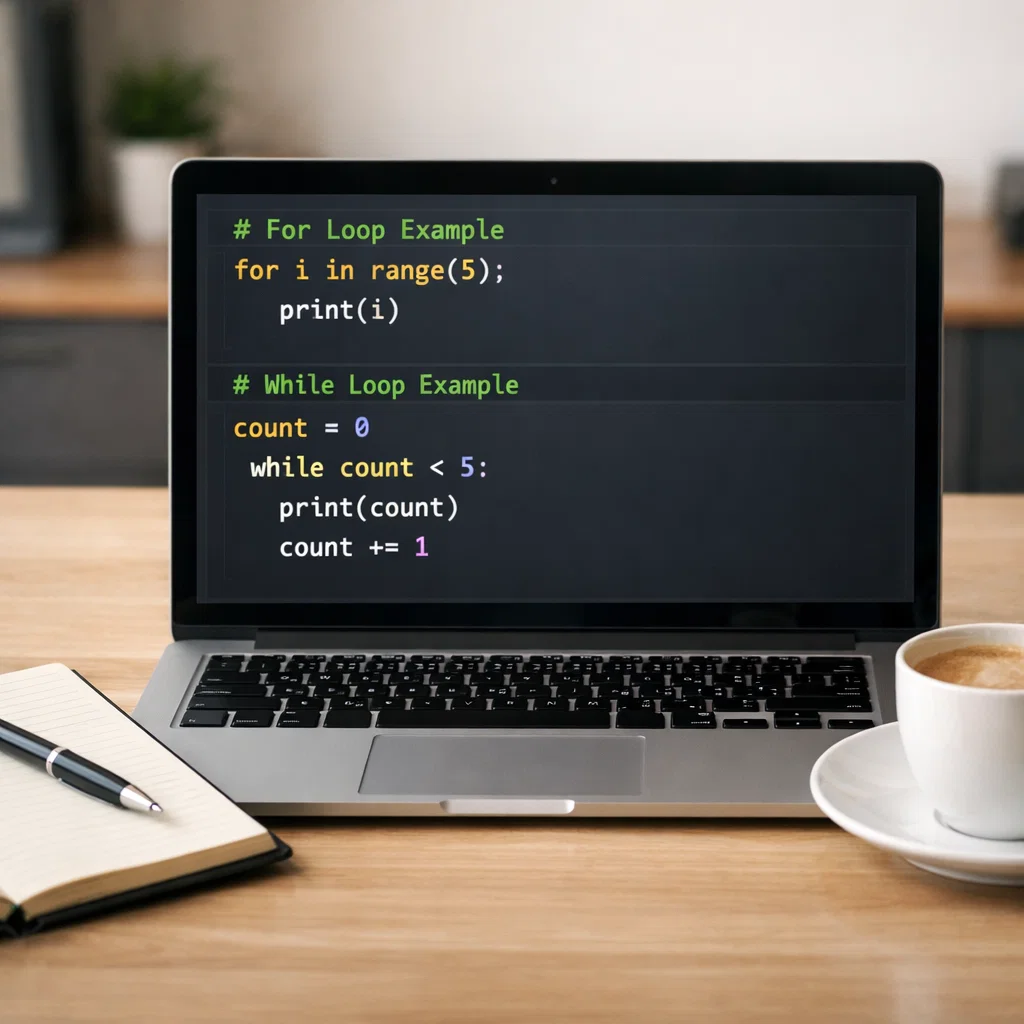
A loop in programming will enable you to repeat a piece of programming several times, although you do not need to write that piece of programming repeatedly. Python has two major loops: the for loop and the while loop.
For Loop:
Repeats a sequence (such as a list, a tuple, or a range) and executes a block of code once each of the items in the sequence is finished.
While Loop:
Repeat a block of code till a given condition is true.
With these loops, you are capable of automating work such as looping over the items, calculating, and processing data without having to mess up your code.
The Loop Power of Computational Task Automation
On the For Loops: Repeating Through a Series
Python for loop is used in automating tasks more often than any other loop. It can be particularly helpful when you need to repeat an action for all the items in a collection or a range of values.
Syntax of a For Loop:
for item in sequence:
# Code to execute for each item
In this case, sequence may be any iterable, e.g. a list or range, and item will specify each element in the sequence in every iteration.
Example 1: Processing a List of Numbers
Consider the case where you would like to automate the process of computing the square of each element of a list. This can be done easily with a for loop:
numbers = [1, 2, 3, 4, 5]
squares = []
for number in numbers:
squares.append(number * 2)
print(squares)
The loop runs across the list of numbers and computes the square of each number. Just as you have noticed, the loop will perform the repetitive task of squaring every number automatically, and thus smaller and more efficient code will be used.
Loops: Repeating Until a Condition is Met
The while loop enables you to repeat a block of code provided a certain condition is assessed to be true. This comes in handy, especially when you are not aware in advance of the number of repetitions of an action you need to perform, but you can know when to quit through some condition.
Syntax of a While Loop:
while condition:
# Code to run provided condition is True.
Example 2: Asking Repeatedly to Enter User Input
In case you wish to automate the process of reminding a user to give a valid number many times over, until the user gives a valid number, the following can be done by using a while loop:
user_input = “”
while not user_input.isdigit():
user_input = input(“Please input an acceptable number: “)
print(“You entered:”, user_input)
This loop will prompt the user until they provide a valid number. The while loop will keep the program at that point until the condition (valid input) is achieved.
Automation to Loop Repetitive Processes
Automating Data Processing
Tasks in data processing may require going through large volumes of data and calculations. Loops are ideal in automating such functions, making the process less time-consuming and error-prone.
Example 3: Summation of a List Automation
Summation of a list can be automated in the same way as adding a list. The following example demonstrates how this can be done.
Suppose you have a list of numbers, and you want to add up the numbers. Using a for loop would automate the process of adding each number without any loop since you could have done it manually:
numbers = [10, 20, 30, 40, 50]
total = 0
for number in numbers:
total += number
print(“Total:”, total)
This loop will sum up all the numbers in the list and automate the summation.
Calculations with Loops
Loops also come in handy when doing repetitive calculations. For instance, you can compute the factorial of a number using a loop, which is a common problem in mathematics and coding.
Example 4: Factorial Computation by Means of a For Loop
number = 5
factorial = 1
for i in range(1, number + 1):
factorial *= i
print(number, “Factorial of is”, factorial)
In this case, the numbers 1-5 are multiplied by the for loop, and the factorial is calculated effectively.
Use of Mixing Loops and Functions to Reuse
The combination of loops and functions is one of the most competent methods of making loops more powerful. This enables you to apply the same logic to different inputs, thus automating even more computation.
Finally, to sum a list of numbers, one can provide an example of a function. You may specify a procedure to add any list of numbers with the help of a loop:
def sum_numbers(numbers):
total = 0
for number in numbers:
total += number
return total
numbers = [5, 15, 25]
print(“Sum:”, sum_numbers(numbers))
In defining a function, you are able to apply the same logic to other datasets, resulting in code that is more modular and maintainable.
For vs While Loops: When to Use For Loops or While Loops
For Loops
- Best used when you have a known advanced number of iterations or when you are going through a sequence (like a list, string, or range).
- Applicable in the automation of repetitive tasks, although the number of iterations is set in advance.
While Loops
- Best used when the number of iterations is not known in advance, although the loop must run as long as some condition is satisfied.
- When the termination condition is dynamic and the tasks to be automated require real-time information or user input.
The Quickest Traps with Loops
Although loops are quite useful, they may also provide bugs to a program unless used carefully. The following are some of the errors that should be avoided:
Infinite Loops: The loop will run forever if the condition of that loop never reaches the false value. Make sure that there is a definite termination condition.
# Avoid infinite loops
count = 0
while count < 10:
print(count)
count = count – 1 # this will cause the count to become less, which will result in an infinite loop.
- Off-by-One Errors: It is easy to commit an off-by-one error when dealing with loops, particularly with ranges. Always check your range carefully.
- Performance Problems: There are cases where excessive iterations or complex activities within a loop would reduce the speed. Keep in mind that you should optimize your loop logic.
Conclusion
Python’s loops are one of the most commonly used tools which can assist you in automating computational tasks in an efficient manner. Be it a list of numbers to iterate through, data to process, or mathematical work to be done, loops enable you to automate these tedious processes, saving time as well as reducing errors. With the right use of for and while loops, you can have cleaner and more efficient code.
In short, loops are necessary to minimize redundancy in your code. They give you a way to repeat actions, thus making your programs more scalable and maintainable. To write productive and efficient Python code, the first thing that you need to know is how to use loops to automate computational tasks.