Introduction
The idea of first learning to code is both exciting and intimidating. A person who has never coded a single line of code might find the world of programming confusing and particularly when they encounter some strange symbols, complex instructions, or even confusing interfaces. However, the reality is as follows: it does not have to be difficult with programming. Actually, millions of individuals, including students, hobbyists, male and female office workers and even teenagers, are learning to code on a daily basis. This is made possible by the availability of languages that a beginner can easily understand, and of all, Python is the easiest and most viable language to start with.
Due to its simplicity, readability and versatility, Python is a programming language commonly suggested by universities, coding boot camps, and tech companies as a first language. It is robust enough to create large-scale applications but easy enough that an absolute novice could learn it in a few minutes. You can automate schoolwork, work with files, process data, or learn about artificial intelligence, and Python provides you with a solid foundation on which to start.
Why Python Is Ideal to Open-End Beginners
Python possesses a simple, clean, and human readable syntax
Python is not structured to use much punctuation, boilerplate code like in Java, C++, or C#. The syntax is usually written like normal English and thus one who is not a pro can easily interpret what the program is doing.
As an example, a typical Hello, world! Code in a number of languages demonstrates the dramatic simplicity of Python.
Python
print(“Hello, world!”)
Java
public class Main {
static void main(String[] ai)
System.out.println(“Hello, world!”);
}
}
C++
#include <iostream>
using namespace std;
int main() {
cout << “Hello, world!”;
return 0;
}
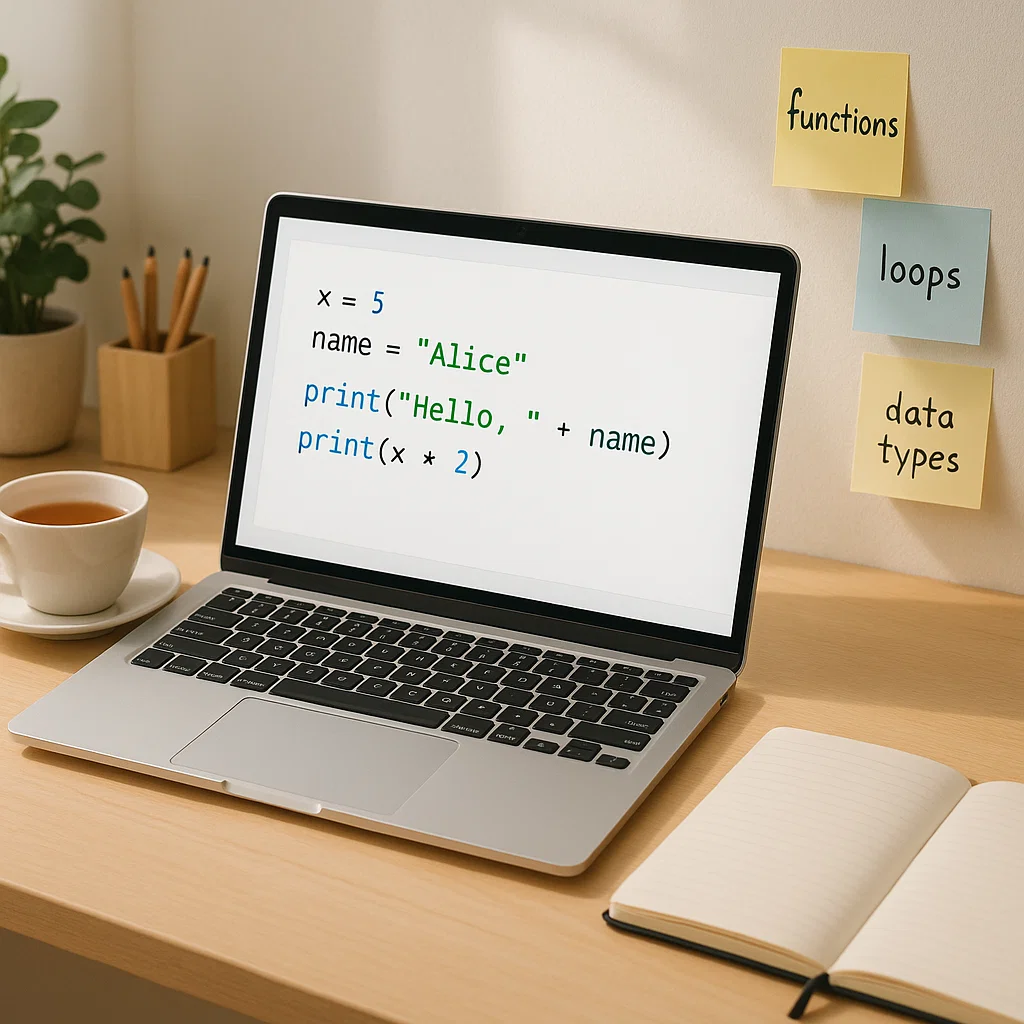
At first sight, it is obvious that Python cuts down the complexity that is not needed. That ease of use enables new programmers to acquire knowledge of concepts and not memorize information.
Python Can Do It All and Anywhere
Python has the best attribute of flexibility. It finds application in almost all the contemporary technologies:
- Web development (Flask, Django)
- Data analysis (Pandas, NumPy)
- Artificial Intelligence (Machine learning, TensorFlow, PyTorch)
- Automation and scripting
- Cybersecurity
- Game development
- Mobile app development
- Finance and trading
This implies that you do not require changing languages as you advance in your abilities—Python is as scalable as yourself.
Python boasts of a massive community of users across the world
You are never alone in case you are stuck when learning Python. Python is used by millions of developers around the world and it implies:
- Endless tutorials
- Free documentation
- YouTube guides
- Useful forums (Stack Overflow, Reddit)
- Free software tools and libraries
Novices are more likely to learn quickly when there is some kind of support available, and Python has the most extensive community of beginners of any programming language.
Python Takes a Beginner First Approach
All of Python was written to be easy to read and easy to understand. Rather than flooding the learners, it presents concepts step by step. There is no need to learn complicated memory management, typing rules and complicated syntax. All that is done automatically in Python.
Discovering the Fundamentals of Python
In order to be comfortable with writing your own Python scripts, you should realize a few of the underlying concepts. These are the blocks of all the programs that you are going to write.
Variables: Your Digital Storage Boxes
A piece of data is given the name of a variable. You can imagine it to be like making labels on a container to get to know the contents of that container.
name = “Emmanuel”
age = 16
height = 1.72
In python, the type of a variable is automatically set. This is why it is the best choice of beginners.
Types of Data: What kind of information do you keep
A given variable contains values of a given data type. Python is a language that treats different types of data differently.
String (str)
Characters in text quotes.
message = “Welcome to Python!”
Integer (int)
Whole numbers.
year = 2025
Float (float)
Numbers with decimals.
gpa = 3.75
Boolean (bool)
True or False values.
isvalid = True
List (list)
Ordered groups of items.
fruits = [“apple”, “banana”, “mango”]
Dictionary (dict)
Key-value pairs.
student = {“name”: “Emmanuel”, “age”: 16}
Types of data assist Python to know how to handle the data within a program.
Control Flow: Deciding in Your Code
Control flow identifies what should be done next in your program based on some conditions.
If-Else Example
score = 60
if score >= 50:
print(“You passed!”)
else:
print(“You failed.”)
Loops: Repetitive Tasks Automatically
Python loops enable repetitive actions in a program.
For Loop
for i in range(5):
print(“Number:”, i)
While Loop
count = 1
while count <= 3:
print(“Count:”, count)
count += 1
Python is powerful because of loops that help automate repetitive tasks.
Functions: Recurring Blocks of Code
Functions assist in breaking down your code into reusable groups.
def greet(name):
print(“Hello”, name)
greet(“Ada”)
greet(“Michael”)
Functions have the effect of making your programs cleaner, modular and more efficient.
Automating Tasks in Python: The Real World
Python is easy to learn and at the same time very useful. Python is used by many people every day to automate mundane or repetitive processes.
Some examples of basic automation tasks that can be comprehended by a beginner and developed on are given below.
Creating greetings daily automatically
from datetime import date
today = date.today()
print(“Good morning! Today is:”, today)
This one brings about modules—add-on features included in Python.
Rename Hundreds of Files in a Second
import os
files = os.listdir(“images”)
count = 1
for file in files:
newname = f”photo{count}.jpg”
os.rename(f”images/{file}”, f”images/{newname}”)
count += 1
Obtaining Useful Information as a Text File
with open(“notes.txt”, “r”) as f:
data = f.read()
print(“Characters:”, len(data))
Creating an Easy To-Do List Application
tasks = []
def addtask(task):
tasks.append(task)
print(“Added:”, task)
def showtasks():
print(“Your tasks:”)
for t in tasks:
print(“-“, t)
while True:
choice = lower (input):(A)dd, (V)iew, (Q)uit: ).
if choice == “a”:
task = input(“Enter task: “)
addtask(task)
elif choice == “v”:
showtasks()
elif choice == “q”:
print(“Goodbye!”)
break
else:
print(“Invalid choice.”)
Math Work Automation in School or Work
scores = [72, 85, 90, 100]
average = (scores)/len(scores)
print(“Average score:”, average)
A Practical Introduction Project: Temperature Converter
def tocelsius(fahrenheit):
return (fahrenheit – 32) 5/9
def tofahrenheit(celsius):
return (celsius 9/5) + 32
while True:
print(“\nTemperature Converter”)
print(“1. F – C”)
print(“2. C – F”)
print(“3. Quit”)
choice = input(“Choose 1, 2, or 3: “)
if choice == “1”:
f = float(input(“Enter F: “))
print(f, Celsius: round(tocelsius(f), 2))
elif choice == “2”:
c = float(input(“Enter C: “))
print(‘Fahrenheit:’, tofahrenheit(c) round off to 2 digits)
elif choice == “3”:
print(“Exiting…”)
break
else:
print(“Invalid choice.”)
Beginner Python: How to Learn Python Today
1. Install Python
Download from python.org
Select the choice of adding Python to PATH.
2. Use a Simple Editor
Recommended for beginners:
- VS Code
- Thonny
- PyCharm Community Edition
3. Start with the Basics
Learn: printing, variables, loops, functions, basic data types.
4. Build Small Projects
Examples include:
Calculator, Quiz game, Password generator, Expense tracker, File organizer.
5. Practice Consistently
Even 15 minutes a day can really count.
Conclusion: Why Python Is Your First Scripting Language
Python is far more than a simple language of programming. It is a point of entry to recognizing the operation of technology, problem-solving, and development of smart tools. It does not even need experience, but it progresses up to high levels such as AI and cybersecurity. It has clean syntax that is easy to learn and its community means that assistance is ever at hand.
It is enough to start with Python knowing what to expect. Any little program you do, whether it prints out some text, does a calculation, or automates a daily routine, is a move in the right direction towards learning one of the most useful skills of the contemporary world.
Python is the ideal choice in case you are willing to begin your programming experience.