Static images are no longer enough to stop the scroll. Whether you are a marketer trying to lower your Cost Per Click (CPC) or a creator looking to boost engagement, the demand for high-quality video content has never been higher. However, traditional video production is expensive and time-consuming. This is where Image to Video AI steps in, offering a bridge between a single photograph and a cinematic experience.
Here is a comprehensive guide on how to leverage this technology to transform your workflow and produce professional-grade animations in minutes.
Understanding Image to Video AI Technology
At its core, image to video is a generative technology that uses deep learning models to predict motion between pixels. Instead of just “sliding” a photo across a screen, these models understand the depth, texture, and context of your image. If you upload a photo of a waterfall, the AI recognizes the water and applies fluid dynamics to make it flow, rather than moving the entire frame.
For content creators and businesses, this means you can take existing assets—product photography, brand illustrations, or personal memories—and give them a second life. The barrier to entry for video production has effectively been lowered to zero.
🛠️ How to Use the Picture Video Maker: A 4-Step Guide
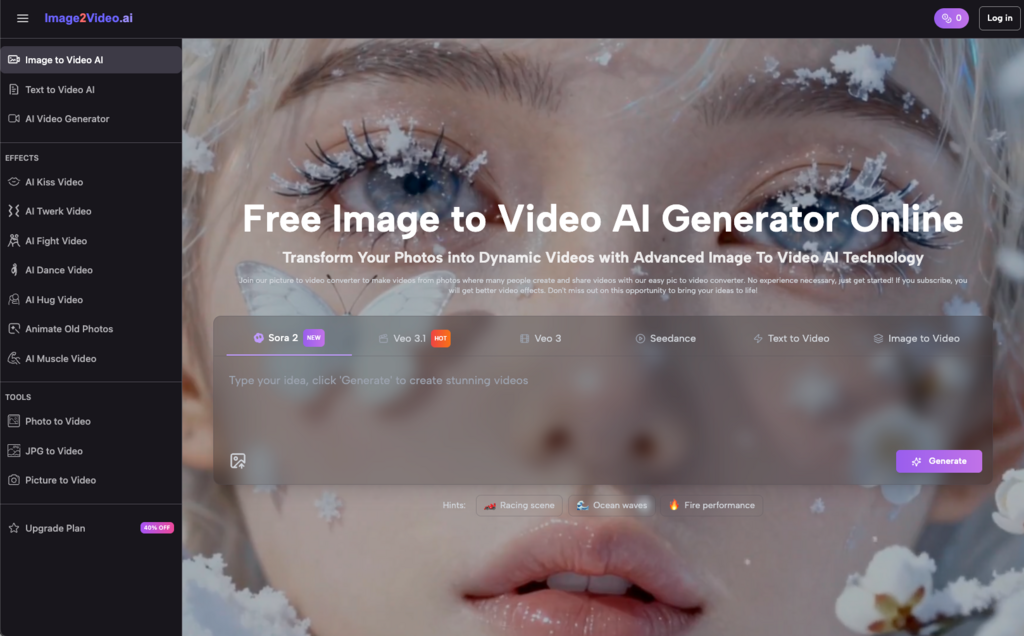
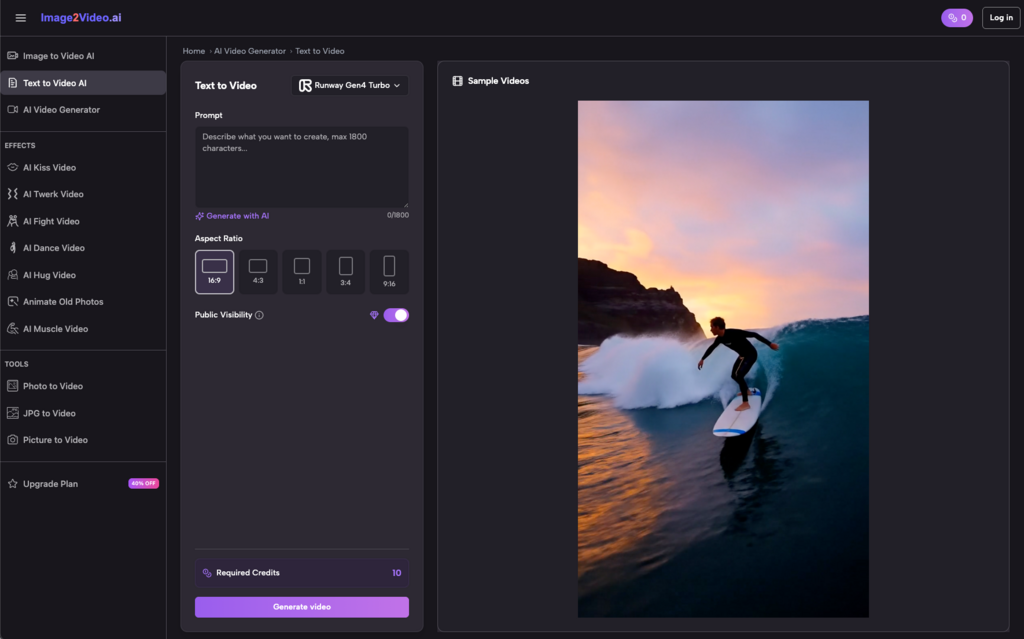
Using our Image to Video AI platform is designed to be intuitive. You don’t need a background in After Effects or Premiere Pro. From my experience, the best results come from a mix of high-quality source files and descriptive prompts.
- Choose Your Picture and Upload It
Start by selecting a high-resolution image. Our Image to Video AI platform supports JPEG and PNG formats. I’ve found that images with clear subjects and distinct backgrounds tend to produce the most stable animations. Simply drag and drop your file into the online photo to video converter to begin.
- Enter Your Prompt Text Description
This is where the magic happens. Describe the motion you want to see. Instead of just saying “make it move,” try “gentle wind blowing through the hair” or “cinematic slow zoom into the product.” Our Image to Video AI technology interprets these natural language instructions to guide the animation process.
- Wait for Image to Video Processing
Once you hit generate, our advanced Image to Video AI converter takes over. You’ll see a ‘processing’ status. Typically, this takes about 5 minutes. During this time, the AI is rendering frames and ensuring the transitions are smooth. It’s significantly faster than manual keyframing.
- Check and Share Your Video
When the status changes to ‘Completed,’ your Image to Video AI creation is ready. You can preview the motion, and if it meets your standards, download it as an MP4. These files are ready for immediate upload to Instagram, TikTok, or YouTube.
🚀 Transform Your Workflow: Real-World Applications
The versatility of Image to Video AI makes it a “Swiss Army Knife” for various industries. Here is how different professionals are currently using the tool to optimize their output.
For Marketers & E-commerce
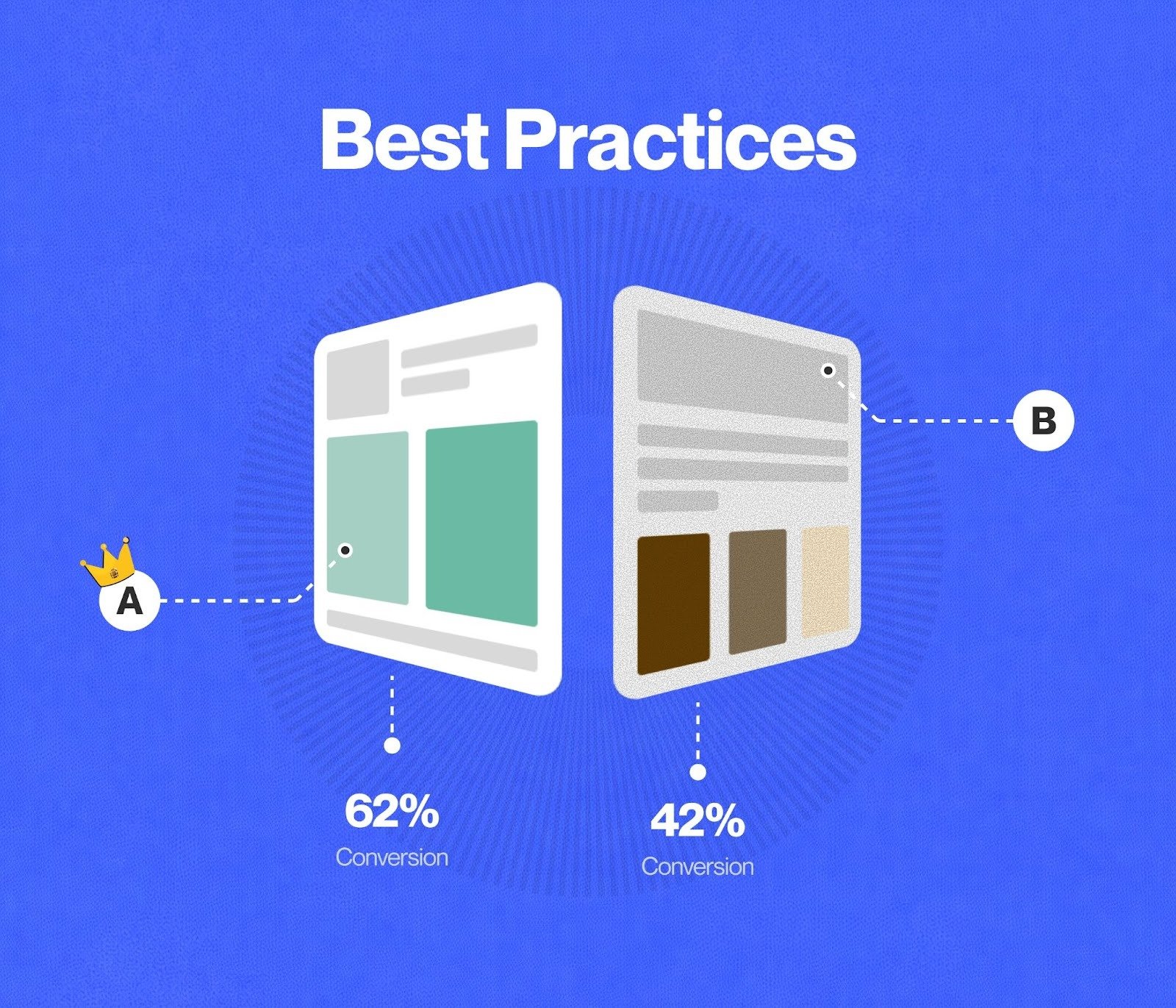
In the world of paid ads, motion wins. You can transform static product photos into compelling video ads using Image to Video AI. Instead of a flat image of a watch, you can create a dynamic 360° showcase. This photo to video approach allows for high-volume content creation, which is essential for A/B testing different creative angles in your campaigns.
For Content Creators & Social Media Managers
Social media algorithms favor video. If you have a backlog of travel photos or portfolio pieces, use the Image to Video AI converter to turn them into dynamic vlogs or “moving” thumbnails. It’s an easy way to maintain a consistent posting schedule without needing a camera crew every day.
For Educators & Trainers
Static diagrams can be difficult to grasp. By converting educational images into animated video lessons using our Image to Video AI platform, you make complex concepts more accessible. An image of a biological cell or a mechanical engine becomes much more engaging when the components are seen in motion.
💡 Solving Common Pain Points in Image to Video AI
While the technology is powerful, users often run into specific hurdles. Here is how to troubleshoot and optimize your Image to Video AI results.
Problem 1: The Motion Looks “Unnatural”
Sometimes the AI might distort a face or a limb.
- Solution: Refine your prompt. Use keywords like “subtle,” “slow motion,” or “static subject, moving background.” This tells the Image to Video AI to limit its focus, preventing the “hallucination” of weird movements.
Problem 2: Low Resolution Output
If your final photo to video result looks blurry, it’s often due to the source file.
- Solution: Always upload the highest resolution JPEG or PNG possible. The Image to Video AI needs clear pixel data to generate new frames accurately.
Problem 3: Workflow Bottlenecks
Creating videos one by one can feel slow if you have 50 products.
- Solution: Use the “5-minute processing” time to draft your next prompt or organize your next batch of images. Since our Image to Video AI is web-based, you can often have multiple tabs or processes running to maximize efficiency.
📊 Comparison: Image to Video AI vs. Traditional Methods
| Feature | Image to Video AI | Traditional Video Editing | Stock Footage |
| Cost | Free / Low Cost | High (Software + Labor) | Subscription Fees |
| Time | ~5 Minutes | Hours / Days | Minutes (Searching) |
| Customization | High (Based on Prompt) | Absolute Control | Very Low |
| Skill Level | Beginner Friendly | Professional Required | Intermediate |
| Originality | 100% Unique | 100% Unique | Used by Others |
✅ Pro Tips for Better Image to Video AI Results
After testing hundreds of generations, I’ve gathered a few “insider” tips to help you get the most out of our Image to Video AI generator:
- Focus on Lighting: Images with strong contrast (clear highlights and shadows) help the Image to Video AI understand depth better, leading to more realistic 3D-like motion.
- Keep it Short: Our current Image to Video AI supports five-second generations. This is the “sweet spot” for social media attention spans. If you need longer content, stitch multiple five-second clips together in a simple editor.
- Format Matters: While we support JPEG and PNG, PNGs often retain more detail, which gives the Image to Video AI more “meat” to work with during the animation phase.
- Use Mobile: Don’t wait until you’re at your desk. Our Image to Video AI platform is fully mobile-responsive. You can snap a photo on your iPhone and start the photo to video conversion while you’re on the go.
❓ Frequently Asked Questions
- What can I use photo to video online for?
Using Image to Video AI is incredibly versatile. You can create marketing videos, social media stories, product showcases, or even heartwarming family montages. It functions like an automated editor—you provide the “what” (the image) and the “how” (the prompt), and the Image to Video AI does the heavy lifting.
- Is my data safe with Image to Video AI?
Absolutely. Our Image to Video AI platform uses industry-standard encryption. Your uploaded photos and generated videos are protected, and we offer a secure environment for both free and premium users. Plus, there’s no software to download, which keeps your device safe from malware.
- Do I need technical skills to use Image to Video AI?
Not at all. The interface is designed for everyone. If you can upload a photo to Facebook, you can use our Image to Video AI. The system handles the complex math and frame interpolation in the cloud, so you don’t need a powerful computer or technical expertise.
- What file formats are supported?
Our Image to Video AI supports JPEG, JPG, and PNG for uploads. The output is always an MP4 file, which is the gold standard for compatibility. Whether you are sending a pic to mp4 or a jpg to video, the result will play on any device.
- Can I share my videos directly tosocial media?
Yes! Once the Image to Video AI completes the process, you can download the file and upload it to Instagram, TikTok, or LinkedIn. Because the output is optimized for web use, you won’t have to worry about file size limits or formatting errors.
🤔 Final Thoughts
The shift from static to dynamic content is no longer a luxury; it’s a necessity for staying relevant in a digital-first world. By using Image to Video, you aren’t just making “clips”—you are scaling your creativity. The ability to turn a simple photo to video in five minutes allows you to experiment, iterate, and publish at a pace that was impossible just a few years ago.
Ready to see your photos move? Try our Image to Video AI generator today and start breathing life into your visual library.