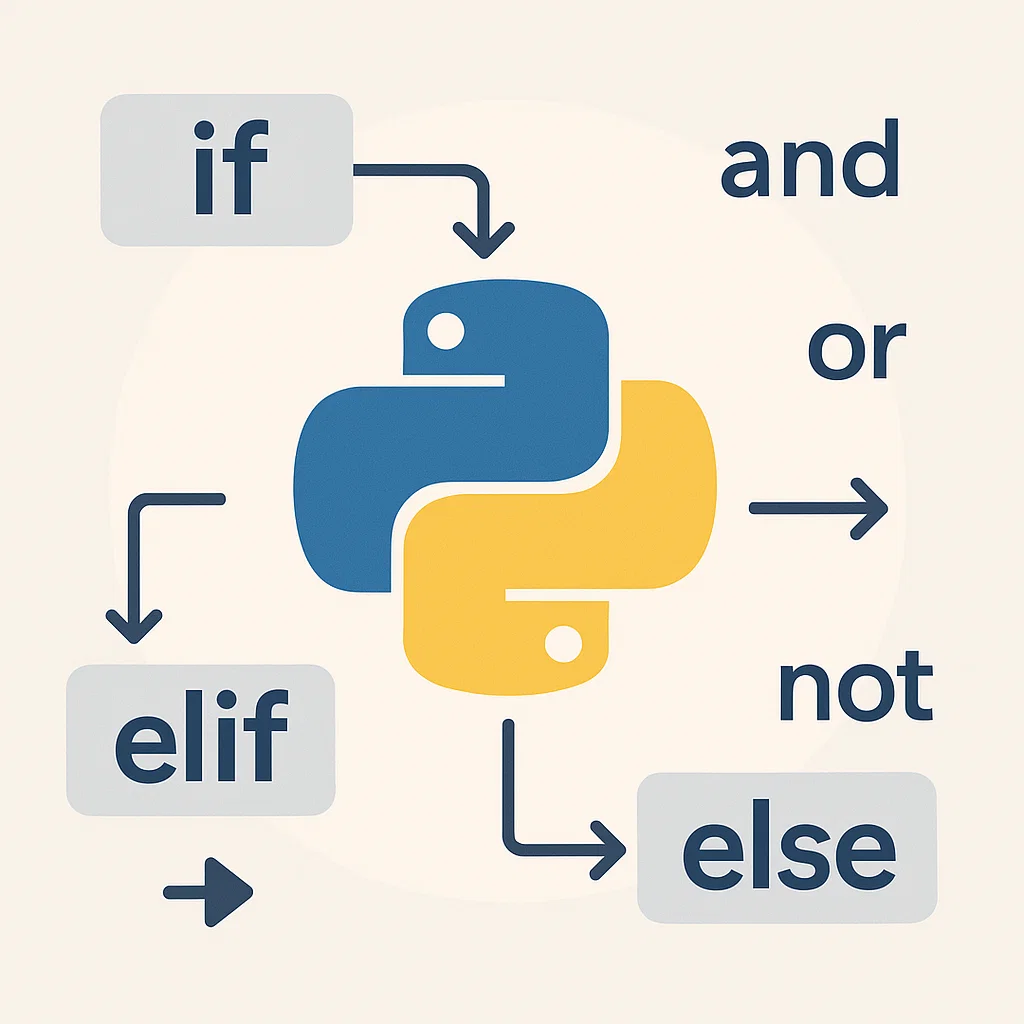
Decision-making in the world of programming is a basic concept that enables computers to decide on some condition depending on some conditions. Decision making, in contrast to just executing one line of code after another sequentially, allows programs to act in an intelligent way by taking different paths based on the data they are presented with. In this paper we shall discuss if, elif, and else statements that control the flow of a Python program and therefore make it capable of making decisions and reacting to various situations.
Control flow is the sequence of execution of the individual statements, instructions, or function calls in a given program. With a perfect command of conditional statements, you will be in a position to create more dynamic and interactive programs that respond to user feedback or environmental factors.
Most programming applications rely on decision-making. Whether you are creating games, web applications, or data-processing applications, creating the ability to steer the flow of your program according to various conditions is a strong skillset.
What are Conditional Statements?
Conditional statements can enable the program to test a condition (or a series of conditions) and select a route to take based on whether the condition is True or False. This form of flow control will give a program the ability not to execute in a single direction but to choose based on the state of variables, user-provided information, or other elements.
Conditional Statement Types in Python
Python has three major decision-making options in your code:
- if statement: It is the easiest type of decision-making. It checks a condition, and in case it is true, the block of code underneath it will run.
- elif statement: Abbreviation for “else if,” enables one to check more than one condition. When the former is not true, the next condition is examined by the program, and so on.
- else statement: It is the statement that helps to define a block of code that will be executed in case all the preceding conditions are not true.
All these structures are significant in ensuring that your program is able to accommodate various inputs and situations.
The if Statement: The Introduction to Decision-Making
The most basic and simplest Python decision-making tool is the if statement. It tests a specified condition and executes the respective block of code when that condition is True.
Syntax of an if statement
if condition:
# Code block to be executed if condition is True
Example:
age = 18
if age >= 18:
print(“You can vote!”)
In this, the program will verify whether the variable age is equal to or more than 18. In case it is True, it will show the message, “You are eligible to vote!”. When the condition is False, the program just does nothing.
The elif Statement: Condition Testing
In some cases, you may wish to test a variety of conditions. In this situation, the elif statement is involved. It means “otherwise” and allows you to verify several conditions.
Syntax of elif
if condition1:
# Code block for condition1
elif condition2:
# Code block for condition2
elif condition3:
# Code block for condition3
else:
# Code block when all the conditions are not true
Example:
age = 20
if age < 13:
print(“You are a child.”)
elif age < 20:
print(“You are a teenager.”)
else:
print(“You are an adult.”)
In this case, the program initially determines whether the age is below 13. If that is not so, it examines whether age is under 20. In case of failure of both conditions, then the else block is executed, indicating that the individual is an adult.
Why use elif?
When you have many conditions, it is easier to deal with them using elif as opposed to having a scenario in which you may have a series of if statements that are nested within one another. This maintains the code’s cleanliness and efficiency.
The else Statement: The Fallback Path
The last catch-all condition that will execute is the else statement. This block will run when all the conditions of the if and elif statements have not been satisfied. It comes in handy when there is no definite condition that is true and you have to deal with the default scenario.
Syntax of else
if condition1:
# Code block for condition1
else:
# Code block when condition1 is False
Example:
score = 75
if score >= 90:
print(“Grade A”)
elif score >= 75:
print(“Grade B”)
else:
print(“Grade C”)
The else block, in this instance, will run if the score is lower than 75, and this way all the possible scenarios will be considered.
Combinations of Multiple Conditions and Logical Operators
Logical operators such as and, or, and not can be used to combine several conditions within a single if, elif, or else statement.
Logical Operators:
- and: Conditional assurance that both conditions must be True to run the block of code.
- or: Checks if at least one of the conditions is True to run the block of code.
- not: This reverses the result of a condition.
Example:
age = 25
has_driving_license = True
if age >= 18 and has_driving_license:
print(“You can drive a car!”)
else:
print(“You cannot drive a car.”)
In this case, the program will print “You can drive a car!” if both conditions are fulfilled, i.e., (age >= 18 and has_driving_license) is True.
Nested Conditional Statements: Decision-Making in Decision-Making
Conditional statements can also be nested, meaning one if statement can be placed within another if statement. This is applicable when you are required to assess a more complicated state.
Example:
age = 25
has_driving_license = True
is_car_available = False
if age >= 18:
if has_driving_license:
if is_car_available:
print(“You can drive the car.”)
else:
print(“The car is not available.”)
else:
print(“You do not have a driving license.”)
else:
print(“You are too young to drive.”)
In this case, the conditions to be considered are several, and the program continues with the corresponding action in each scenario.
Conclusion: Understanding Control Flow in Python
Conditional statements are a powerful tool in programming that allow for decision-making, giving your code the ability to respond to various inputs and situations. By mastering the use of if, elif, and else statements, you’ll unlock the ability to create more dynamic and interactive Python programs. Whether you’re building simple applications or complex systems, these statements provide a clear path for directing the flow of your program.
By combining logical operators and nested conditionals, you can handle even the most complex decision-making scenarios. The power of decision-making in programming is at your fingertips—ready to be applied to a wide range of projects.
Remember that decision-making in programming is not just about following paths but about enabling your program to react intelligently based on conditions. Keep practicing, and you’ll soon master the art of control flow in Python!