The way designers use artificial intelligence has changed fast. A year ago, everyone was just having fun making “cats in space.” Now, the fun part is over. Designers and marketers are asking a serious question: “Can I actually use this for work?”
The answer depends on your tools. Early AI models were like slot machines—you pressed a button and hoped for the best. That doesn’t work for professionals. If you have a client, you can’t rely on luck. You need consistency.
To succeed now, you need to master new tools that give you control, not just random chaos.
.png)
The Problem: Randomness vs. What You Want
Imagine this: You are making an ad for a luxury watch. You need the watch on a black rock with cool lighting. You type this into a basic AI tool.
The result? Maybe the rock looks good, but the lighting is wrong. Or the watch looks melted. Or the AI adds a random flower you didn’t ask for.
For a hobbyist, this is funny. For a pro, it is a waste of time.
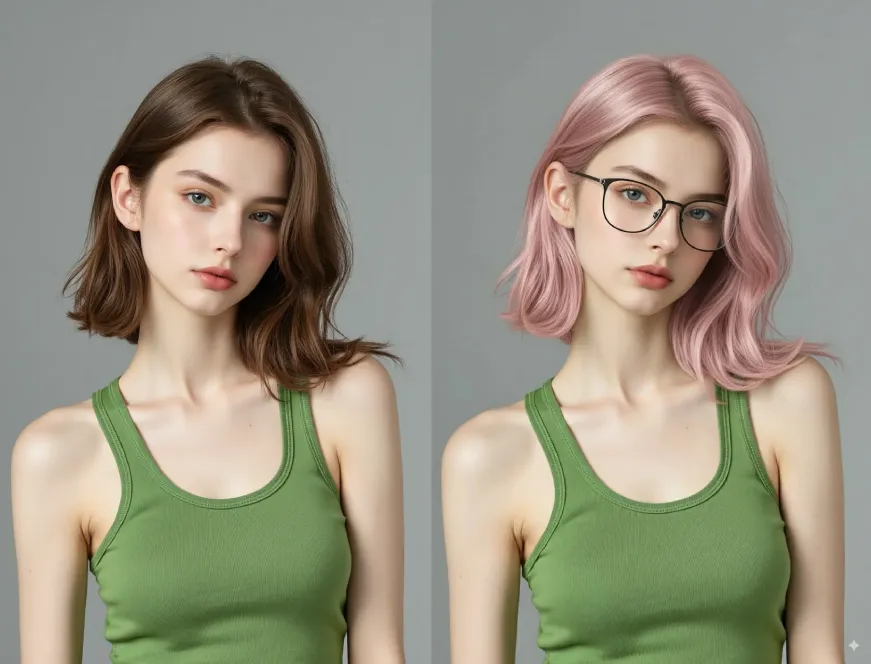
This is why the industry is moving to “Pro” tools. We need engines that understand exactly what we mean. Advanced users are looking for Nano banana pro ai solutions because they offer three big things:
-
Separation: The AI knows that “blue eyes” and “red shirt” are different things. It won’t mix the colors up.
-
Real Textures: Glass looks like glass, and skin looks like skin.
-
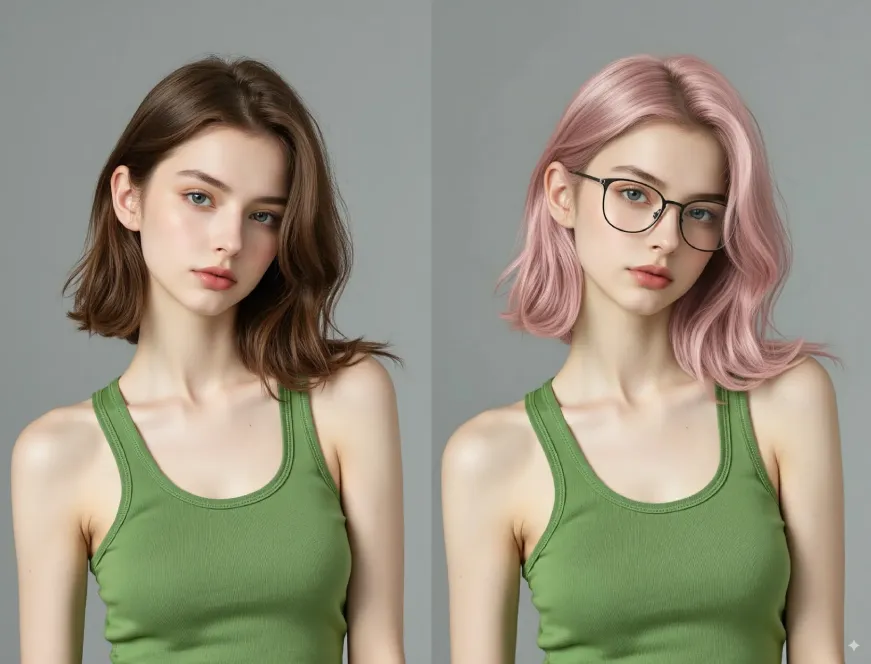
Fixing Mistakes: You can fix one bad part of an image without changing the whole thing.
-
The Engine Behind the Art: Exploring Nano Banana Pro
To get better results, you need better technology. A great example of this new technology is the Nano Banana Pro engine. Unlike older models that learned from messy data, this engine is built for high-quality art.The big difference with Nano Banana is how it handles details. Old models often let colors “bleed” from one object to another. The Nano Banana Pro system keeps elements separate. This means you can create complex scenes with many objects, and they will all look right.Also, the editing is built-in. If you generate a great landscape but there is a weird tree in the middle, you don’t need Photoshop. The Nano Banana Pro workflow lets you fix that spot instantly. This saves hours of work.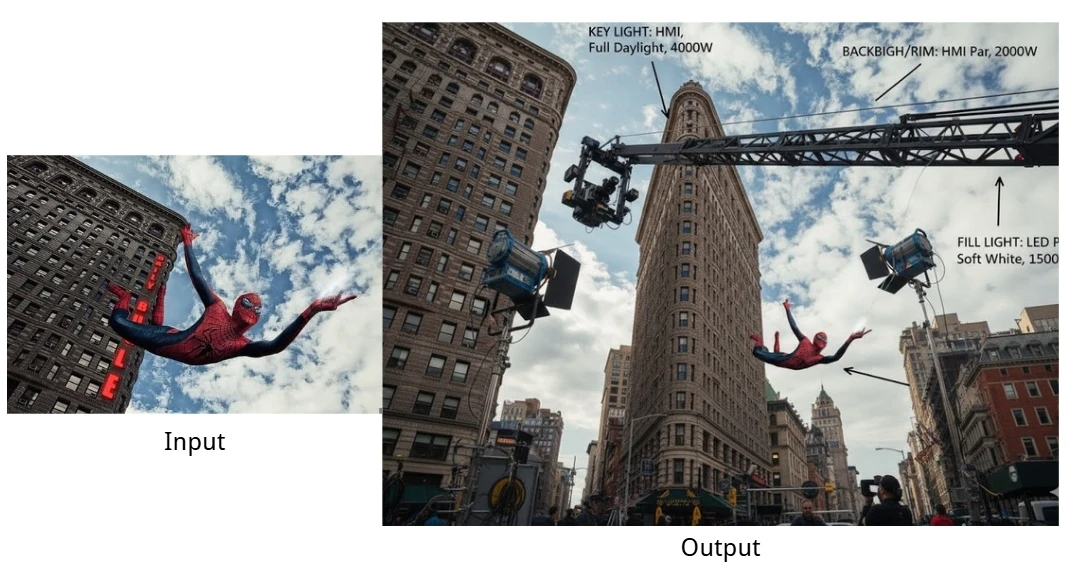
Mastering the Input: A Simple Nano Banana Pro Prompting Guide
Even with a fast car, you still need to know how to drive. In AI, your steering wheel is the “prompt” (the text you type).To get the most out of Nano banana pro, stop writing simple sentences. Use a structure. Here is a simple breakdown:1. The Subject (The “What”)
Be specific about how things look.-
Bad: “A woman.”
-
Good: “A portrait of an old woman with deep wrinkles, silver hair, wearing a linen shirt.”
2. The Setting (The “Where”)
Where is the subject?-
Bad: “In a room.”
-
Good: “Inside a dusty antique shop, full of clocks and wooden shelves.”
3. The Tech Specs (The “How”)
Act like a photographer.-
Camera: Use “35mm lens” or “blurred background.”
-
Lighting: Use “soft window light” or “studio lighting.”
-
Quality: Keywords like “8k resolution” help the nano banana pro prompt logic understand you want high quality.
4. The Style (The “Vibe”)
What is the art style?-
Examples: “Cyberpunk,” “Oil painting,” “Realistic,” “Sketch.”
Quick Tip: Tell the AI what you don’t want. Words like “blurry” or “ugly” in the negative prompt help keep the quality high.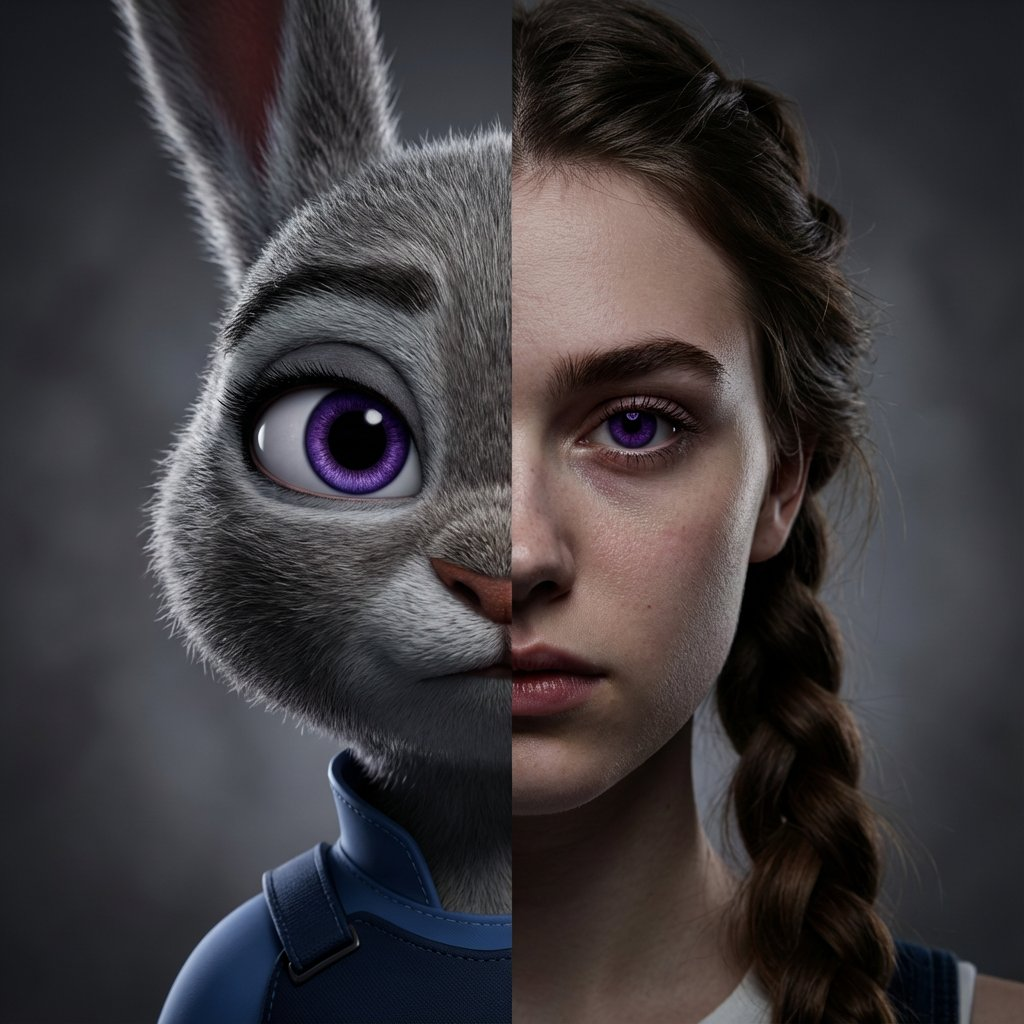
A Real Example: From Idea to Final Image
Let’s try a real workflow. We want to make an image of a coffee brand.Step 1: The Idea. We want a warm photo of a coffee cup on a wooden table in the morning sun.Step 2: Writing the Prompt. Using our nano banana pro prompting guide, we write: “Close-up shot of a white ceramic coffee mug with steam. It sits on a rustic oak table. Morning sunlight coming through a window. Coffee beans on the table. Photorealistic, 8k, depth of field.”Step 3: Picking the Best One. The AI gives us four images. Number 3 has perfect lighting, but the steam looks fake.Step 4: Editing. We don’t throw it away. We use the tool’s edit feature. We select the bad steam and change the prompt to “soft, real steam.” The AI fixes just that part.Step 5: Finishing. We make the image larger (upscale) so it is ready for print.This turns the AI from a random toy into a real design assistant.
The Future of Design
Using tools like Nano Banana means high-quality art is easier to make. You don’t need expensive cameras or a studio. But you still need your creativity.The skill of the future is describing your vision. As these tools get better, the designers who learn Nano banana pro prompt skills today will be the leaders tomorrow.Random AI art is over. We are now in the age of precision. With the right engine and good prompts, you can create exactly what you imagine, every time. -