Introduction
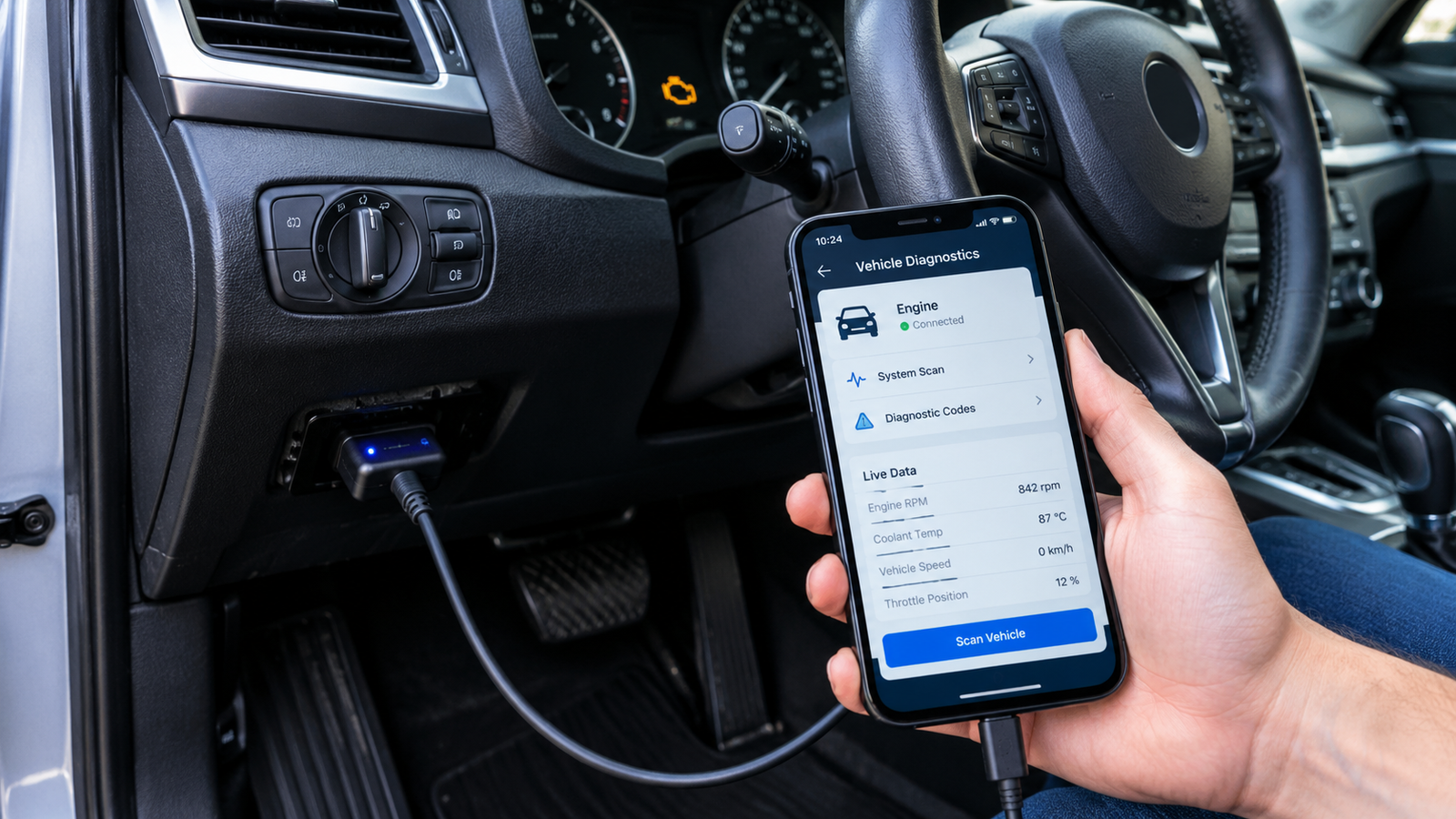
Phone car diagnostic tool technology lets Your smartphone is more than just a phone, internet browser, and application launcher. It can also be a handy basic vehicle diagnostic tool once paired with a compatible OBD-II adapter and diagnostic software application – it can be used to check some problems in your vehicle. You can use the setup to read diagnostic trouble codes, to view real-time vehicle data, and to monitor some engine parameters directly, via an Android phone or iPhone. Beginners don’t have to buy costly professional equipment for simple checks, but can pick up data from a vehicle’s onboard computer via a compatible adapter and a smartphone.
But there are also problems with a phone diagnostic system. The phone is primarily used for the screen and software, and the OBD-II adapter is used to connect with the vehicle. The information displayed varies based on the car, adapter, and diagnostic application. Thus, smartphone diagnostics can be utilized for providing basic information and diagnostics, but is not the complete replacement of professional diagnostic equipment.
What You Need
You’ll need three things to take a diagnostic reading from your car using your cell phone: a compatible vehicle, an OBD-II adapter, and a diagnostic application. The adapter is connected to the car’s OBD-II port and transmits data to your smartphone. The connection can be via Bluetooth, Wi-Fi, or cable (depending on the adapter). Before purchasing one, make sure that it’s compatible with your car and your operating system.
There is also a need for an appropriate diagnostic application. Features such as fault code reading, monitoring live data, graphs, and engine information are all available in the various applications. Some adapters are compatible with multiple applications, and others are created specifically for particular applications. This guide to a basic vehicle diagnostic tool will give more details about diagnostic equipment.
How to Find the OBD-II Port
The OBD-II port is typically situated below the dashboard on the driver’s side. It is located under or next to the steering wheel in many cars, but it can be in different places. The port normally has a distinctive trapezoid shape and multiple electrical terminals. If it is not located, check the owner’s manual as the manufacturer may tell you where it is.
After determining the port, examine it before inserting the adapter. Be sure it is not broken or littered with garbage. The adapter should fit with a minimum of force. If it doesn’t fit in smoothly, look at its orientation instead of forcing it in place. It is important to connect the adapter correctly, so as not to damage the connector when forcing it.
Connect the OBD-II Adapter
Once the port is located, connect the OBD-II adapter to the car. There may be an indicator light that comes on, as many adapters draw their power from the car itself. Sometimes the ignition must be turned on before the adapter can communicate with the vehicle’s computer, depending on the vehicle and application. There are some functions which use live data that need the engine to be running.
Then, launch your diagnostic tool and choose the connection type. The application should try to connect to the adapter and the vehicle. If it doesn’t connect, inspect to see if the adapter is getting power and if the phone is using the right Bluetooth or Wi-Fi connection. It’s also important to ensure that the application is compatible with your specific adapter.
Match an Android Phone
Many OBD-II adapters can be used by Android phones via Bluetooth, Wi-Fi, or USB. If you are using a Bluetooth adapter, turn on the Bluetooth and follow the pairing procedure provided in the adapter. Some adapters require pairing from the phone’s settings before they can be selected in the diagnostic app; some applications require pairing of the adapter before it can be selected in the diagnostic app.
If you are using an adapter, join your Android phone to the wireless network of your adapter and go back to the diagnostic application. After you have connected, the app should be able to let you know that communication with the vehicle has been established. If the connection is unsuccessful, you can verify the compatibility of the adapter, permissions on the phone, and application settings, then repeat the operation.
Connect an iPhone
When connecting an iPhone, it’s important to pay attention to compatibility as not all OBD-II Bluetooth adapters are compatible with iOS. Make sure that the adapter is compatible with iPhones and the diagnostic application you intend to use before buying. A more popular choice for iPhones is Wi-Fi adapters.
After installation of the adapter on the vehicle, follow the instructions in the application. You might also need to choose the adapter’s network in the iPhone’s Wi-Fi settings, using its Wi-Fi adapter. The application can create the connection directly with compatible Bluetooth adapters. If no adapter is found, check the power supply and if the program is compatible, make sure it is installed.
Read Diagnostic Trouble Codes
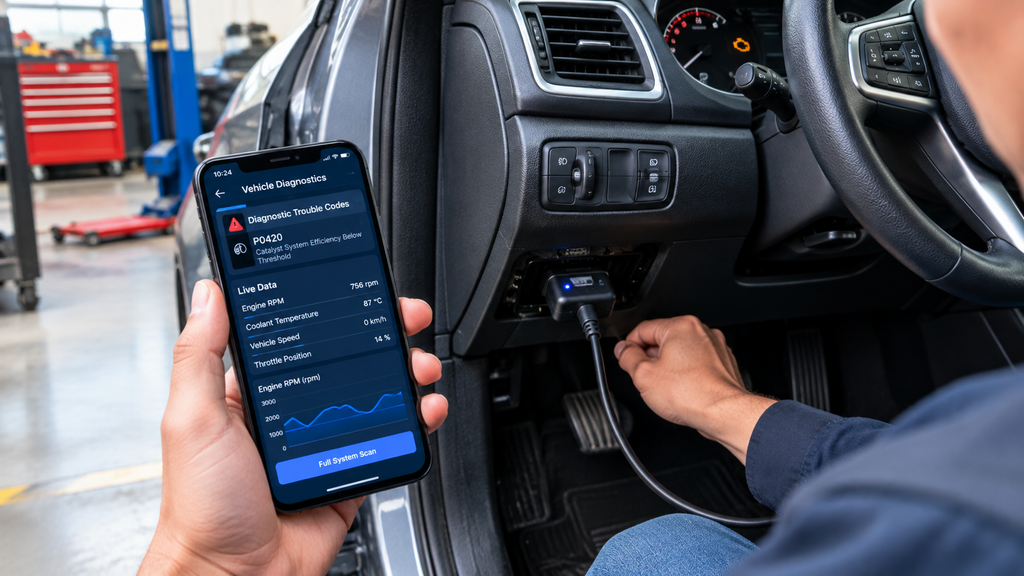
The most useful of Diagnostic Trouble Codes (DTC) in smartphone diagnostics is reading those codes. The codes are stored when the vehicle’s computer senses certain conditions which can be a sign of a problem. When the check-engine light is on, an OBD-II application can access the code to display on the phone.
But, a code doesn’t always indicate which part has failed. For instance, a sensor-related code may be due to a sensor, wiring, connector, or other component issue. Hence, before resetting the code, take note of the code and look for the possible cause(s) rather than replacing the component.
View Live Vehicle Data
Most kinds of diagnostic applications can provide up-to-the-minute data from the vehicle. This can consist of the engine speed, coolant temperature, vehicle speed, throttle position, and more sensor readings depending on the vehicle. A few applications will even offer the data in graph form, which will make it easier to clearly visualise the fluctuations in readings.
Real-time data enables you to gain insight into your car’s systems under various circumstances. But, standard readings depend on the cars, engines, and conditions of operation. Beware of numbers that seem unusual, but may actually be normal for the specific vehicle. If precise measurements are needed, the information provided by the manufacturer or by professionals in the field should be followed.
Monitor Engine Performance
Basic engine performance is also possible to be observed by using your phone. A vehicle can track the engine speed and the available temperature and/or sensor data during warm-up, for instance. In some cases, it is possible to record the data in some applications; this can be helpful when a problem occurs from time to time.
The intent of monitoring is to gather information that will be useful and not to automatically diagnose all problems. If unusual readings are observed or if warning codes are repeated, take note of the readings and give the information to a trained technician. This can sometimes be easier for the professional to troubleshoot as the technician has more information as to when and how the problem occurs.
How to Get Rid of Fault Codes
A select few diagnostic applications will enable you to clear trouble codes that have been stored. This may temporarily disable a warning light, and discarding the fault code doesn’t fix the issue. If the fault is still present, the vehicle will re-detect it and turn the warning light back on.
Therefore, do not clear codes prior to recording them. The information stored may aid in finding out the cause of the problem. If a repair has been made, clearing the code might be helpful to determine if the fault is recurring, but the proper procedure will vary with the type of vehicle and fault.
Smartphone Diagnostics Has Its Drawbacks
There are some drawbacks with the use of a smartphone for diagnostics. One of the most significant drawbacks is that this kind of simple smartphone configuration isn’t compatible with all systems in all vehicles. While there may be other useful engine and emission information sent as part of standard OBD-II communication, there are numerous other electronic systems in today’s vehicles. Certain components such as airbags, ABS, transmission modules, body electronics, and advanced driver-assistance systems might need special tools or manufacturer-specific software.
Another constraint is that a diagnostic code is not a full diagnostic. Combined with physical inspection, electrical testing, manufacturer service information, and other diagnostic techniques, professional technicians can use their scan information. Low-quality or incorrectly-made adapters can also cause poor connections or missing data. Thus, smartphone diagnostics ought to be thought of as a convenient initial step, not a substitute for professional equipment.
Safety Tips
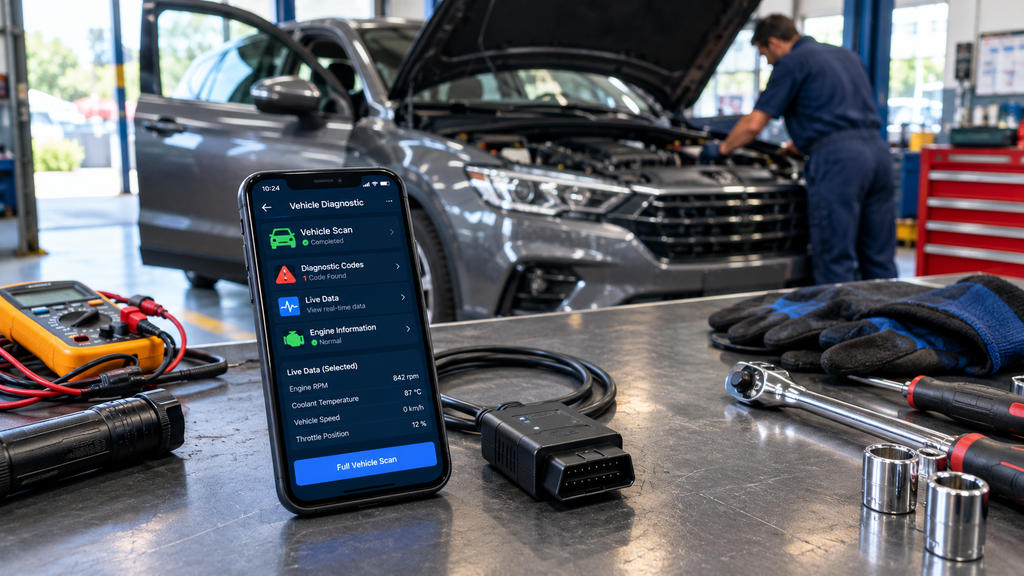
Pre-set up the phone and diagnostic app before driving. Never hold or use a cell phone while a car is in motion. If live data is to be monitored during a road test, another person should operate the phone and the driver monitor the road. The diagnostic system should not compromise the safe function of the vehicle.
Before changing, it’s a good idea to write down fault codes and readings that are important. Have the directions for the adapter on hand and use a good application for your equipment. If there are major performance issues or any safety-related component such as airbags, steering, brakes, or any other component that is causing major problems, have the vehicle serviced by a professional, and do not just trust a smartphone application!
Conclusion
An easy method for beginners to have useful information about their vehicles: use their cell phone as a car diagnostic device! A compatible OBD-II adapter and diagnostic application will allow you to connect to the vehicle, read fault codes, get real-time data, and check basic engine data. Once you’ve ensured they’re all compatible, the process is typically easy.
However, there are definite limitations to smartphone diagnostics. They are not able to detect all potential issues or gain access to all vehicle systems, and a fault code doesn’t reveal which component is faulty. However, with proper use, an OBD-II adapter and smartphone can be a great resource, and you can gain insight into your car before you take it in for diagnosis.