Introduction
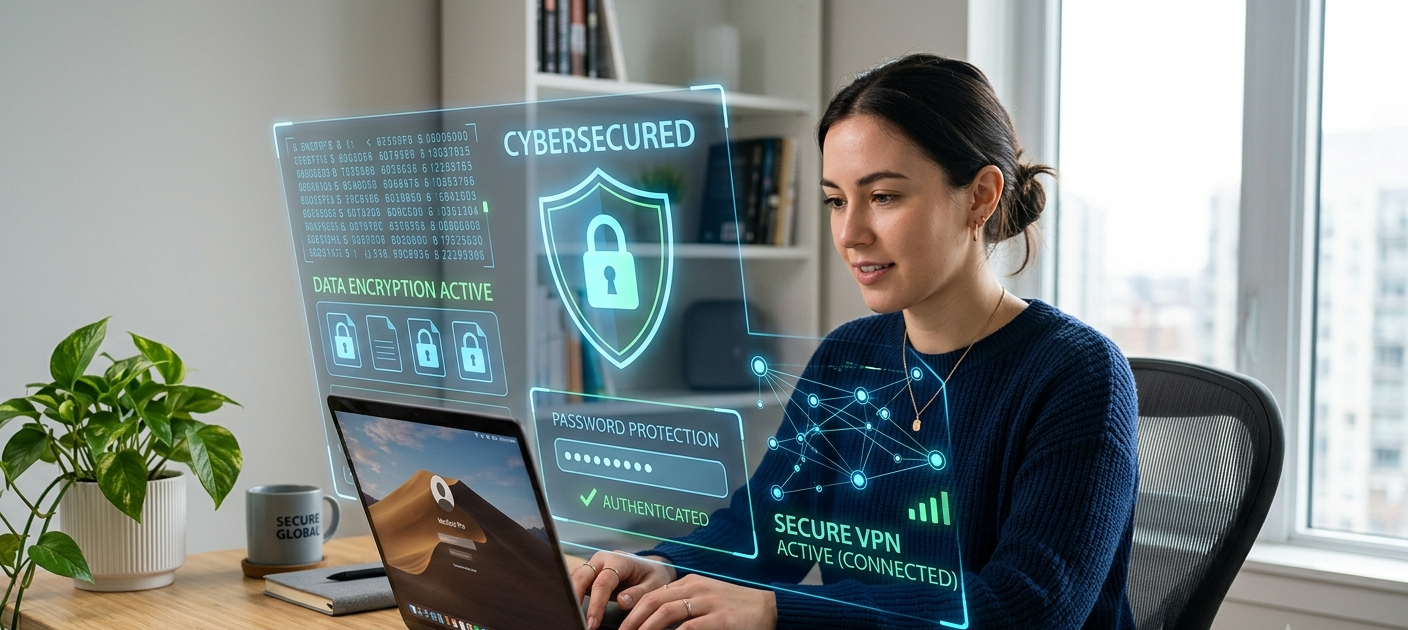
The internet has become an integral part of our daily life but has also provided new means for cybercriminals to steal information, spread malware and compromise personal accounts. Many seem to think cyber security is only required for businesses, IT users or those with sensitive data, but the average user is a victim of cyber attacks too. By using weak passwords, clicking on suspicious links, downloading untrustworthy files, or connecting to unsecured networks, devices and personal data are vulnerable to significant threats.
Luckily, there are ways to keep yourself safe without expensive software and some fancy technical know-how. There are a lot of free security tools and apps that are reliable and can help the users to ensure their online safety. These solutions can help secure passwords, identify threats, secure internet connections and monitor personal information, bringing cybersecurity to everyone.
Importance of security tools for everyday users
Cyber threats are continuing to develop and attackers frequently target individuals who may not have robust security measures. There are many common issues such as using predictable passwords, not updating software, falling for phishing emails, and unsafe web practices that hackers exploit to access accounts and devices. One of the easiest methods of minimising these risks is to install trusted security applications, which will add an additional layer of protection between people and possible risks.
Students, families, freelancers and the general internet user can particularly benefit from free security tools if they do not have the financial means to pay for a full security subscription at their fingertips. No tool can guarantee absolute security, but using several reputable tools can enhance online security. These tools complement each other to form a more robust digital security shield, without forcing users to become masters of cybersecurity.

1. Bitwarden
Bitwarden is a simple and secure password manager. Many people use the same password on several sites and/or create simple passwords, which is one of the reasons passwords are still one of the major security vulnerabilities. Bitwarden is an open-source password manager that offers users a secure and convenient way to generate, store, and manage strong passwords. Instead of remembering dozens of different passwords, users only need to remember one master password to access their encrypted password vault. Bitwarden can create strong passwords, automatically fill login information, and sync passwords between devices. This facilitates the use of unique passwords for each account, limiting the possible impact in case of a breach at one of the websites. The app is encrypted with robust encryption and its open source nature enables security experts to check its code. Bitwarden is one of the most user-friendly free options for better password security for those who don’t want to spend money on a premium service.
2. Google Authenticator
Google Authenticator is another two-step verification application that lets you add an extra layer of security to your account. A strong password is indeed crucial, but it’s not enough as it can be compromised by phishing attacks, data breaches, or malware. Google Authenticator offers an extra layer of security by using two-factor authentication (2FA). The app is able to create temporary verification codes which customers are asked to enter, in addition to their password, when they log in to supported accounts when the feature is enabled. It also implies that even if they do know the password they will still require the second authentication step to gain access to the account. Google Authenticator integrates with many popular online applications, such as banking apps, social media, and email accounts. The app is easy to install and doesn’t need advanced technical skills, which is suitable for beginners. One of the simplest methods to safeguard vital accounts from unauthorized access and lower the danger of identity theft is to use an authentication app.
3. Avast Free Antivirus

Avast Free Antivirus is a good malware remover to protect from the malware.
The threats from viruses, spyware, ransomware and other malware types to personal devices remain a constant problem, particularly when users download files from unknown sources or visit unsafe websites. Avast Free Antivirus is a popular free security software that guards against common online dangers. Can scan devices for malware, detect suspicious activity, and assist users in safer browsing. The software is easy to use and provides automatic protection without all the confusing set-up procedures. An antivirus program is particularly beneficial for those who frequently download files, use public networks, share their devices with others, or have multiple users. Antivirus software is not a substitute for safe online practices, but a reputable programme, such as Avast Free Antivirus, can be a valuable security fence to ward off many common cyber threats.
4. Cloudflare WARP
Many people use public Wi-Fi in schools, coffee shops, airports, and other shared areas to connect to the Internet. Such networks can pose a threat to privacy as an attacker might try to spy on you while you are online or steal your private information. Cloudflare WARP is a free feature designed to make the internet more secure and to create a more secure connection between users and the websites they visit. WARP is different from standard virtual private networks which tend to be concerned with relocating locations.
WARP is not about changing locations as is traditional virtual private networks, but about enhancing connection privacy and reliability. The app runs automatically in the background and is easy to use for non-techie humans. For those who use the internet outside of their homes regularly, and wish to get an extra layer of protection when they are on unknown networks, it is helpful.

5. Have I Been Pwned
Data breaches are more frequent than ever and impact millions of accounts on various online services. In the event of a security breach, usernames, email addresses, passwords and other personal data could be released and stolen by cybercriminals. Have I Been Pwned is a free, online tool that lets users know if their email addresses are part of known data breaches.
The tool is not technical, and allows individuals to see if their accounts could be at risk. Users can also implement critical measures like changing passwords, enabling two-factor authentication and keeping an eye on the accounts for any suspicious activity if an email address has been part of the breach. Users can get to the point of reacting promptly rather than once their accounts have been breached if they regularly check for exposed information.
6. Malwarebytes
While traditional anti-virus software is important, there are some viruses that may evade detection, or be disguised in unexpected ways. Malwarebytes is a security utility that can recognize and eliminate hazardous software, undesirable software programs, and various other suspicious software that can impact the performance of a device or the user’s personal privacy. The free version enables users to scan their devices and find out if there are any harmful files they may have missed out on by other security programs.
Malwarebytes is especially helpful when a device starts displaying strange behavior, like ads you didn’t expect to see or strange applications, or slow performance. The software is popular among users who wish to have an extra security layer while continuing to use an ant-virus program. Malwarebytes keeps your computers clean and protects them from threats you don’t want by scanning devices on a regular basis and discarding any unwanted threats.
7. Windows Security
Users don’t always use the built-in security aspects of their devices. Windows Security is an inbuilt antivirus and security application in all modern Windows operating systems that are freely available to protect against viruses, malware, and other threats. It has features like real-time threat detection, firewall protection, device security checks, and automatic updates. Since it is pre-installed, users have no need to download any software to start protecting their computers.
Windows Security is a decent choice for individuals that do not require extra applications because of the ease of usage. Regularly updating the operating system and enabling security functions can significantly enhance the security of the device. There are other security features that can add a few features but the inbuilt security that is provided by Windows Security is a useful place to begin if you wish to enhance cyber security without paying any money.
8. uBlock Origin
Advertisements placed online are an expected component of surfing the web, but some ads may have misleading messages, tracking devices, or links to unsafe websites. uBlock Origin is a free add-on for the browser which blocks ads, trackers and other potentially dangerous online content. The extension can help minimize the tracking of unnecessary sites, promoting privacy and faster loading times on websites.
It’s particularly beneficial for those who navigate various sites regularly and wish to have greater control over their web journey. While ad blockers shouldn’t be abused since many websites rely on ads to make money, uBlock Origin allows users to minimize the exposure to suspicious ads. It can combine with safe browsing practices to provide a more secure and private browsing environment.
9. Proton Pass
As people have more accounts with different websites for school, work, entertainment, shopping, and social media, managing their accounts has become more complex. Proton Pass is a complimentary password manager that lets you store passwords securely, generate secure passwords and keep sensitive information safe and secure. It is all about privacy and security and delivers a streamlined user experience. Proton Pass offers a solution similar to other password managers to decrease the urge to reuse passwords, by making it convenient to handle distinctive logins.
Securing digital identity is more than just not clicking on suspicious links, it’s also about organizing and securing the information that is linked to your online accounts. Proton Pass is one of the many tools that allow users to manage their personal data and minimize unnecessary security risks.
10. Authy
Another free authentication application is Authy, which enables users to safeguard their accounts using two-factor authentication. Another benefit of Authy is that it lets customers enter secure authentication codes over multiple gadgets, which might be convenient when changing mobile phones or dealing with a number of accounts. The app allows you to log in to many online services and offers an extra security layer over passwords.
Two factor authentication is much more difficult for an attacker to obtain a password and use an account to get into a network. Authy is created to be easy to use, and for people who want more security on their accounts but don’t want the settings to be complicated. One of the best cybersecurity enhancements users can do is to install an authentication application on vital accounts.

Conclusion
Security doesn’t need to be costly and complex. These tools discussed in this article are free to use and are practical methods that anyone can use to protect their devices, passwords, personal information, and online identity. A robust security practice is the utilization of several layers of protection: A password manager for more secure logins, an authentication app for account security, anti-virus software for malware protection, privacy tools for safer surfing and monitoring software to uncover exposed information.
But security tools are most effective when they complement safe browsing practices like avoiding suspicious links, software updates, and using different passwords. Anyone can build a safer digital world and lower the risk of anyone falling victim to online threats by downloading trusted free security software and by taking simple steps on cybersecurity.