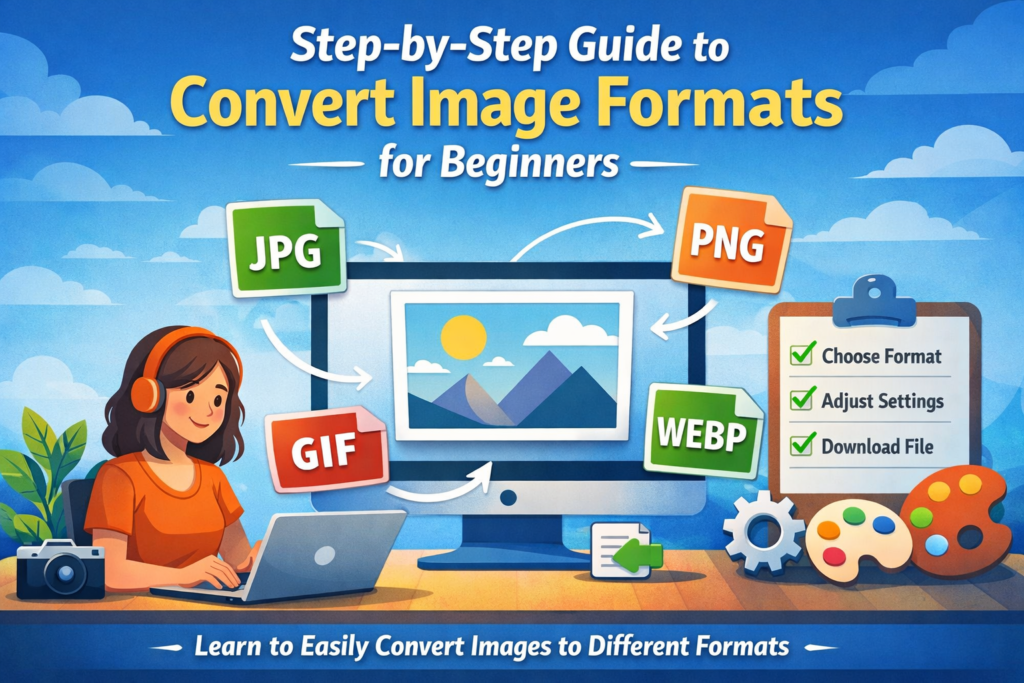
Working with images is part of everyday digital life, whether you are creating content, managing a website, or simply organizing personal photos. One common task that often confuses beginners is how to convert image formats efficiently without losing quality. Understanding this process can save time, improve compatibility, and enhance overall visual performance.
In this guide, you will learn everything you need to know to convert image files step by step. The explanations are simple, practical, and designed to help you build confidence from the very beginning.
Understanding Image Formats and Why They Matter
Before you convert image files, it is important to understand what image formats are and why they exist. Different formats serve different purposes, and choosing the right one can impact quality, file size, and usability.
Some of the most common formats include:
- JPEG: Ideal for photographs and web use due to smaller file sizes
- PNG: Supports transparency and is great for graphics and logos
- GIF: Used for simple animations
- WebP: A modern format offering high quality with smaller file sizes
- BMP: High quality but large file size, often used in editing
Each format has its strengths and limitations. For example, JPEG compresses images well but may reduce quality, while PNG preserves details but results in larger files.
Understanding these differences helps you decide when to convert image formats based on your needs.
When You Should Convert Image Files
There are many situations where converting images becomes necessary. Beginners often encounter compatibility or performance issues that can be solved with a simple format change.
You may need to convert image files when:
- Uploading images to a website that requires specific formats
- Reducing file size for faster loading
- Preserving transparency in logos or graphics
- Preparing images for printing or editing
- Sharing files across different devices or platforms
Knowing when to convert image formats ensures that your visuals always perform well and look professional.
Tools You Can Use to Convert Image Formats
There are several tools available that make it easy to convert image files, even if you have no technical experience. Choosing the right tool depends on your preferences and the type of work you do.
Here are some popular options:
- Online converters such as Smallpdf, Convertio, and CloudConvert
- Built-in software like Microsoft Paint or Preview on Mac
- Advanced tools like Photoshop or GIMP
- Mobile apps designed for quick conversions
Online tools are often the easiest for beginners since they do not require installation. However, desktop software provides more control over quality and settings.
Step-by-Step Guide to Convert Image Using Online Tools
One of the simplest ways to convert image files is by using an online converter. These platforms are user-friendly and require only a few clicks.
Follow these steps:
- Open a reliable online image converter in your browser
- Upload the image you want to convert
- Select the desired output format such as JPEG, PNG, or WebP
- Adjust settings if available, such as quality or size
- Click the convert button
- Download the converted file
This method is quick and works well for most everyday needs. It is especially useful when you need to convert image files without installing software.
How to Convert Image Using Desktop Software
If you prefer more control, desktop software is a great option. Programs like Paint, Preview, or Photoshop allow you to adjust quality, dimensions, and compression.
Here is how to do it using basic software:
- Open your image in the application
- Click on “Save As” or “Export”
- Choose the desired file format from the dropdown menu
- Adjust quality settings if available
- Save the new file
This method is reliable and gives better control over the final output, especially when working on professional projects.
Tips to Maintain Quality While Converting Images
One common concern when people convert image files is the loss of quality. While some formats naturally compress images, there are ways to minimize quality loss.
Keep these tips in mind:
- Always start with the highest quality original file
- Avoid repeated conversions between formats
- Choose formats that support your needs, such as PNG for transparency
- Adjust compression settings carefully
- Use reliable tools that preserve image integrity
Maintaining quality ensures that your images remain sharp and visually appealing, even after conversion.
Common Mistakes Beginners Should Avoid
When learning to convert image formats, beginners often make simple mistakes that can affect the final result. Being aware of these errors can save you time and frustration.
Avoid these common issues:
- Converting images multiple times unnecessarily
- Choosing the wrong format for the intended use
- Ignoring resolution and size settings
- Using unreliable or low-quality tools
- Forgetting to keep a backup of the original file
By avoiding these mistakes, you can ensure smoother and more effective image conversion.
Choosing the Right Format for Different Uses
Selecting the correct format is just as important as knowing how to convert image files. Each use case requires a different approach.
Here is a quick guide:
- For websites: JPEG or WebP for faster loading
- For logos and graphics: PNG for transparency
- For animations: GIF
- For editing: TIFF or BMP for high quality
- For social media: JPEG or PNG depending on the platform
Matching the format to your purpose helps improve performance and presentation.
Benefits of Learning Image Conversion Skills
Learning how to convert image formats is a valuable skill that offers several advantages. It is not just about changing file types but also about improving efficiency and flexibility.
Some key benefits include:
- Better compatibility across devices and platforms
- Improved website performance through optimized images
- Enhanced visual quality for different applications
- Greater control over file size and storage
- Increased confidence in handling digital media
These benefits make image conversion an essential skill for anyone working with digital content.
Your Next Step Toward Smarter Image Management
Now that you understand how to convert image formats step by step, you are ready to handle this task with confidence. Whether you use online tools or desktop software, the process becomes easier with practice.
Start by experimenting with different formats and tools. Pay attention to how file size, quality, and compatibility change with each conversion. Over time, you will develop a strong sense of which format works best for each situation.
Mastering this skill will not only save you time but also improve the way your images look and perform across platforms.

