You’re at the airport, killing time before your flight. You pull out your phone, connect to the free Wi-Fi, and start scrolling through emails. Maybe you check your bank balance or log into a work app. Seems harmless, right? Millions of travelers do this every single day without a second thought.
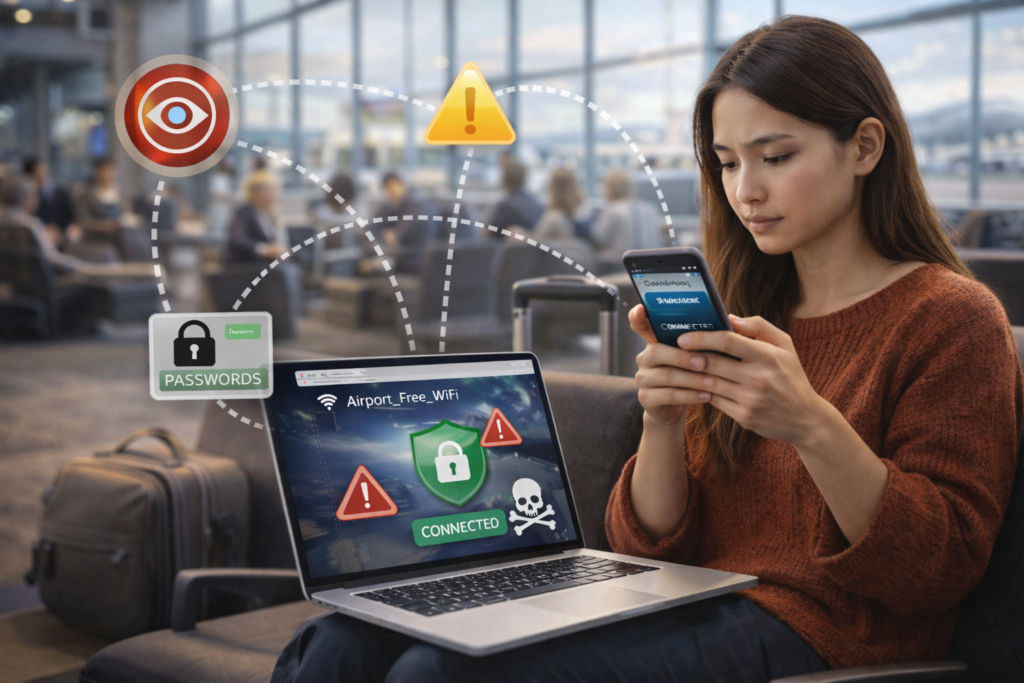
But here’s what most people don’t realize: that convenient connection could be exposing everything you’re doing online. Hackers have gotten incredibly good at setting up fake hotspots that look legitimate, and even real public networks often lack basic security protections. Your passwords, credit card numbers, personal messages—all of it can be intercepted by someone sitting a few tables away.
Why Travelers Are Prime Targets
Cybercriminals love airports, hotels, and coffee shops for a reason. People there are distracted, often in a hurry, and desperate for internet access. They’ll connect to anything that promises a signal. A hacker can set up a network called “Airport_Free_WiFi” in minutes, and dozens of people will join without hesitation.
Once you’re connected to a compromised network, the attacker can see pretty much everything you do. They can capture login credentials, intercept financial transactions, and even inject malware onto your device. The scary part? You probably won’t notice anything wrong until it’s too late—maybe when a fraudulent charge shows up on your credit card statement weeks later.
The Simple Fix Most People Overlook
Security experts have been saying it for years: if you’re going to use public Wi-Fi, protect yourself with encryption. The easiest way to do that? Download a privacy app that creates a secure tunnel for your data. iPhone users can grab a free VPN from the App Store that handles the heavy lifting automatically—just tap to connect and your traffic becomes unreadable to anyone trying to snoop.
What these tools do is pretty straightforward: they encrypt your internet connection and route it through secure servers. So even if you’re on a sketchy hotel network, anyone trying to intercept your data just sees scrambled nonsense. Your real IP address stays hidden, your browsing history stays private, and your sensitive information stays protected.
Not Just for Tech Experts Anymore
A few years ago, using encryption tools felt complicated—something only IT professionals or privacy enthusiasts bothered with. That’s changed dramatically. Modern apps are designed for regular people who just want to browse safely without needing a computer science degree.
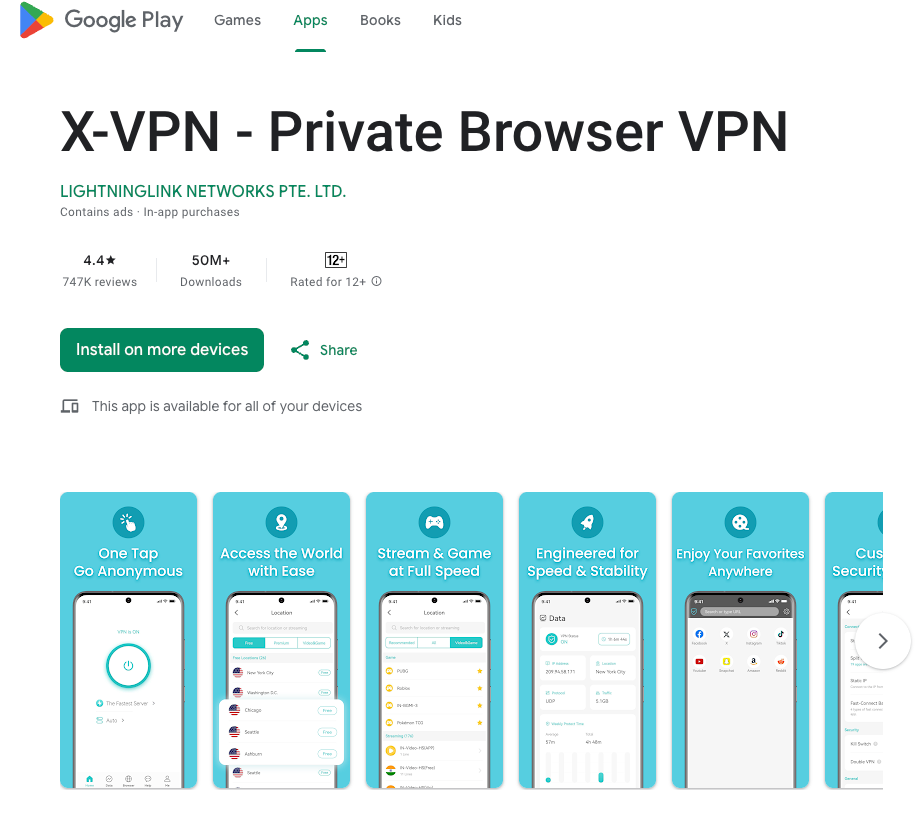
Android users have equally accessible options. Installing a VPN from the Google Play Store takes about thirty seconds. Most of these apps work with a single button—turn it on when you need protection, turn it off when you don’t. No configuration required, no technical knowledge necessary.
Real Scenarios Where This Matters
Think about what you actually do on your phone when you travel. Checking into flights means entering confirmation codes and personal details. Booking a last-minute hotel involves credit card information. Responding to work emails might include sensitive company data or client information. Every one of these activities becomes a potential vulnerability on an unsecured network.
And it’s not just about hackers. Some public networks actively monitor and log user activity. That data gets sold to advertisers, data brokers, or who knows who else. Even if no one’s actively trying to steal from you, your browsing habits and personal information are being collected and monetized without your knowledge.
Small Habits, Big Protection
Beyond using encryption, there are other simple steps that reduce your risk. Turn off auto-connect features so your phone doesn’t automatically join networks you’ve used before—or worse, similarly named fake ones. Avoid logging into banking or financial apps on public Wi-Fi unless you have protection enabled. Keep your software updated, since patches often fix security vulnerabilities.
Some people use their mobile data instead of Wi-Fi when they need to do something sensitive, which is generally safer but not always practical—especially when traveling internationally with expensive roaming charges. That’s exactly when a good privacy app earns its keep.
The Bottom Line
We’ve all gotten used to being connected everywhere we go. That’s not going to change—if anything, we’re more dependent on internet access than ever. But the assumption that public Wi-Fi is safe just because it’s convenient is dangerously outdated.
Taking a few minutes to set up basic protection before your next trip isn’t paranoid. It’s the same logic as locking your car or not leaving your wallet on a café table. The threats are real, but so are the solutions—and in 2026, they’re easier to use than ever before.
Next time you’re tempted to connect to that free airport Wi-Fi, take a beat. Make sure you’ve got the right tools running first. Your future self—the one who doesn’t have to deal with identity theft or compromised accounts—will thank you.