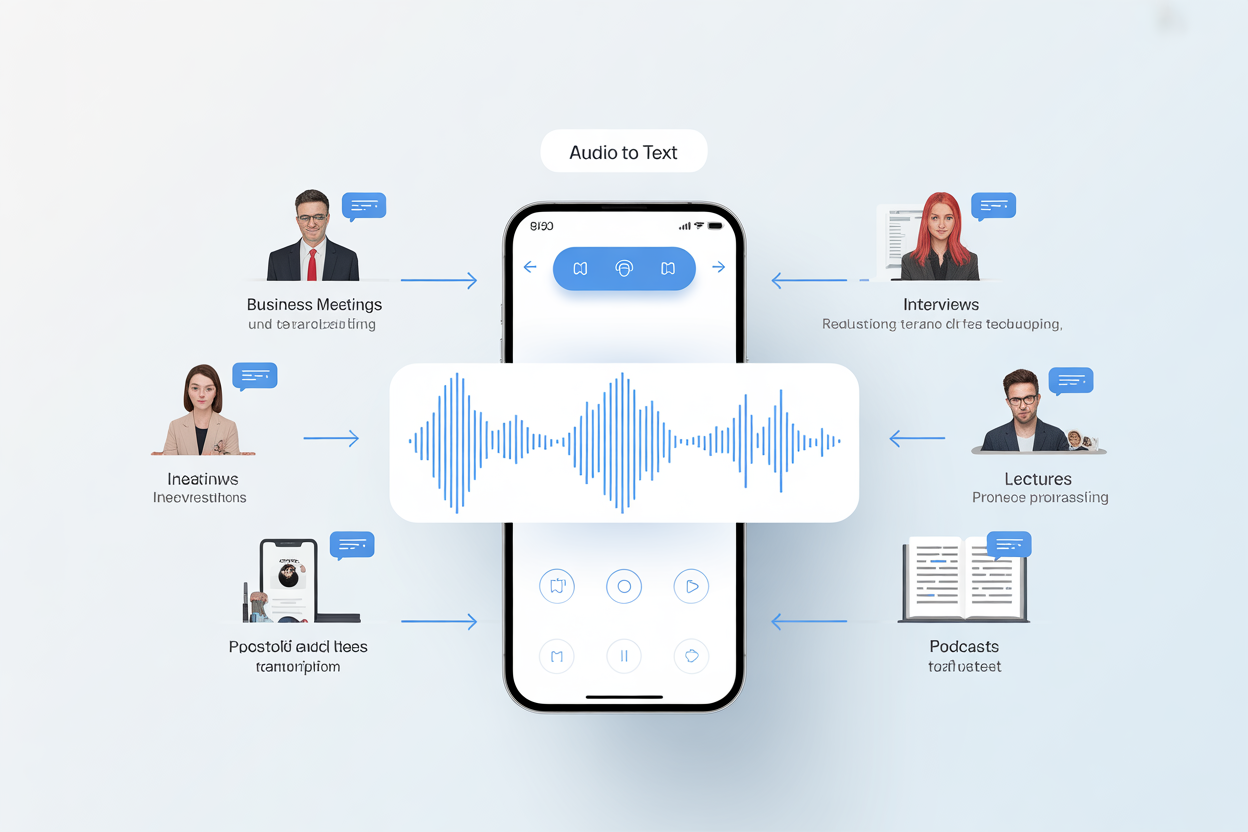
Every professional who works with audio knows the frustration of manual transcription. Hours spent rewinding, pausing, and typing out conversations that could have been automated. This guide walks you through using an audio to text converter effectively, from file preparation to polished final output.
Understanding Modern Audio Transcription Technology
How AI-Powered Transcription Actually Works
The technology behind modern transcription has evolved dramatically over the past few years. When you upload an audio file to an Audio to Text Converter, the system breaks down your recording into tiny segments, analyzes speech patterns through neural networks, and reconstructs the spoken words as written text. This process happens in seconds rather than the hours it would take a human transcriber to accomplish the same task.
What makes contemporary audio to text converter tools particularly powerful is their ability to learn from context. Unlike older speech recognition systems that processed words in isolation, current AI models understand relationships between phrases, recognize industry-specific terminology, and even adapt to unusual accents or speaking styles. The result is transcription accuracy that rivals professional human transcribers in many scenarios.
The Role of Speaker Identification in Complex Recordings
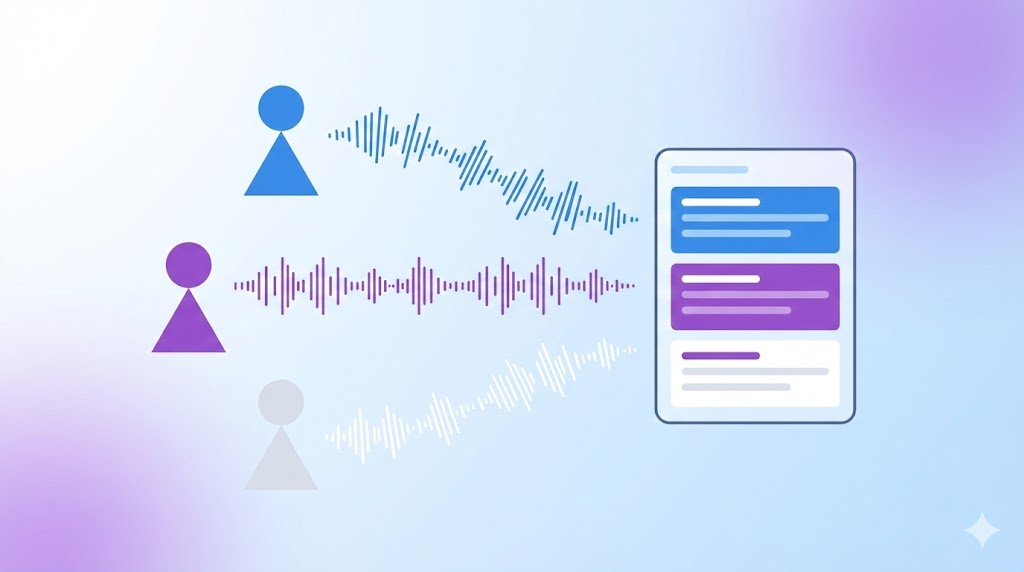
One challenge that anyone dealing with interviews, meetings, or panel discussions faces is distinguishing between multiple voices. Modern audio to text converter solutions address this through speaker diarization, a technical term for the automatic process of identifying who said what throughout a recording.
This capability proves invaluable when transcribing board meetings, podcast interviews, or focus group sessions. Rather than producing a wall of undifferentiated text, the system labels each speaker consistently throughout the document. Some professionals find this single feature alone justifies switching from manual transcription to automated tools.
Practical Workflow for Transcription Projects
Preparing Your Audio Files for Optimal Results
The quality of your transcription output depends significantly on your input audio. Before uploading files to any audio to text converter, consider the recording environment and technical specifications. Files with excessive background noise, overlapping conversations, or extremely low volume levels will challenge even the most sophisticated AI systems.
For best results, aim for recordings with clear speech, minimal echo, and consistent volume levels. When possible, use external microphones rather than built-in laptop or phone microphones. If you’re working with existing recordings that have quality issues, audio enhancement software can sometimes improve clarity before transcription.
Processing Different Content Types
Different types of audio content require different approaches when using an audio to text converter. A legal deposition demands word-for-word accuracy with timestamps for reference, while a brainstorming session might prioritize capturing key ideas over verbatim transcription.
Video content adds another dimension to transcription projects. Many professionals need not just text output but properly formatted subtitle files. The ability to export transcriptions as SRT or VTT files streamlines video production workflows, eliminating the tedious process of manually syncing captions with video timelines.
Managing Multilingual Transcription Needs
Global teams and international content creators frequently deal with audio in multiple languages. An audio to text converter that supports over 120 languages opens possibilities that were previously impractical without hiring specialized transcribers for each language.
The practical applications extend beyond simple transcription. Researchers analyzing interview data from international studies, businesses processing customer feedback from global markets, and content creators adapting material for different audiences all benefit from multilingual transcription capabilities.
Ensuring Quality and Accuracy in Your Transcriptions
Review Strategies for Professional Output
No automated transcription is perfect straight out of the system. Developing an efficient review workflow ensures your final documents meet professional standards. Start by playing back the audio alongside the generated text, marking sections that need correction rather than trying to fix everything in a single pass.
Pay particular attention to proper nouns, technical terminology, and numerical data. These elements are where even sophisticated audio to text converter tools most commonly make errors. Creating a custom dictionary of frequently used terms in your field can help improve accuracy over time if your chosen tool supports this feature.
Verifying AI-Generated Content
Speaking of verification, professionals increasingly need to confirm the authenticity of text-based content in their workflows. Whether you’re reviewing transcriptions, evaluating written submissions, or checking content before publication, understanding what was created by humans versus AI has become a practical necessity.
Tools like AI checker provide sentence-level analysis that highlights specific passages potentially generated by artificial intelligence. Rather than simply returning a percentage score, this approach lets you identify exactly which sections warrant closer examination. For professionals managing teams or reviewing submitted work, this granular insight proves more actionable than aggregate detection scores.
Building Efficient Post-Processing Workflows
Once your transcription is complete and reviewed, the work of transforming raw text into usable documents begins. This might involve adding formatting, organizing content under headings, or extracting key quotes and action items.
Consider what your final deliverable needs to look like before you start. Legal transcripts require specific formatting conventions. Academic researchers might need timestamps at regular intervals for citation purposes. Journalists often want to identify the most quotable moments from lengthy interviews. Thinking through these requirements in advance helps you structure your audio to text converter workflow efficiently.
Advanced Applications and Integration
Incorporating Transcription into Larger Workflows
Transcription rarely exists as an isolated task. For many professionals, it represents one step in a larger content production or documentation process. Understanding how your audio to text converter fits into your broader workflow reveals opportunities for efficiency gains.
Content repurposing offers one compelling example. A single recorded interview can generate a written article, social media quotes, podcast show notes, and video captions. Starting with accurate transcription makes all these derivative outputs possible without duplicating effort.
Handling Sensitive or Confidential Content
Professionals in healthcare, legal, financial, and human resources fields regularly work with audio containing sensitive information. When selecting and configuring an audio to text converter for such content, security considerations take priority alongside accuracy requirements.
Evaluate data handling practices carefully. Understand where files are processed, how long they’re retained, and what access controls exist. For particularly sensitive materials, on-premises or private cloud deployment options may be necessary, even if they require more technical setup than consumer-oriented cloud services.
Making the Transition from Manual to Automated Transcription
Calculating the Real Return on Investment
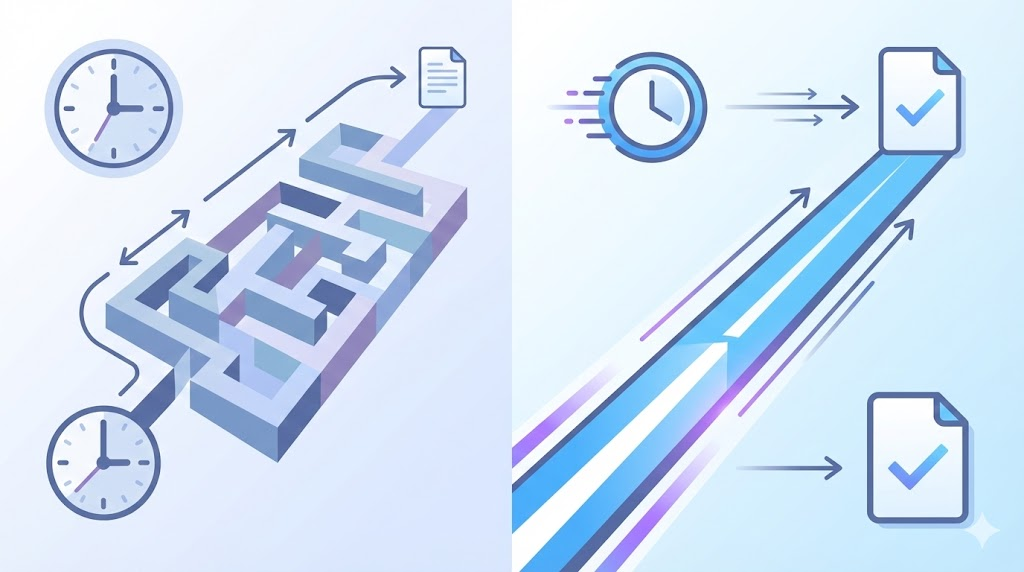
Professionals who have relied on manual transcription often hesitate before adopting automated tools, wondering whether the technology has matured enough to meet their needs. The calculation comes down to comparing time invested against output quality.
Consider tracking how long manual transcription currently takes for your typical recordings. Many professionals discover they spend four to six hours transcribing each hour of audio. Even with time allocated for reviewing and correcting automated transcriptions, the audio to text converter approach typically reduces total time investment by 70 to 80 percent.
Setting Realistic Expectations
Automated transcription is not magic. Understanding its limitations helps you deploy the technology effectively while avoiding frustration. Heavy accents, overlapping speakers, poor audio quality, and highly technical content all present challenges that require human review and correction.
The most successful implementations treat automated transcription as a powerful first draft rather than a finished product. This mindset lets you capture the efficiency benefits while maintaining quality standards appropriate to your professional context.
Starting with an audio to text converter today means reclaiming hours previously lost to manual transcription. Those hours can go toward analysis, creativity, and the higher-value work that actually moves your projects forward.