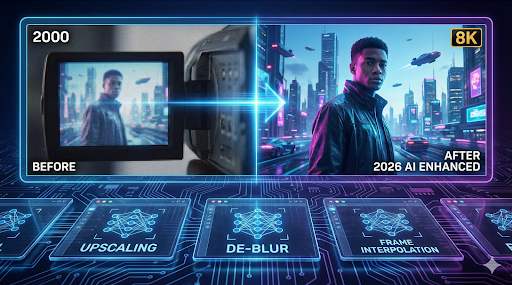
In 2026, the standard for video consumption has shifted dramatically. With 8K streaming becoming normalized and mobile displays boasting incredible pixel densities, low-resolution or blurry footage sticks out like a sore thumb. Whether it is shaky footage from a concert, a grainy clip from an old family camcorder, or a low-bitrate download from social media, “watchable” quality just doesn’t cut it anymore.
Recovering video is significantly harder than fixing photos. You aren’t just fixing one frame; you are fixing 24 to 60 frames per second, and you have to ensure they flow smoothly without the dreaded “flickering” effect. Fortunately, a modern AI video enhancer can now upscale resolution, stabilize shake, and hallucinate missing details using temporal data.
We tested the most popular tools on the market to see which ones actually deliver. Here are the 6 best AI video enhancers worth using in 2026.
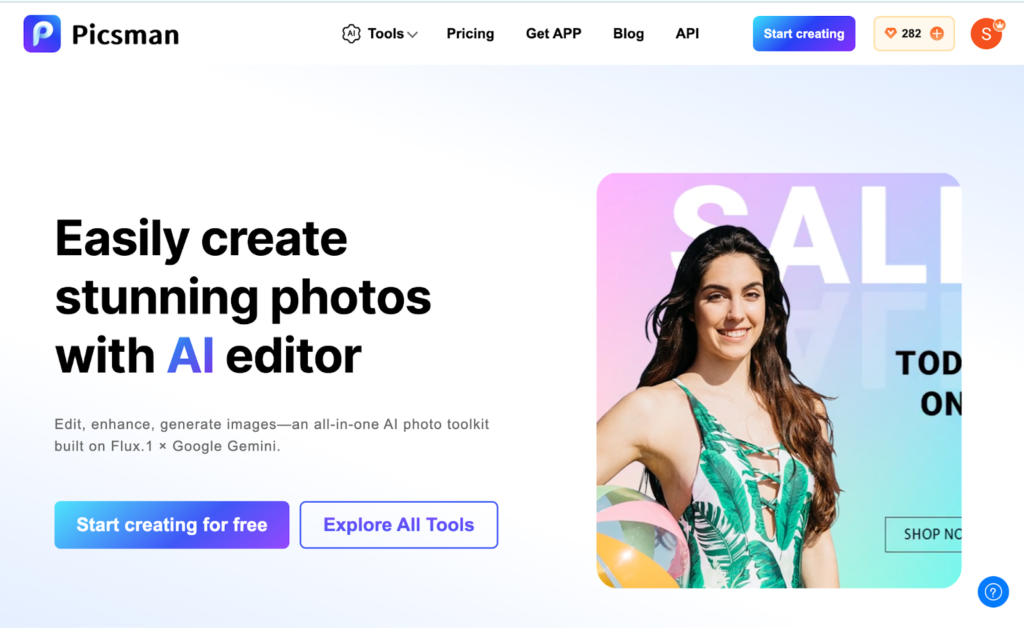
1. Picsman.ai (Best All-Rounder)
Picsman has emerged as a dominant force in the generative AI space because it strikes the perfect balance between professional-grade restoration and consumer accessibility. While many tools struggle with “temporal stability” (keeping the video consistent from frame to frame), Picsman’s algorithms excel at it.
It uses advanced deep learning to upscale 480p or 720p footage to crisp 4K. It doesn’t just sharpen edges; it reconstructs textures, making it ideal for restoring old memories or improving low-light clips taken on Android phones. Crucially, it is cross-platform, meaning you can process heavy video tasks via their web interface or app without needing a $3,000 gaming PC to do the rendering.
- Pros:
- Generative Upscaling: Realistically fills in details with flexible output options including 1x (Original), HD, 2K, and 4K resolutions.
- Motion De-blur: excellent at fixing shaky hands or fast-moving subjects.
- Cross-Platform: Works seamlessly on web and mobile (Android/iOS).
- Speed: fast cloud processing compared to local rendering.
- Cons:
- Free tier has duration limits for video export.
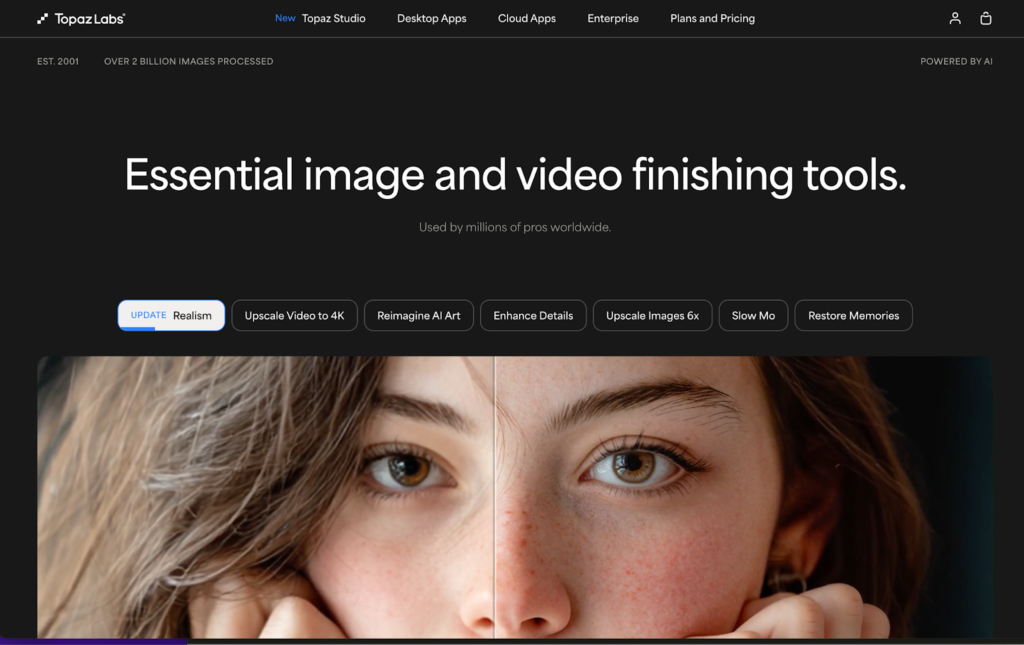
2. Topaz Labs (Video AI) (Best for Desktop Pros)
For years, Topaz Labs has been the industry standard for filmmakers, and in 2026, their Video AI 5.0 (and beyond) remains the heavyweight champion. Unlike cloud tools, Topaz runs locally on your computer. This gives you ultimate privacy and control, but it comes at a cost: hardware.
Topaz allows you to choose specific AI models (like Proteus or Iris) to target specific issues, such as de-interlacing old TV footage or fixing compression artifacts.
- Pros:
- Unmatched Quality: Offers the highest possible fidelity for archival restoration.
- Granular Control: You can tweak parameters for noise reduction and sharpening manually.
- No Internet Needed: Processes everything offline.
- Cons:
- Hardware Heavy: Requires a powerful GPU (NVIDIA RTX series recommended); will melt a standard laptop.
- Price: Expensive one-time license fee.
- Slow: Rendering a 10-minute 4K video can take hours.
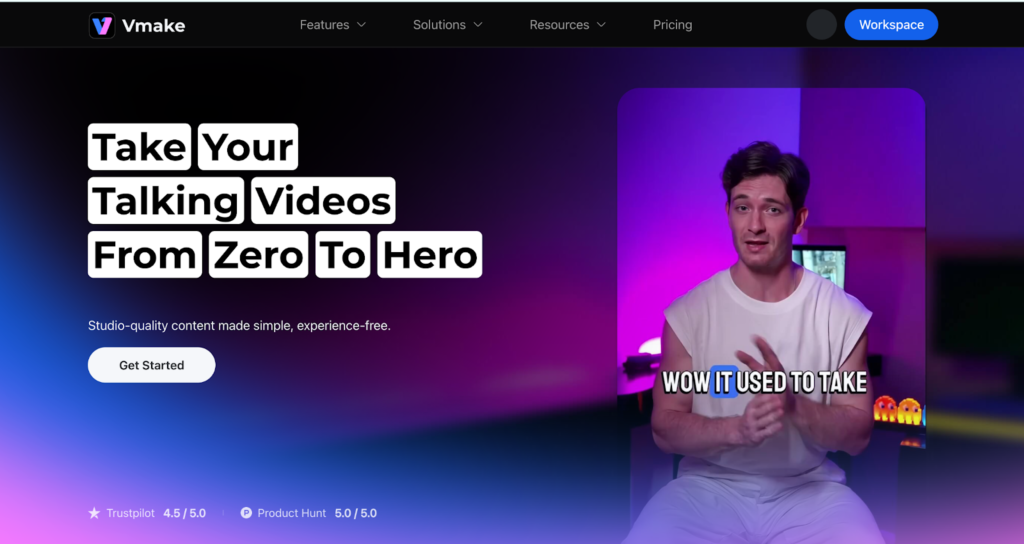
3. Vmake (Best for E-commerce)
Vmake isn’t trying to restore your grandmother’s wedding video; it wants to help you sell products. This AI tool is specialized for sellers on platforms like TikTok Shop, Amazon, and Instagram. Its video enhancement features are tuned towards brightness, clarity, and removing background noise to make products pop.
- Pros:
- Commercial Focus: optimized for product clarity and lighting.
- Background Tools: excellent at removing or changing video backgrounds automatically.
- Format Ready: Pre-sets for vertical (9:16) social media ratios.
- Cons:
- Niche: Not suitable for general cinematic restoration or facial detail recovery in long-distance shots.
- Artistic Limits: Lacks the “film look” preservation of other tools.
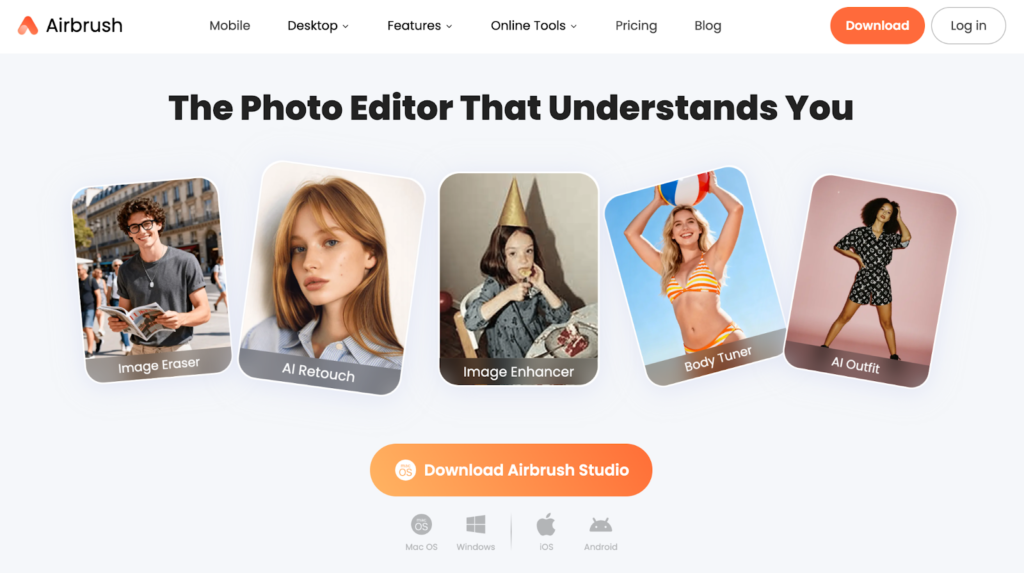
4. AirBrush (Best for Portrait Video)
AirBrush dominated the selfie game for years, and they have successfully transitioned into video. If your blurry video involves a person talking to the camera (vlogs, selfies, video calls), AirBrush is the tool to use.
Its enhancement logic prioritizes facial aesthetics. It can sharpen a soft-focus face while simultaneously smoothing out skin imperfections, ensuring the subject looks their best even in poor lighting.
- Pros:
- Portrait Perfection: Best-in-class tools for skin smoothing, teeth whitening, and eye brightening in video.
- Social Friendly: extremely easy interface for quick edits before posting.
- Cons:
- Background Neglect: often ignores the background details to focus on the face.
- Upscaling Limits: Not designed for turning 360p footage into 4K; it’s more of a “retouching” enhancer than a resolution upscaler.
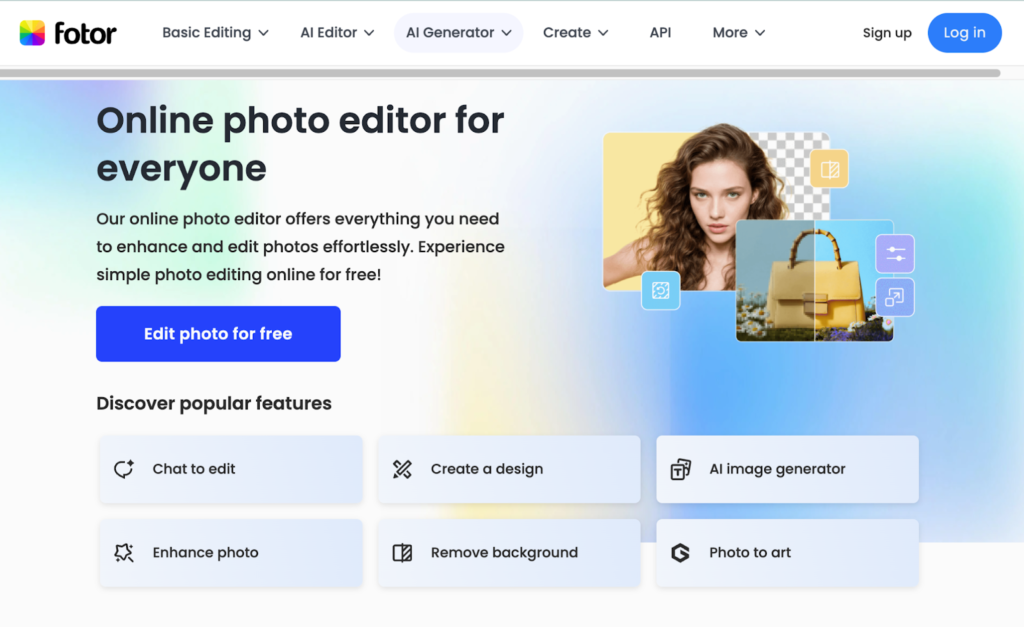
5. Fotor (Best for Beginners)
Fotor has expanded from a photo editor into a comprehensive online creative suite. Their online video enhancer is designed for the “One-Click” user. You upload a video, hit a button, and the AI does the rest. It’s perfect for casual users who don’t want to mess with settings like “bitrate” or “codecs.”
- Pros:
- Ease of Use: Zero learning curve; drag and drop simplicity.
- Web-Based: No software installation required.
- Suite Integration: Easy to add text or filters after enhancing.
- Cons:
- Limited Customization: You generally take what the AI gives you; hard to tweak specific parameters.
- Performance: Can struggle with very long or extremely damaged files compared to Picsman or Topaz.
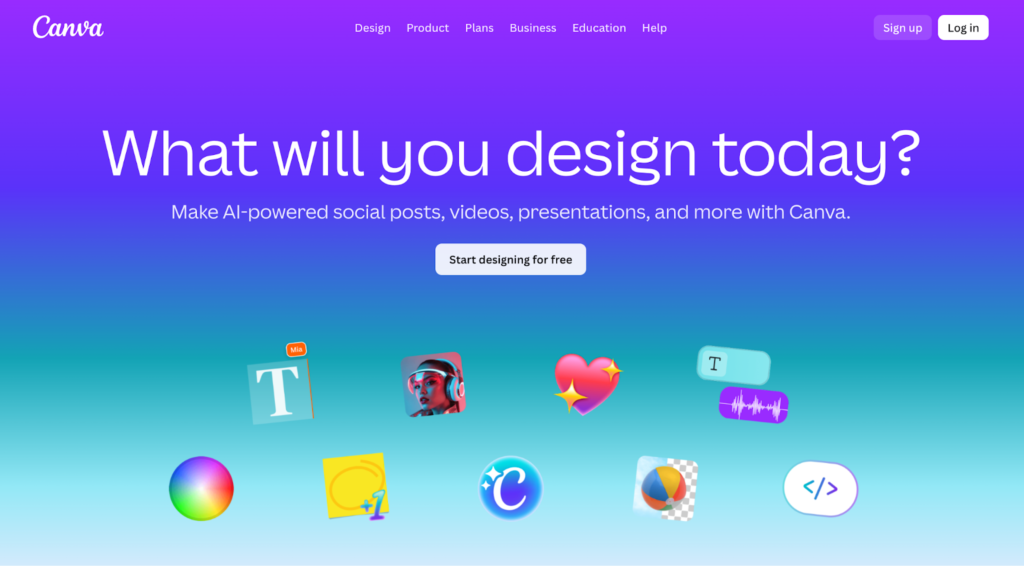
6. Canva (Best for Marketers)
Canva is likely a tool you already use. In 2026, their “Magic” suite includes video enhancement capabilities. While not as robust as dedicated restoration software, it is incredibly convenient for marketers assembling presentations or social posts. It can perform basic sharpening and brightness correction automatically.
- Pros:
- Workflow: Seamless integration if you are already building a slide deck or Reel in Canva.
- Asset Library: Access to millions of stock elements to overlay on your video.
- Cons:
- Basic AI: The enhancement is often essentially a smart filter rather than deep generative reconstruction.
- Artifacts: Can sometimes introduce digital noise when pushed too hard.
What Should You Choose?
The choice ultimately depends on your hardware and your goal.
If you are a Hollywood archivist with a $5,000 computer, Topaz Labs is your go-to. If you are an influencer needing to fix a dark selfie video, AirBrush wins. But for the vast majority of users who want to upscale old memories, fix shaky Android footage, or create crisp content without buying new hardware, Picsman offers the best balance of power, speed, and accessibility.
And remember, many of these platforms offer all-in-one solutions. If you finish fixing your clips and decide you also need to restore some still images from the same event, you can easily switch over to a Photo enhancer within the same ecosystem to complete your project.

