Introduction
Word processing, spreadsheet and presentation software are essential tools in the digital age, as computers are indispensable in nearly all the spheres of human life in the digital age. In education and business, in healthcare and communication, the application of computer systems has changed the way things are carried out. Application software is at the center of this transformation because it helps users to perform certain tasks like writing documents, analyzing data and coming up with presentations. Application software unlike system software which deals with computer hardware deals with assisting people in solving real life problems and performing daily chores.
Computer literacy knowledge also includes the knowledge of application software and their applications which is one of the most important things in computer literacy. These programs enable the user to carry out academic, business and personal assignments effectively. Examples of the most commonly used application software include Word processors, spread sheets as well as presentation software. In the contemporary organizations and learning institutions, these three tools are the keystones of productivity.
This paper provides the introduction of word processing, spreadsheet, and presentation software, their features, functions, and real-life application in academics and in professional life. It also brings out the importance of such applications in facilitating documentation, data analysis, and effective communications.
Application Software Understanding
Application software are programs written on computers that assist users in fulfilling certain tasks. Such assignments may include writing letters and handling finances as well as developing graphics and working with extensive volumes of data. Application software is people-focused that is, it is designed in a way that is responsive to the needs of people and organizations.
The application software includes:
- Word (word processing) Microsoft
- Excel (spreadsheets) by Microsoft
- Microsoft PowerPoint (presentations)
- Google Docs, Google sheets, and Google Slides
- LibreOffice Impress, Calc, and Writer
The reason why these tools are very popular is that they are simple to master, versatile and can be used in various fields. They enhance productivity through automation of tasks that would otherwise be time consuming in the event that one does them manually.
Word Processing Software
Meaning of Word Processing
Word Processing program is software that is applied to create, edit, format, store and print text based documents. It substitutes the old fashioned typewriters and hand written documents with one that enables the user to operate digitally with text.
Ordinary instances of word processing software are:
- Microsoft Word
- Google Docs
- LibreOffice Writer
- WPS Writer
- Apple Pages
Word processors are necessary both in school setting and career life since they facilitate record keeping and written communication.
Word Processing Software characteristics
Word processing program has a number of features that facilitate and fasten creation of documents:
- Text Editing: One can easily insert, delete, copy, cut and paste text.
- Formatting Tools: These are the font styles, font sizes, font colors, bold, italics, alignment, line spacing and margins.
- Spell Check and Grammatical Check: Spelling and grammatical mistakes are automatically checked by the software.
- Templates: Letters, reports, resume and memo templates.
- Images and Tables: Individuals are able to add images, graphs, and tables to documents.
- Saving and Printing: The documents could be stored to be used in future and printed when required.
- Collaboration Tools: A lot of current word processors support the use of many users simultaneously modifies a document.
Actual Applications of Word Processing Software
Academic Uses
Word processor software is one of the commonest applications in educational institutions. It is used by students and teachers to perform a number of academic duties including:
- Projects and assignments in writing.
- Writing research papers and essays.
- Production of lecture notes and handouts.
- Writing examination questions.
- Assessment of online coursework.
Word processors enable students to write better since they can use it to edit and check their writing.
Professional Uses
Word processing software aids in documentation and official interaction in a professional environment. It is used for:
- Writing business letters and emails
- Report and proposal preparation
- Preparation of cover letters and resumes
- Writing agreements and contracts
- Writing memorandum and minutes
Word processing software allows organizations to have proper and professional records.
Spreadsheet Software
Spreadsheet Software Meaning
Spreadsheet software is software that is used to compile process and work with numerical data in rows and columns. It is particularly applied in calculations, data analysis, and financial management.
Examples of spreadsheet software are:
- Microsoft Excel
- Google Sheets
- LibreOffice Calc
- Apple Numbers
With spreadsheets, one can save lots of data and do complicated calculations within a short period of time.
Spreadsheet Software Characteristics
The spreadsheet software has got strong capabilities that enable it to be used in activities related to data:
- Cells and Worksheets: Information is typed in columns and rows.
- Formulas and Functions: Users are able to make calculations like addition, subtraction, averages, and percentages among others.
- Charts and Graphs: Bar charts, pie charts, and line graphs can be used to represent the data in a visual form.
- Sorting and Filtering: Information may be sorted in alphabetical order or in numbers.
- Data Validation: Ensures accurate data entry.
- Automatic Calculations: As values are changed, the results are updated automatically.
- Data Storage and Retrieval: Big datasets can be stored using spreadsheets.
Real-life applications of Spreadsheet Software
Academic Uses
Spreadsheet software is used in schools and universities to:
- Documenting the scores and grades of students
- Analyzing research data
- Development of statistical reports
- Budgeting school expenses
- Carrying out mathematical calculations
Students in disciplines such as accounting, economics, mathematics and science are extremely dependent on spreadsheets.
Professional Uses
Spreadsheet software is used in the professional world to aid decision-making and analysis of data:
- Managing financial records
- Budget preparation, payroll preparation
- Monitoring sales and inventory
- Performance analysis of business
- Profits and losses prediction
Spreadsheets are important to businesses because it gives accurate calculations and valuable understanding of data.
Presentation Software
Presentation Software Meaning
Presentation software is a program that is employed to produce visual slideshows to pass information to an audience. It integrates text, images, charts, animations as well as audio to make presentations more exciting.
Common examples include:
- Microsoft PowerPoint
- Google Slides
- LibreOffice Impress
- Apple Keynote
In meetings, classrooms and conferences, use of presentation software is the key to effective communication.
Presentation Software characteristics
Presentation software provides some tools of making beautiful presentation:
- Slides: The data is presented on each slide.
- Text and Images: Users are able to add text, pictures, and shapes.
- Animations and Transitions: Presentation is dynamic with visual effects.
- Themes and Templates: Ready-made designs are time-saving.
- Charts and Diagrams: Helpful in the visual representation of data.
- Audio and Video: The multimedia contents enhance interaction.
- Slide Show Mode: Presents on a screen in front of audiences.
Implications of Presentation Software
Academic Uses
Presentation software is applied in education as:
- Lesson and lecture teaching
- The presentation of research projects
- Group presentations of students
- Seminar and workshop sessions
- Visualizing complicated ideas
Teachers utilize the slides as an interactive way of learning, whereas students utilize them as an effective way of communicating.
Professional Uses
In the work place, presentation software finds application in:
- Business meetings
- Marketing proposals
- Training sessions
- Product demonstrations
- Conferences and seminars
Presentation tools are used to present ideas in a clear and confident manner by professionals.
Significance of Word Processors, Spreadsheet and Presentation Software
These three categories of application software are very essential in the contemporary society. They help sustain the three primary information management functions:
- Documentation – By use of word processing.
- Data Analysis- via spreadsheets.
- Communication – By way of presentations.
Their importance includes:
- Improved Productivity: There is an increased speed and efficiency in tasks.
- Accuracy and Reliability: Errors and calculation errors are minimized by automatic calculations and error checking.
- Easy Storage and Retrieval: Data may be stored in electronic form and retrieved at any time.
- Professional Output: Presentations and documents appear well structured.
- Collaboration: Several users are able to collaborate on the same files.
- Skill Development: Users acquire digital and communication skills.
Differences among Word Processing, Spreadsheets and Presentation Software
Though all three are application software, they have varied applications:
| Software Type | Main Function | Example |
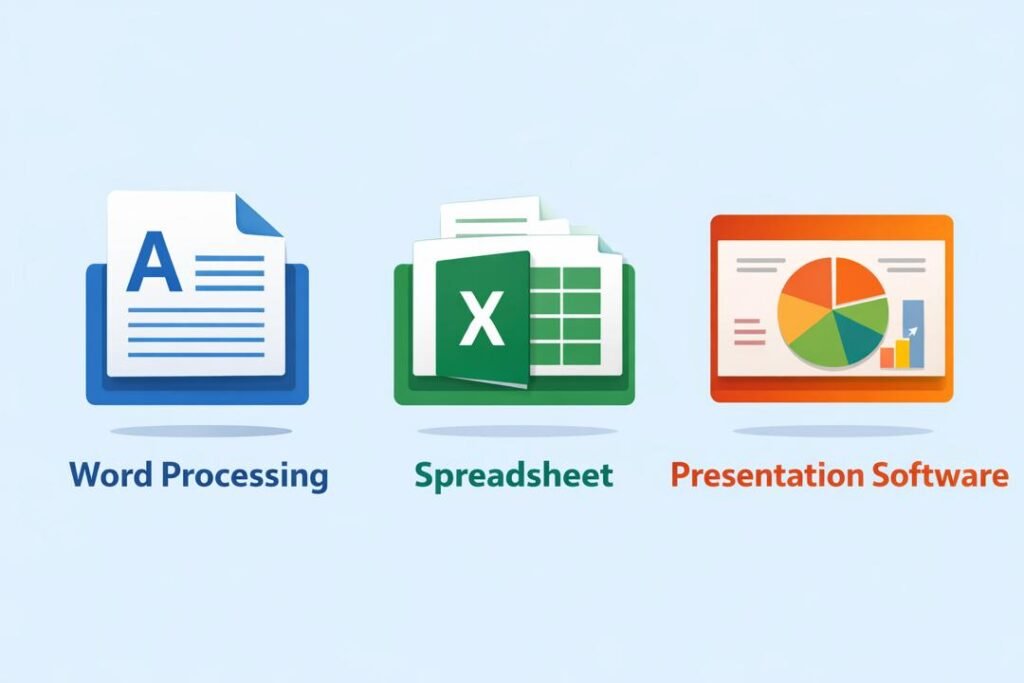
| Word Processing | Creating text documents | Microsoft Word |
| Spreadsheets | Computations and data analysis | Microsoft Excel |
| Microsoft PowerPoint | Presentation | Visual communication |
Every type of software is complementary to another, and they are frequently used in combination in academic and professional activities.
Difficulties in Applying Application Software
Although they have such strong points, users can have the following issues:
- Lack of Skills: Not all users are familiar with the use of the softwares.
- Technical Issues: Software malfunction or incompatibility.
- Cost of Software: There are applications that are paid.
- Data Loss: Loss of files without necessary backups may occur.
- Security Risks: The exposure of sensitive data might take place.
Nevertheless, the above issues can be dealt with by means of training, frequent backups, and using free alternatives such as Google workspace and LibreOffice.
The Application Software and the role it plays in the modern society.
Application software has turned out to be an essential aspect of life. These tools are used to aid operations and decision-making in schools, offices, hospitals, banks, and government institutions. They ensure efficiency and digital transformation in various fields.
Students with mastery in word processing software, spreadsheet software and presentation software are equipped with the necessary skills in higher education and workplaces. The employers also give preference to individuals who are computer savvy and able to utilize such tools without fear.
Conclusion
Finally, the word processing, spreadsheet, and presentation programs are some of the key elements of application software. They allow them to use their essential capacities connected with writing, data analysis, and communication. These are tools which are popular in schools and work settings since they enhance productivity, accuracy and teamwork.
Learning application software and how to use them practically can enable people to be more efficient and organized, as well as digitally competent. With the ever-changing technology, the significance of these applications is bound to rise, and they are therefore essential aids in the current digitized world.
With effective knowledge of word processing, spreadsheet, and presentation packages, one will be in a good position to excel academically, have excellent career growth, and be able to contribute positively in the information-driven world today.
Get more well researched information about computer software here.