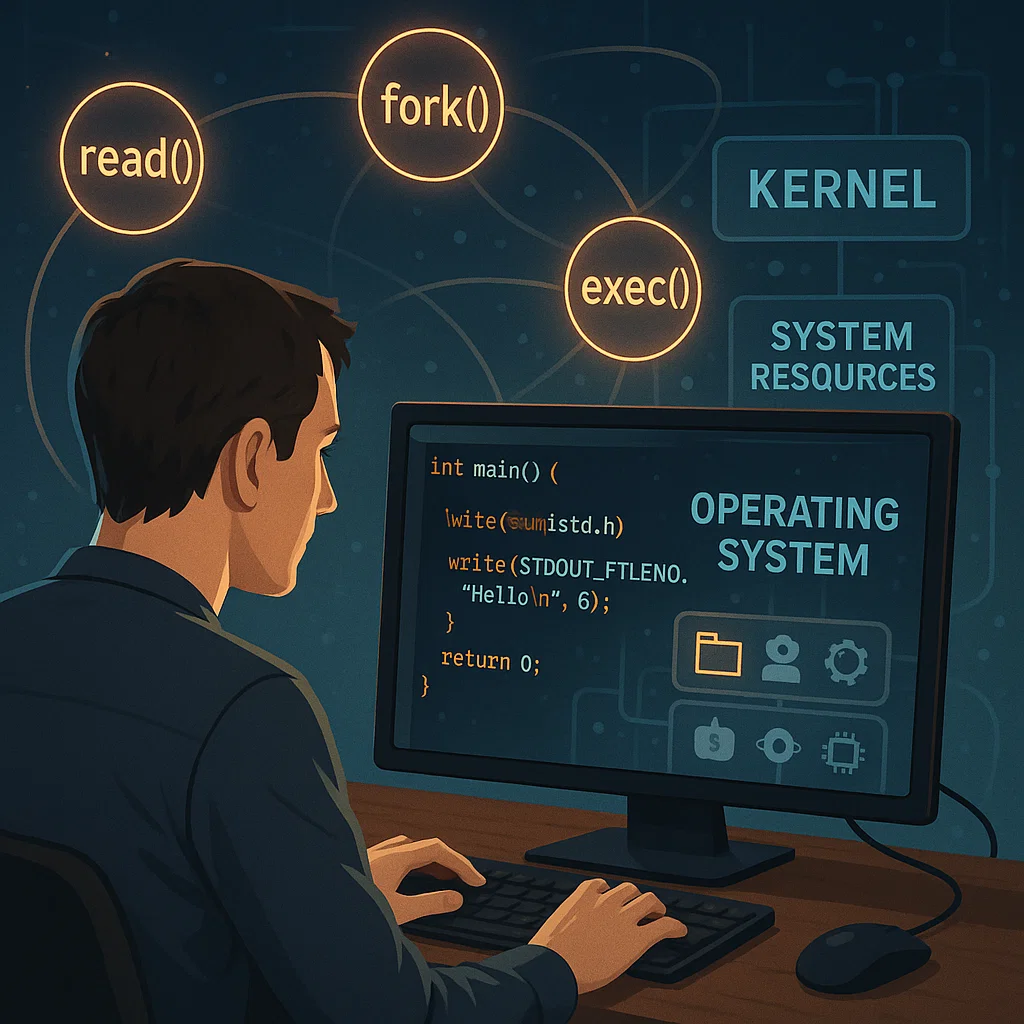
The Introduction to Unix on System Calls
System calls are the interface between the application software and hardware and operating system resources in any modern operating system. This is not any different in case of Unix-based systems. System calls offer a way in which programs can request services of the operating system otherwise unavailable to the application directly. This paper will define system calls in Unix and how the C programs interrelate to the operating system, as well as give some practical examples of typical system calls such as read, write, fork, and exec.
What Are System Calls?
The Unix kernel programming interface to their services is system calls. The kernel is the central component of the operating system, and it is in charge of handling hardware, processes, and memory. System calls are the system-call interface that enables user-space programs, such as C programs, to communicate with this kernel. Software applications could not access the resources required, such as file systems, network services, or even form new processes without system calls.
How Do System Calls Work?
On a system call made by a program, the program does not leave its execution state, which is at a higher privilege (kernel mode). A request is sent to the kernel by the program, and the latter processes it and sends the answer to the application. These are done by context-switching control, which switches the control of the CPU between the user-space (the application) and the kernel-space (the operating system).
Through this mechanism, programs are able to read or write to files, create processes, or run new programs—all of which need direct communication with the operating system.
Common Unix System Calls
We shall discuss several of the most frequent system calls of Unix, which are read, write, fork, and exec. These system calls are critical in dealing with files, processes, and execution of programs.
read() System Call
The read system call takes into consideration a set of data in a file descriptor into a buffer. It is also among the most basic system calls in case of input/output operations.
Syntax:
ssize_t read(int fd, void *buf, size_t count);
- fd: The file which is to be read (e.g., a file or standard input).
- buf: This is a pointer to the buffer where data is going to be stored.
- count: This is the amount of bytes to read.
Example:
#include <unistd.h>
#include <fcntl.h>
#include <stdio.h>
int main() {
char buffer[100];
int fd = open(“example.txt”, O_RDONLY);
if (fd == -1) {
perror(“Error opening file”);
return 1;
}
ssize_t bytesRead = read(fd, buffer, sizeof(buffer));
if (bytesRead == -1) {
perror(“Error reading file”);
return 1;
}
buffer[bytesRead] = 0; // Accentuate the end of the string.
printf(“Read %ld bytes: %s\n”, bytesRead, buffer);
close(fd);
return 0;
}
This example shows how to use read in retrieving information from a file using Unix.
write() System Call
The write system call is used to write data to a file descriptor. It is an important system call in which the output is operated.
Syntax:
ssize_t write(int fd, const void *buf, size_t count);
- fd: The file where the sample is to be written.
- buf: A pointer to the data which is to be written.
- count: This is the number of bytes to be written.
Example:
#include <unistd.h>
#include <fcntl.h>
#include <stdio.h>
int main() {
int fd = open(“output.txt”, O_WRONLY | O_CREAT | O_TRUNC, 0644);
if (fd == -1) {
perror(“Error opening file”);
return 1;
}
const char *message = “Hello, Unix system calls!”;
ssize_t bytesWritten = write(fd, message, strlen(message));
if (bytesWritten == -1) {
perror(“Error writing to file”);
return 1;
}
printf(“Wrote %ld bytes\n”, bytesWritten);
close(fd);
return 0;
}
In this case, we use the write system call to write data to a file.
fork() System Call
In Unix-based operating systems, a new process is created using the fork() system call. The child process is a new process that will be running in parallel with the parent process.
Syntax:
pid_t fork(void);
- Sends the parent process the process ID (PID) of the child process, and 0 to the child process.
Example:
#include <unistd.h>
#include <stdio.h>
int main() {
pid_t pid = fork();
if (pid < 0) {
perror(“Fork failed”);
return 1;
}
if (pid == 0) {
// Child process
printf(“This is the child process.\n”);
} else {
// Parent process
printf(“This is the parent process. Child PID: %d\n”, pid);
}
return 0;
}
In this case, a fork() is called, which spawns another process. The ID of the child process (PID) is sent to the parent process, and 0 is sent to the child process.
exec() System Call
The new program is executed in the current process with the help of the exec system call. It switches the process image with another, and is usually used following fork() to execute a different program in the child process.
Syntax:
int execvp(const char *file, char *const argv[]);
- file: The path of the executable file.
- argv: This is an array of the strings that are passed as arguments to the program.
Example:
#include <unistd.h>
#include <stdio.h>
int main() {
pid_t pid = fork();
if (pid == 0) {
// Child process
char *argv[] = {“/bin/ls”, “-l”, NULL};
execvp(argv[0], argv); // Runs the ls command.
perror(“execvp failed”);
return 1;
} else if (pid > 0) {
// Parent process
wait(NULL); // Wait until the child has completed.
printf(“Child process executed.\n”);
} else {
perror(“Fork failed”);
return 1;
}
return 0;
}
Here, the execvp() is used to replace the child process with the ls command.
Conclusion
The interaction between the user-space programs and the Unix kernel is based on system calls. C programs are able to do low-level tasks such as file input/output, process management, and program execution by making system calls such as read, write, fork, and exec. Anyone seeking to explore further the Unix systems and C programming must understand these system calls.
Knowledge of system calls will help developers to utilize the entire potential of the Unix operating system to develop high-performance, robust, and efficient applications.