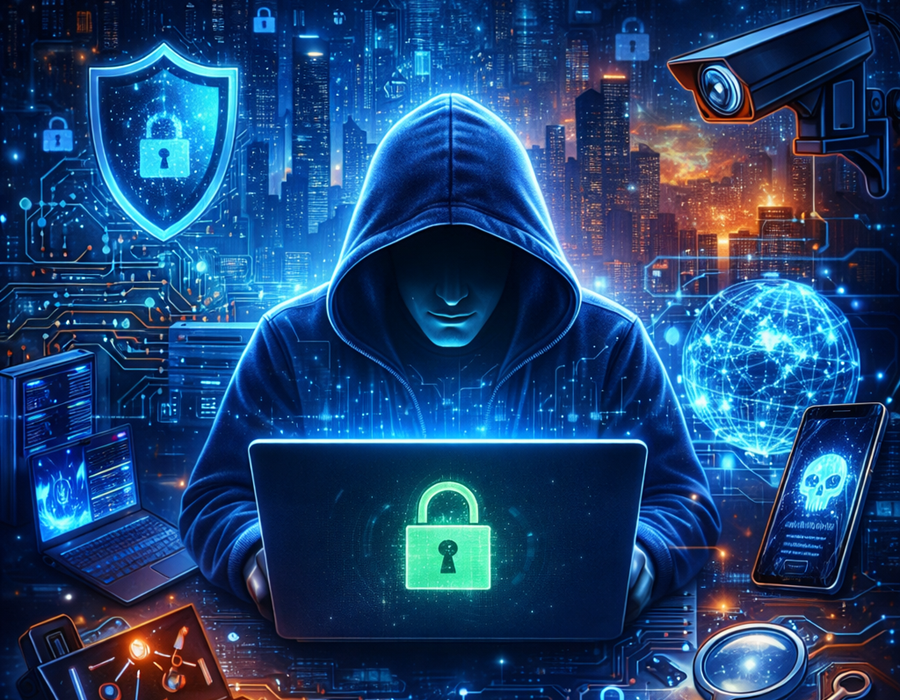
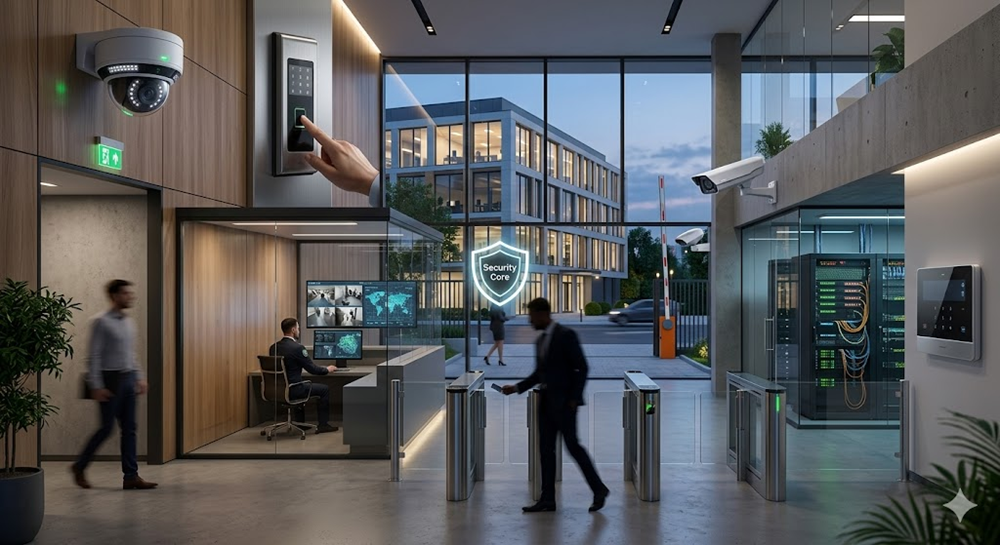
The world of the Internet has penetrated our individual and professional lives more than ever before in the hyperlinked world we are currently living in. Since social media communication to online banking and remote employment, we cannot deny that we are relying on digital technology. However, there is a flip side to this convenience, namely the increased responsibility of keeping our online identity, information, and gadgets safe against constantly-changing cybercrimes.
At this point, personal digital security is involved. It is the key to safe web practices and allows people to gain control over their privacy and data integrity in this information overload and 24/7 connected age.
However, this article will discuss the meaning of personal digital security, the significance of that security, and the ways it has influenced everyday life. We will also touch on viable tips – such as password management and device security, online privacy among others – that will enable people to make informed strides in the online environment.
What Is Personal Digital Security?
Personal digital security can be defined as the policies and actions that people engage in to ensure that their digital information, online identity, and electronic equipment are not stolen, lost, or abused by unauthorized persons. It is the individual version of cybersecurity—it is not about corporate networks or systems, rather about you, the user.
It is in easy terms, all about having a secure digital life. This involves safeguarding your personal data, making sure that your gadgets are safe, and controlling how you communicate on the internet to limit contact to these threat-related issues as hacking, frauds and identity theft.
Personal digital security encompasses a number of areas:
- Authentication and management of passwords.
- Software updates and protecting the device.
- Network security, such as secure use of Wi-Fi.
- Data control and privacy on the internet.
- Knowledge about scams and phishing.
- Data encryption and reserves.
All of these spheres are important to define your general security stance and how well you are secured against cyber threats.
The Importance of Personal Digital Security
The number of individuals who undervalue their digital footprint is high: people fail to realize that they are leaving a trail of information behind them as they use the internet. Online shopping and social media, as well as history browsing and GPS tracking, tell a lot about you.
Protecting Your Identity
One of the most prevalent cybercrimes across the globe has been identity theft. With stolen personal information (such as your name, address, or Social Security number), hackers will open credit accounts, perpetrate fraud or impersonate you over the Internet. Such breaches can be prevented by making your personal security stronger.
Protecting Financial Transactions
E-commerce and online banking, in particular, digital payments depend on the quality of your devices and passwords. One simple password or an unsecured Wi-Fi network can make your bank accounts or credit cards information vulnerable to online criminals.
Preserving Privacy
All apps and websites that you use gather information on you. In the absence of the right privacy settings, this information may be abused by advertisers, data brokers, or other bad actors. Secrecy will help make sure that you are not exploited by using your personal information.
Preventing Data Loss
Loss of access to digital files can be catastrophic; this can be because of ransomware, accidental deletion or hardware malfunction. The loss can be irreversible, which could be avoided by good security practices such as frequent backups and encryption.
Safeguarding Reputation
Your reputation on the web is now more important than ever. It can be inappropriate posts, information leakage, stolen photographs, and so forth, but digital negligence may negatively impact personal relationships and even career opportunities.
The Human Factor: Awareness, the First Line of Defense
The security cannot be assured by technology only. Even the most advanced antivirus programs or encryption software is not going to be useful without the users knowing how to properly use these. The cause of security breach is human error.
Even such basic errors as clicking on a phishing link, using the same password, or downloading an app that has not been verified before can be a gateway to an attacker. Awareness creation via education is, hence, the best method of enhancing individual digital security.
Knowing the mechanism of threats may enable people to know when a red flag is present. For instance:
- An authorized organization will never request you to share your password through e-mail.
- Web addresses containing minor misspellings (e.g. paypaI.com rather than paypal.com) are most probably fake.
- Attachments and links, which are not requested, should always be suspected.
Through digital literacy, the users will become participants in their own protection and not their target.
Good Passwords: The Layer of Defense
Your digital identity is regulated by passwords. Nevertheless, there are still millions of users using weak passwords that can be easily guessed like 123456 or password.
Creating Strong Passwords
A strong password should be:
- At least 12-16 characters long
- A combination of numbers, symbols, lowercase and uppercase.
- Unique for each account.
As an example: S!lv3r_Ra1n#2025 is much stronger than silverrain.
Using Password Managers
It is not always easy to maintain a number of strong passwords. It is here that password managers come in. These applications will store and auto-complete your information, and you can use complicated, individual passwords to each service without remembering them.
Bitwarden, 1Password, and LastPass are some of the popular password managers. A majority of them also automatically create passwords.
Two-Factor Authentication (2FA) Enabled
Two-factor authentication is an extra verification step to verify your identity, followed by either a text message code or app notification, or a biometric scan. 2FA will make hackers very difficult to access even in case of a hacking attack on your password.
Protecting Your Devices
Your digital world is accessed via your smartphone, laptop, and tablet. They should be secured as much as online accounts.
Keep Software Updated
Important security patches are frequently contained in the updates. When they are overlooked, devices are prone to exploits. Also ensure that whenever feasible, enable automatic updates on your operating system, applications and antivirus programs.
Apply Trustworthy Security Software
Antivirus and anti-malware software identify and eliminate malware programs. Select well-known programs and keep them current.
Encrypt Your Devices
Encryption ciphers your information into coded messages that can only be deciphered by use of a decryption key. A majority of contemporary smartphones and computers will have built-in encryption capabilities, including BitLocker in Windows or FileVault in macOS.
Enable Remote Lock and Wipe
Remote lock and wipe capabilities can ensure that your personal information is stored safely without being accessed by unauthorized personnel, should your computer be lost or stolen. Find My Device by Google and Find My iPhone by Apple provide this facility on Android and iOS respectively.
Use Screen Locks
A secure PIN, password or biometric lock (fingerprint or face ID) is guaranteed to give you exclusive access to your device. You should not use easy unlock pattern or codes such as 1111 or 1234.
Protecting Your Privacy on the Internet
Online privacy involves having control over the information that you post and to whom to share it. Each time you do something on the internet, whether it is your posts to social media sites or visiting sites, you are adding to your online presence.
Manage Privacy Settings
Periodically adjust privacy on social websites, applications and browsers. Minimize data sharing and turn off the superfluous rights, including location tracking or accessing the microphone.
Use Secure Connections
Look to make sure that the web address of the site ends in HTTPS (verify the padlock icon in the address bar of your browser). Never make financial deals on the open Wi-Fi networks unless you are using a Virtual Private Network (VPN).
Be Careful What You Share
Leaving too much personal information on the internet (like your marriage status, where you are going on vacation, etc.), can leave you vulnerable to identity theft or even burglary. Think before you post.
Use Privacy-Focused Tools
Use browsers such as Brave or Firefox, which prioritize privacy, and search engines such as DuckDuckGo which do not follow you around. Surveillance can be minimized by using ad blockers and tracker blockers.
Learning about the Common Digital Threats
In order to defend yourself successfully, you should be aware of threats that could occur to you.
Phishing Attacks
Phishing refers to deceiving users into disclosing personal information by impersonating trusted bodies. These frauds are usually in form of emails, texts or counterfeit websites.
Malware
Malware encompasses viruses, worms, trojans, ransomware and spyware. It is able to corrupt files, steal information or freeze your system until you pay ransom.
Social Engineering
The attackers manipulate the human psychology in order to retrieve information or unauthorized access. They include masquerading as an authority figure or creating emergencies.
Public Wi-Fi Risks
Information that is being shared using the unsecured open networks can be hacked. Always connect with a VPN or do not use any sensitive information when using a public Wi-Fi.
Data Breaches
In cases of data leaks of companies or services, your personal information is at risk. Check whether your email or passwords have been compromised and change them as soon as possible using such tools as Have I Been Pwned.
Backups: Your Insurance Policy to Data Safety
Even high security can not work. This is why they are important backups. They enable you to recover your files when there is a cyberattack, accidental loss, or hardware failure.
Best Practices for Backups:
- Use the 3-2-1 rule: store three copies of your data on two media, one of which is off-site (e.g., stored on a cloud storage).
- Use external hard disks and cloud storage such as Google drive, drop box or one drive.
- Manage your backups to be automated so that they are done on a regular basis without any human intervention.
Secure Browsing and Communication Practices
Confirm Links and Attachments
Before clicking a link one should hover over it to get to know where its destination is. Do not download attachments with which you do not have any knowledge or information.
Do Not Fall for Too Good to Be True Offers
With emotional appeals, scammers tend to create things using emotional triggers such as free prizes, employment prospects, or even emergency situations to cause people to act impulsively.
Different Emails, Different Purposes
Using different email addresses when communicating personally, shopping online, and working. This assists in exposure reduction in case one of the accounts is hacked.
Log Out and Clear Cookies
Always leave accounts, particularly when using a shared computer, and empty cookies to limit tracking of data.
Accessing a Personal Security Routine
Security is not a one-time thing, but a long-time habit. Similar to physical health, there is a need to take care of digital security.
Daily Habits:
- When they are not in use, lock your devices.
- Do not use suspicious links or attachments.
- Do not be too demonstrative about personal information on the internet.
Weekly Habits:
- Check app permissions
- Update your software
- Check your online accounts on whether they are being used oddly.
Monthly Habits:
- Change passwords in high-security accounts.
- Run antivirus scans
- Review your backup systems
Through routine creation, security becomes a habit, and you make both the risk and the mind secure and at ease.
The Future of Digital Individual Security
With the advancement in technology, cyber threats also improve. New technologies such as AI-generated phishing, deepfakes, and IoT threats will become even more important as far as personal online security is concerned. Nevertheless, with innovation, new defenses are introduced as well — passwordless authentication (such as biometrics), encrypted chat services and decentralized identity systems.
The compromise of convenience and security will eventually determine how people relate to technology in the future.
Summary: Your Digital Safety Is in Your Hands
Digital security has ceased to be a personal choice and it is a vital aspect of life. Your online presence is something that should be secured whether you are on the internet handling your money, chatting on a social media or storing memories in the cloud.
Learning about the fundamentals of a secure digital life, i.e. the use of a strong password, device protection, and privacy practices, will give you the foundation to live a safer, more confident digital life. Note: the first step to security is being aware of it, and sometimes the smallest efforts can produce the greatest impact.