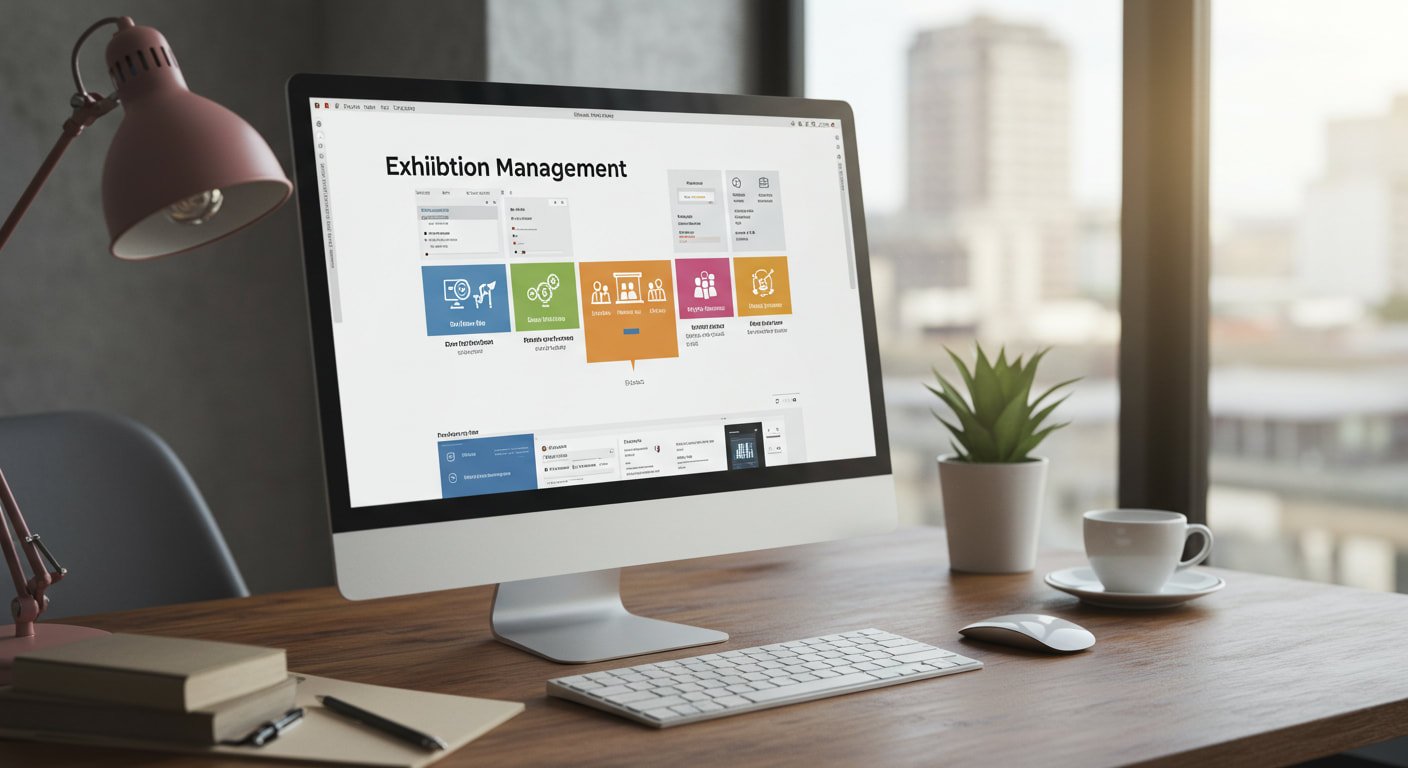
Managing an expo or exhibition can be an overwhelming task. Between vendor communication, booth assignments, attendee registration, logistics, floor planning, and marketing, there are dozens of moving parts that need to be flawlessly synchronized. For organizers juggling multiple responsibilities, the risk of miscommunication, missed deadlines, and manual errors increases exponentially.
That’s where exhibition management software becomes a game changer.
With the right tools, exhibition coordination transforms from chaos to control. From simplifying exhibitor onboarding to automating floor plans and tracking real-time metrics, exhibition management software helps streamline the entire event planning process—saving time, reducing stress, and improving the overall experience for everyone involved.
The Complexities of Managing an Exhibition
Organizing an exhibition involves much more than securing a venue and inviting participants. The responsibilities are diverse, including:
- Exhibitor onboarding: Collecting and organizing applications, payments, and materials from vendors.
- Booth assignment and layout: Designing floor plans and assigning spots strategically.
- Attendee registration: Handling pre-event signups, badges, and entry management.
- Communication: Coordinating with suppliers, venue managers, exhibitors, and attendees.
- Marketing and promotion: Driving traffic to the event through email campaigns, social media, and ad placements.
- On-site logistics: Managing check-ins, last-minute changes, and technical issues during the event.
- Post-event analysis: Gathering feedback, evaluating metrics, and planning follow-ups.
Trying to manage all of this through spreadsheets, emails, and manual tracking leaves too much room for error—and can make even seasoned professionals feel overwhelmed.
What Is Exhibition Management Software?
Exhibition management software is a digital platform designed specifically to handle every aspect of expo coordination. It centralizes tasks into a unified dashboard, automating processes and giving event managers full control over each step of the journey.
It integrates tools for:
- Event planning and scheduling
- Booth layout and assignments
- Exhibitor and attendee registration
- Payment processing
- Email communication
- Real-time reporting and analytics
The goal? To simplify your workflow and make your exhibitions more efficient, organized, and successful.
Key Features to Look For
Choosing the right exhibition management solution depends on your unique needs, but here are some common and powerful features that most top platforms offer:
1. Interactive Floor Planning
Drag-and-drop tools for floor layout make it easy to assign booths, manage spacing, and visualize the entire expo floor. Interactive maps can also be shared with attendees online, making navigation smoother during the event.
2. Online Registration and Badge Printing
Attendees and exhibitors can register online in minutes, with automatic confirmation emails, QR code generation, and options for badge printing either in advance or on-site.

3. Exhibitor Portal
Give exhibitors their own login to upload materials, manage payments, track communications, and view booth details. This reduces back-and-forth emails and ensures all data is centralized.
4. Automated Communication
Send mass emails, SMS alerts, or push notifications directly from the platform. Automation tools allow you to schedule reminders, confirmations, and announcements—keeping everyone informed and on the same page.
5. Invoicing and Payments
Streamline financial transactions with built-in payment processing. Organizers can send invoices, track balances, and manage refunds securely through the system.
6. Mobile App Integration
Having a mobile-friendly interface or a companion app enhances the attendee and exhibitor experience. They can check schedules, find booth locations, and receive live updates on their phones.
7. Real-Time Analytics and Reports
Track event performance with detailed reports on attendance, engagement, lead capture, and ROI. This data is critical for understanding what worked and where improvements are needed.
Benefits of Using Exhibition Management Software
Let’s break down the main benefits of transitioning from manual planning to an all-in-one digital platform:
✅ Increased Efficiency
Automating tasks like registration, communication, and scheduling frees up your time and reduces manual labor. You can focus on strategy rather than logistics.
✅ Improved Accuracy
Eliminate human error with standardized forms, automatic data entry, and system-generated invoices and badges.
✅ Centralized Information
Keep all exhibitor, attendee, and vendor data in one place. No more switching between spreadsheets and email threads to find important information.
✅ Enhanced User Experience
Exhibitors and attendees enjoy a smoother experience from start to finish—with fewer delays, clear communication, and streamlined access to the information they need.
✅ Scalability
As your event grows, your management software grows with it. Handle hundreds or thousands of participants without additional strain.
✅ Data-Driven Decision Making
Detailed reporting helps you understand event success and make smarter decisions for future exhibitions.
Who Should Use Exhibition Management Software?
Whether you’re organizing a trade show, consumer expo, art fair, or industry conference, exhibition management software is a valuable asset. It’s ideal for:
- Event management companies
- Exhibition organizers
- Corporate marketing teams
- Conference planners
- Venue operators
Even smaller expos with fewer resources can benefit from streamlining tasks through automation and reducing reliance on multiple platforms.
How to Choose the Right Software for Your Expo
Here are some tips when evaluating exhibition management platforms:
- Define your needs: What kind of events are you running? What features are non-negotiable?
- Request a demo: A live demo lets you experience the interface and ask questions.
- Check integration compatibility: Ensure the software integrates with your CRM, marketing tools, or payment processors.
- Read reviews and case studies: Learn from the experience of other event professionals.
- Evaluate pricing: Look at subscription models, per-event pricing, or custom packages to fit your budget.
If you want to learn about exhibition management software in-depth, explore platforms that offer flexible plans, exceptional customer support, and proven results in the industry.
Real-World Example: Transforming Event Planning
Imagine managing an annual trade show that brings together 500 vendors and 10,000 visitors. In the past, your team handled registration through email, mapped out floor plans in PowerPoint, and collected payments through manual invoices. The process took months, with frequent errors, last-minute issues, and frustrated exhibitors.
Now, with a robust exhibition management solution:
- Exhibitors self-register online, choose their booths, and make payments in minutes.
- Floor plans are automatically updated and accessible via mobile.
- Automated emails and reminders keep everyone informed.
- Real-time analytics track registrations, booth assignments, and foot traffic.
The result? Less stress, happier vendors, more engaged attendees—and a more professional, scalable event.
Final Thoughts
Exhibition management doesn’t have to be overwhelming. With the right software, every aspect of your event—from planning to execution to analysis—can be simplified, centralized, and streamlined. Whether you’re a seasoned event planner or organizing your first expo, adopting a digital solution saves time, improves accuracy, and enhances the experience for everyone involved.