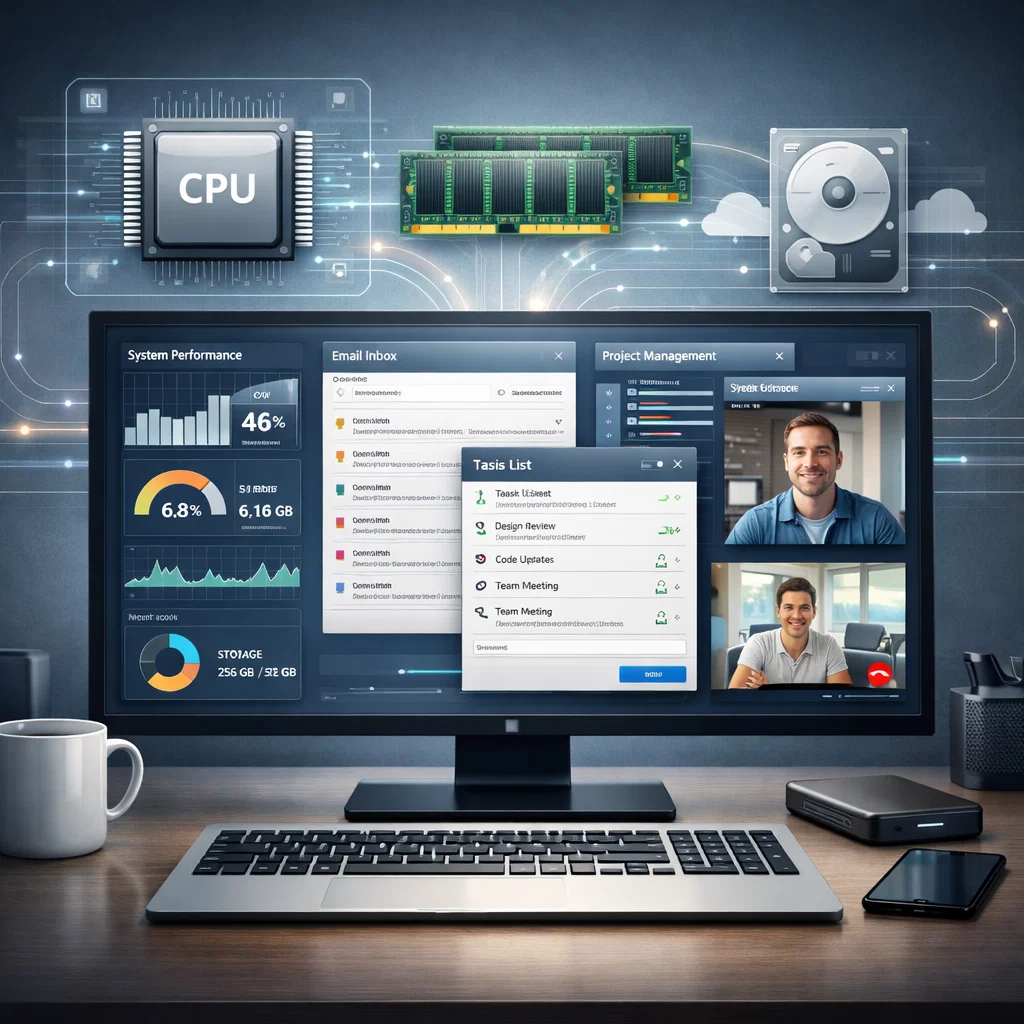
An operating system (OS) is a vital software, which controls hardware and software assets of a computer. The OS forms the fundamental part of the functionality of a computer in terms of efficient and smooth operation of the computer, whether through running applications or through interaction with the user. In this paper, the authors are going to examine the very important functions of operating systems in the functioning of computers, how they manage the hardware resources, run the applications, and provide user interfaces.
What is an Operating System?
An operating system is a specialized software which acts as an interface between the user and the computer hardware. It makes sure that every activity including software applications and the system resources management is carried out correctly. Computing devices such as desktops, laptops and mobile devices are supported by operating systems. They give the required background of which users can communicate with their gadgets, execute applications and handle data.
The Essential Operations of an Operating System
These are the main functions that are played by operating systems in enabling smooth computer operation. These include:
Resource Management
Hardware resource management is one of the main OS functions. This involves the administration of the CPU, memory and storage devices, input/output devices and other hardware.
The OS uses resources to make the computer effective and all the hardware parts compatible.
Running Applications
The OS manages the running of programs and makes sure that none of the applications corrupts another. This is the management of the memory allocation, CPU, and file systems.
The OS gives the platform upon which the applications can tap in system resources such as processing power, and storage space.
User Interface (UI)
An OS gives the user interface (UI) with the help of which the user can engage with the computer. This could be graphical user interface (GUI) or command-line interface (CLI).
The UI enables the user to carry out activities such as opening files, software installation and accessing system settings in a tidy and user-friendly manner.
Hardware Resource Management: How Operating Systems Work
The core of any computer is its hardware which consists of the central processing unit (CPU), memory (RAM), storage devices and peripheral devices such as printers and keyboards. It is the operating system that manages all these resources to have an efficient and smooth running of the system.
CPU Management
The computer brain is the CPU and the management of the CPU is a very important activity of an OS. The OS decides the way the CPU is utilized and the tasks (processes) that are to be executed and the duration of the execution. It also plans ahead to avoid scheduling conflicts and also to see that each program is allocated a reasonable portion of processing time.
Memory Management
Memory management will help in making sure the RAM of the computer is utilized in an efficient manner. The OS allocates memories to applications that are currently running, ensuring that they get sufficient memory to run without interruptions with other applications. The OS can swap data between RAM and storage (paging or swapping) to make space in memory (OS) should it be required.
Storage Management
The operating system undertakes the arrangement of information in storage devices like the hard drive or solid-state drive (SSD). This involves control of file systems, a proper method of storing files, and availing methods by which people and programs can access the files.
Input/Output (I/O) Management
I/O management is involved with every interaction with external devices such as keyboards, mice, printers, or displays. The OS is in charge of regulating the flow of data between the computer and the devices such that data input by a user is correctly handled and data output is shown as intended.
Running Applications
Applications are core in the running of an operating system. Software would not be able to work on a computer without the OS, which offers the required environment of running the application and communicating with the hardware.
Process Management
Every running activity or program on any computer is a process. These processes are handled by the operating system and scheduled to execute in the proper sequence and to handle them. It is certain that the multiple processes can be active at the same time (multiprocessing) or seems to be so (multitasking) without interference.
Launch and Execution of Application
Once a user initiates an application, the OS loads it into the memory and allocates the resources required to work. The interaction of the application and the hardware is also handled by the OS, so that the application accomplishes its duties such as reading the data stored or writing the data to the display.
Virtual Memory
The virtual memory works in a scenario where the physical memory (RAM) of the computer is inadequate. It is a method, in which a portion of the storage medium replicates more RAM, enabling more programs to be executed at once. The OS handles the virtual memory, whereby it switches data between the RAM and storage on demand.
Delivery of a User Interface (UI)
It is also an operating system which gives a user interface which enables the people to communicate with the computer in an easy way. The interface may be of two major types:
Graphical User Interface (UI)
The majority of contemporary operating systems, such as Windows, macOS, and Linux-based operating systems, employ a graphical user interface (GUI). A GUI is a visual display of visual objects such as icons, buttons, and menus, which the user can either click on or operate with the help of the mouse or with a touchpad. This allows users to easily navigate the system and get files, folders, and applications.
Command-Line Interface (CLI)
A command-line interface (CLI) can be used in some operating systems, particularly older systems or even specialized systems. Users are able to interact with the system in a CLI by entering particular commands in a text-based interface. Although the CLIs are more technical in nature, they provide powerful features to the advanced users.
Security and Protection
In addition to managing resources and running applications, operating systems are responsible for protecting both the user and the system. The OS enforces security policies, ensuring that users have the appropriate permissions to access certain files and data.
- User Authentication: Most operating systems require users to log in using credentials (e.g., a username and password) to ensure that only authorized individuals can access the system.
- File Permissions: The OS manages file access permissions, ensuring that only authorized users can read, write, or execute certain files.
- Malware Protection: Modern operating systems include built-in security features to detect and prevent malicious software (malware) from damaging the system.
- Firewall and Network Security: The OS also manages the computer’s firewall, which protects against unauthorized access over the internet or local networks.
Conclusion
Operating systems are the heart and soul of any computing device. They manage hardware resources, execute applications, provide user interfaces, and ensure security. Without operating systems, computers would be unmanageable and inefficient, making OSes an essential component of modern computing. By handling the complexity of hardware management and application execution, operating systems allow users to focus on what they need to do, making technology accessible and user-friendly.


