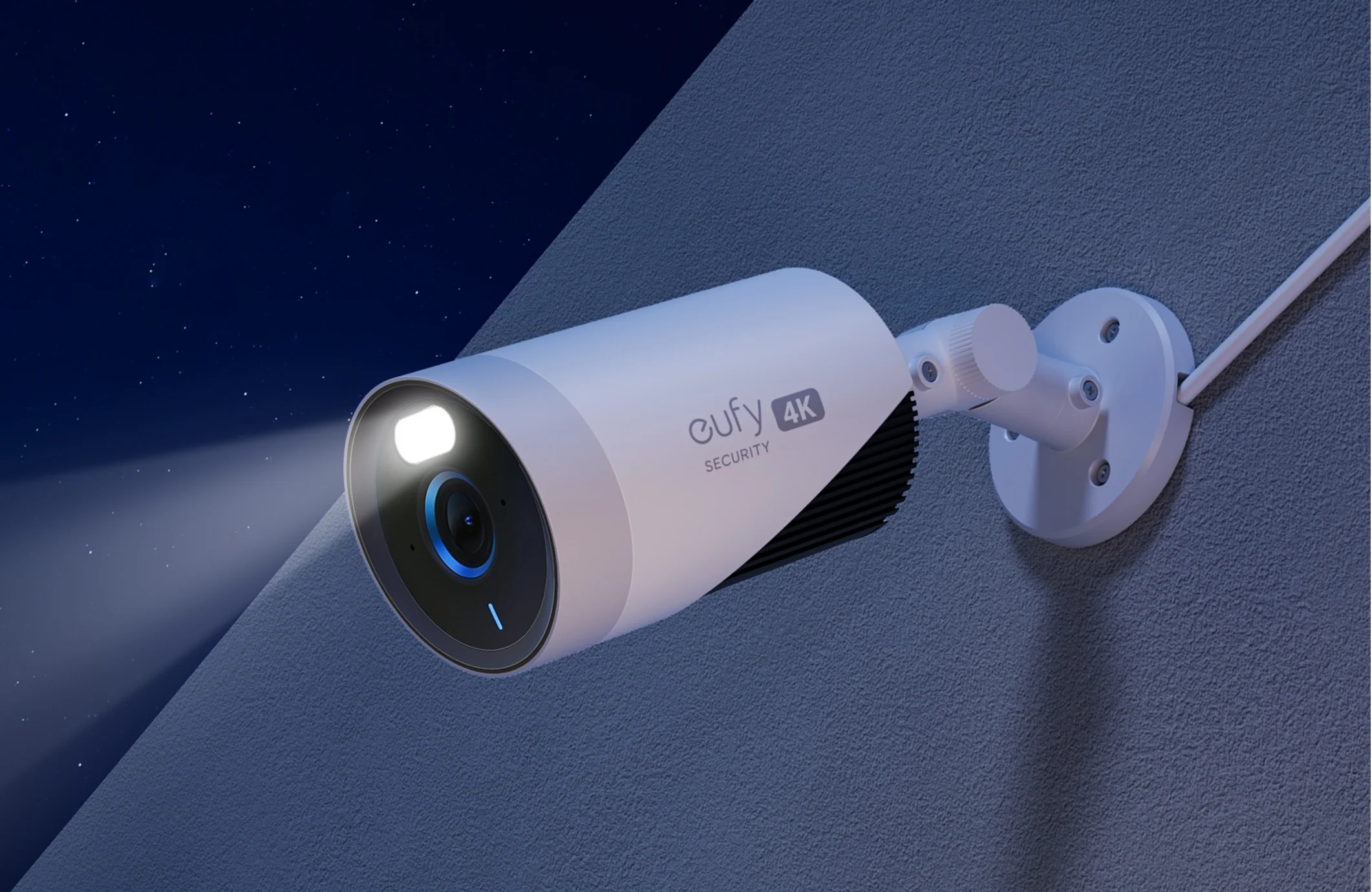
CCTV cameras are widely used to protect homes, offices, and public spaces. While their presence acts as a deterrent, sometimes it’s important to understand how to know if a CCTV camera is on. Knowing whether a camera is actively recording or merely installed for show helps monitor security systems, ensure privacy, and maintain workplace safety. This guide explains six simple and reliable methods to determine if a CCTV camera is functioning properly.
1. Check Indicator Lights
Many modern CCTV cameras feature LED indicator lights that signal power or recording status. These lights, often red, green, or blue, are typically located near the lens or camera housing.
- Red lights usually indicate the camera is recording.
- Green or blue lights often show the camera is powered but may not be recording.
Keep in mind that some cameras have programmable or hidden LEDs to make detection less obvious. Checking indicator lights is a good first step in confirming how to know if a CCTV camera is on.
2. Observe Camera Movement
Dome or PTZ (pan-tilt-zoom) cameras often move automatically to cover wide areas. Watching for slow rotation, tilting, or panning can indicate the camera is active.
Static cameras can still record, but movement is a strong visual cue that the device is powered. Observing camera motion is an important method for understanding how to know if a CCTV camera is on.
3. Monitor Connected Devices
Cameras connected to Wi-Fi or wired networks transmit video data to a server or app. You can check connected devices using network management tools or apps like Fing to see if the camera is transmitting data.
Look for device names like “IP camera” or “_cam.” An active connection often confirms the camera is operational, giving another indication of how to know if a CCTV camera is on.
4. Detect Infrared Lights
Cameras with night vision emit infrared (IR) light to capture footage in low-light conditions. While invisible to the naked eye, smartphone front cameras can detect IR light.
- Turn off lights in a dark room.
- Point your smartphone camera at the CCTV device.
- A faint glow indicates night vision is on, suggesting the camera is recording.
This is a practical method for checking how to know if a CCTV camera is on in low-light scenarios.
5. Listen for Operational Sounds
Some cameras make subtle sounds when operating, particularly those with motors for tilting, panning, or zooming. In quiet environments, listen for whirring, clicking, or faint electrical noises near the camera.
Though not all cameras produce sound, this technique provides additional confirmation of active recording and helps answer how to know if a CCTV camera is on.
6. Review Recording Storage
If you have authorized access to the CCTV system, checking the recording device or cloud storage can reveal recent footage. Most systems log activity timestamps, showing clearly if the camera is recording. Even local memory cards can provide evidence of operational status.
Reviewing storage and logs is a reliable method to ensure you fully understand how to know if a CCTV camera is on.
Additional Tips
- Use Camera Detection Apps: Some mobile apps detect CCTV devices by identifying reflective lenses or network signals.
- Check for Tampering: Active cameras are difficult to interfere with; any signs of tampering may indicate the camera is off or malfunctioning.
- Combine Methods: No single method guarantees certainty; combining visual, network, and IR checks ensures accuracy.
Privacy Considerations
Knowing how to know if a CCTV camera is on is especially important in offices, shared accommodations, or public spaces where privacy matters. Always respect local laws and avoid tampering with others’ systems, as this can be illegal.
Conclusion
Understanding how to know if a CCTV camera is on allows you to make informed decisions regarding security and privacy. By checking indicator lights, observing movement, monitoring connected devices, detecting infrared lights, listening for operational sounds, and reviewing recording storage, you can confidently determine if a camera is actively recording.
For more in-depth advice on CCTV systems, monitoring, and security tips, visit this guide.