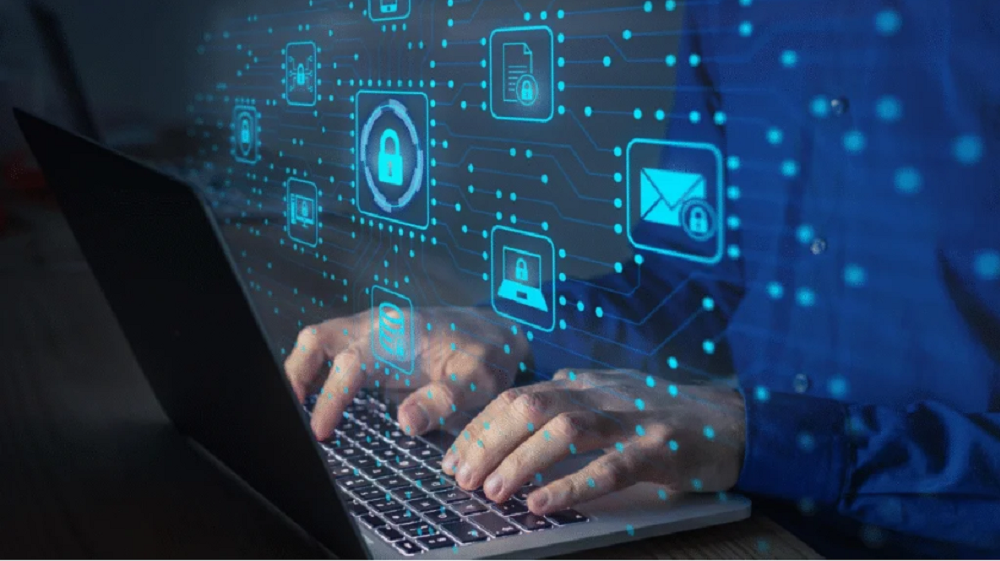
Working from home and hybrid workplaces are now a normal part of life. While these models offer flexibility, they also bring new risks. Cyber threats are more common than ever, and remote staff can unknowingly put company data at risk. Protecting information is no longer optional; it’s a responsibility every business must take seriously. In this article, we will look at the dangers remote and hybrid workers face, the common mistakes companies make, and the best steps to keep employees and data safe.
Why Cybersecurity Is Critical for Remote and Hybrid Workforces
Remote work has grown quickly over the last few years. Employees often use personal devices, home Wi-Fi, and cloud platforms to stay connected. While this allows work to continue from anywhere, it also creates more weak spots for hackers.
Cybercriminals know that remote teams may not have the same security as office networks. They often target:
- Weak home internet connections
- Shared or outdated devices
- Poor password practices
- Phishing emails and fake links
- Insecure cloud apps
If attackers get access, the results can be serious. They may steal customer records, demand ransom, or shut down systems. Even one small mistake by an employee can cause major damage.
Common Cyber Threats for Remote and Hybrid Teams
To protect staff, companies must first understand the most common threats:
1. Phishing Attacks
Hackers send fake emails or texts to trick employees into clicking harmful links or sharing login details. Remote staff may be more likely to fall for these since they rely heavily on digital communication.
2. Weak Passwords
Many employees still use simple passwords like “123456” or reuse the same one for many accounts. If one account is hacked, others are at risk.
3. Unprotected Wi-Fi
Home and public Wi-Fi networks often lack strong security. Hackers can spy on activity or steal data sent over these networks.
4. Ransomware
This type of malware locks files and demands payment to restore access. Remote workers may not have proper backups, making them easy targets.
5. Insider Risks
Sometimes, the danger comes from within. Employees might mishandle data, install unsafe software, or unintentionally share sensitive files.
Best Practices to Keep Remote and Hybrid Teams Safe
Companies can reduce risks with a strong cybersecurity plan. Here are key steps every business should consider:
1. Train Employees Regularly
Human error is one of the biggest threats. Regular training helps workers spot phishing emails, avoid unsafe links, and follow security rules. Short, clear sessions are more effective than long technical ones.
2. Use Multi-Factor Authentication (MFA)
Passwords alone are not enough. MFA adds another step like a code sent to a phone making it harder for hackers to get in.
3. Secure Devices with Updates and Antivirus
Laptops, tablets, and phones should always have updated software and antivirus tools. Outdated systems are easier for hackers to attack.
4. Protect Wi-Fi Connections
Employees should use strong Wi-Fi passwords and, when possible, connect through a Virtual Private Network (VPN). A VPN hides internet traffic from hackers.
5. Manage Access Controls
Not every employee needs access to all files. Limit permissions so staff only see the data needed for their role. This reduces damage if one account is hacked.
6. Regular Backups
Back up files on secure cloud storage or external drives. If ransomware strikes, backups help restore operations without paying attackers.
7. Monitor and Detect Threats
Companies should use monitoring systems to detect suspicious activity early. The faster a threat is caught, the less harm it can do.
The Role of Cloud Security in Remote Work
Cloud services make remote work possible, but they must be secured properly. Businesses should:
- Choose trusted cloud providers with strong security policies
- Use encryption to protect files in storage and during transfer
- Review permissions often and remove access when staff leave
- Monitor cloud activity for unusual behavior
Cloud security is a shared responsibility. The provider secures the platform, but the company must manage how employees use it.
Cybersecurity Policies That Work
Written policies help employees understand what is expected. A good policy should cover:
- Rules for passwords and MFA
- Approved apps and devices for work
- Steps for reporting suspicious emails
- Guidelines for using personal devices
- Backup and data recovery plans
Clear instructions reduce confusion and keep everyone on the same page.
Consilien IT Company: Trusted Partner for Cybersecurity
Consilien IT Company has years of experience helping businesses protect their data and systems. The company provides practical solutions that meet the needs of modern remote and hybrid workplaces.
Services include:
- Cybersecurity risk assessments
- Cloud security solutions
- Employee training programs
- Threat monitoring and response
- Secure backup and recovery
With Consilien IT Company, organizations can build a stronger defense against cyber threats while keeping remote work simple and productive.
Conclusion
Remote and hybrid work have changed how businesses operate, but they also bring new risks. Companies must take action to secure devices, networks, and data. Training staff, using multi-factor authentication, protecting Wi-Fi, and keeping strong backups are some of the most effective ways to prevent attacks. If your business wants professional support, Consilien IT Company can help create a reliable cybersecurity plan for your remote and hybrid teams. Visit our site today to learn more and start protecting your workforce.