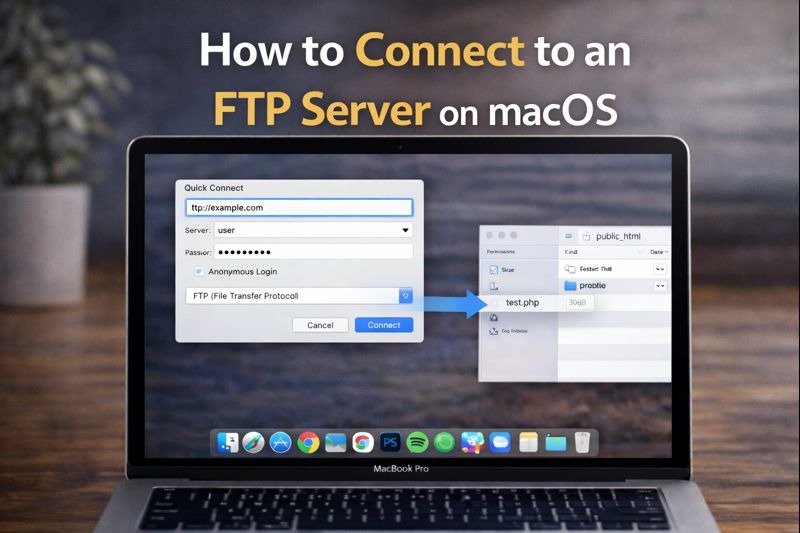
FTP access is still useful for many Mac users, especially for website hosting, remote backups, or managing server files. While FTP is an older protocol, it is still widely used.
The main issue is that macOS does not fully support FTP the way it used to, so choosing the right method matters.
Can You Use FTP on macOS Today?
Yes, FTP can still be used on macOS, but the tools available are more limited than before.
Apple has reduced direct FTP support in modern systems, and browsers no longer handle FTP links reliably.
Built-In macOS Support (What Works and What Doesn’t)
macOS includes basic FTP connection support through Finder, but only for simple access.
You can usually view files, but full management features are missing.
Finder vs Browser Access
Most browsers no longer allow FTP connections.
That is why Finder or a dedicated client is now the standard approach for ftp for mac users.
Connect to an FTP Server Using Finder
Finder still provides a simple way to connect to a remote server.
Using “Connect to Server” in Finder
To connect through Finder:
- Open Finder
- Click the Go menu
- Choose Connect to Server
- Enter your server address like this: ftp://yourserver
- Press Connect
- Log in with your username and password
This gives you basic access to server folders.
Limitations of Finder’s FTP Support
Finder FTP access comes with restrictions, such as:
- No smooth file uploads
- Limited editing support
- No secure protocol handling like SFTP
- Not ideal for regular server work
For most users, Finder alone is not enough.
Access FTP in Finder With CloudMounter
If you want FTP to work like a real drive, third-party tools provide a better workflow.
Why Finder Needs a Third-Party Tool
Finder can connect to FTP servers, but it cannot properly manage them like modern file storage.
That is why tools like CloudMounter exist.
Connect FTP as a Finder Drive
CloudMounter allows you to mount your server connection so it appears directly in Finder.
Instead of opening a transfer client, the FTP server becomes part of your sidebar.
Browse and Manage Files Like Local Storage
Once mounted, you can easily:
- Drag files to upload
- Download folders normally
- Rename and organize files
- Work with the server like local storage
This is one of the easiest solutions for ftp for mac workflows.
Other Ways to Access FTP on a Mac
Different methods work better depending on what you need.
FTP Clients vs Finder-Based Access
FTP clients such as Cyberduck or FileZilla focus on transfer sessions.
Finder-based mounting tools focus on direct browsing.
A simple comparison:
- Finder mounting is best for daily access
- FTP clients are best for manual control
When a Browser Is Still Useful
Browsers are no longer reliable for FTP file access.
They are only useful for web hosting dashboards, not FTP transfers.
What Else You Can Do With CloudMounter
CloudMounter is more than an FTP connection tool.
Connect SFTP and FTPS Servers
For better security, many users prefer:
- SFTP
- FTPS
CloudMounter supports these secure protocols.
Mount Cloud Storage Alongside FTP
You can also mount other storage accounts in the same Finder space, such as cloud drives.
This helps when working across multiple platforms.
Manage Multiple Connections at Once
If you manage several servers or accounts, CloudMounter allows you to keep them accessible without reconnecting each time.
Frequently Asked Questions
Is FTP secure on Mac?
No. Standard FTP is not encrypted. For secure transfers, always use SFTP or FTPS.
Why doesn’t FTP open in my browser?
Because most modern browsers removed FTP support completely.
What’s the best way to use FTP in Finder?
The most practical option is:
- Use Finder for basic access
- Use a mounting tool like CloudMounter for full drive-style management
Final Thoughts
FTP is still possible on macOS, but Finder alone provides only limited support. For smoother file management and better workflow, using a dedicated mounting tool makes a major difference.
If you regularly work with ftp for mac tasks, mounting FTP servers as Finder drives is often the easiest and most efficient method.