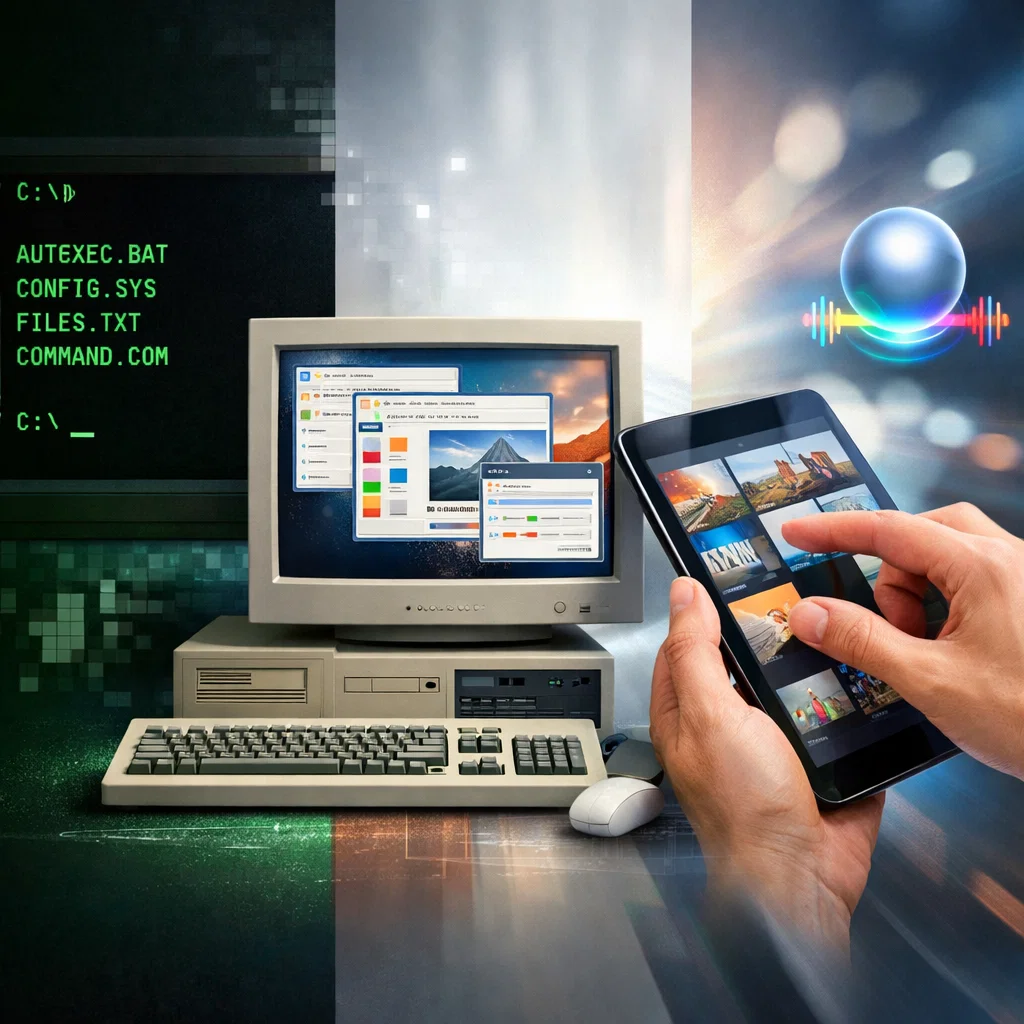
Since the very beginning of computers, Human-Computer Interaction has experienced a metamorphosis. Since the primitive command-line interfaces up to the modern touchscreen and voice-assistant interfaces, the development of HCI can be traced both in terms of technological progress and human demands, usability and accessibility requirements. Historical overview of HCI is critical towards ensuring designs, developers, and researchers develop interfaces that are effective and user-friendly. The paper follows the history of HCI, discussing major milestones and their contribution to the current interface design.
Early Command-Line Interfaces: The Dawning of Human-Computer Interaction
The first computers were highly complicated machines that could not be operated by anyone without special knowledge. During the 1950s and 1960s human-computer interaction was mostly restricted to command-line interfaces (CLIs). The interface included the users inputting textual commands into the computer using terminals and the machine then handled them one after another.
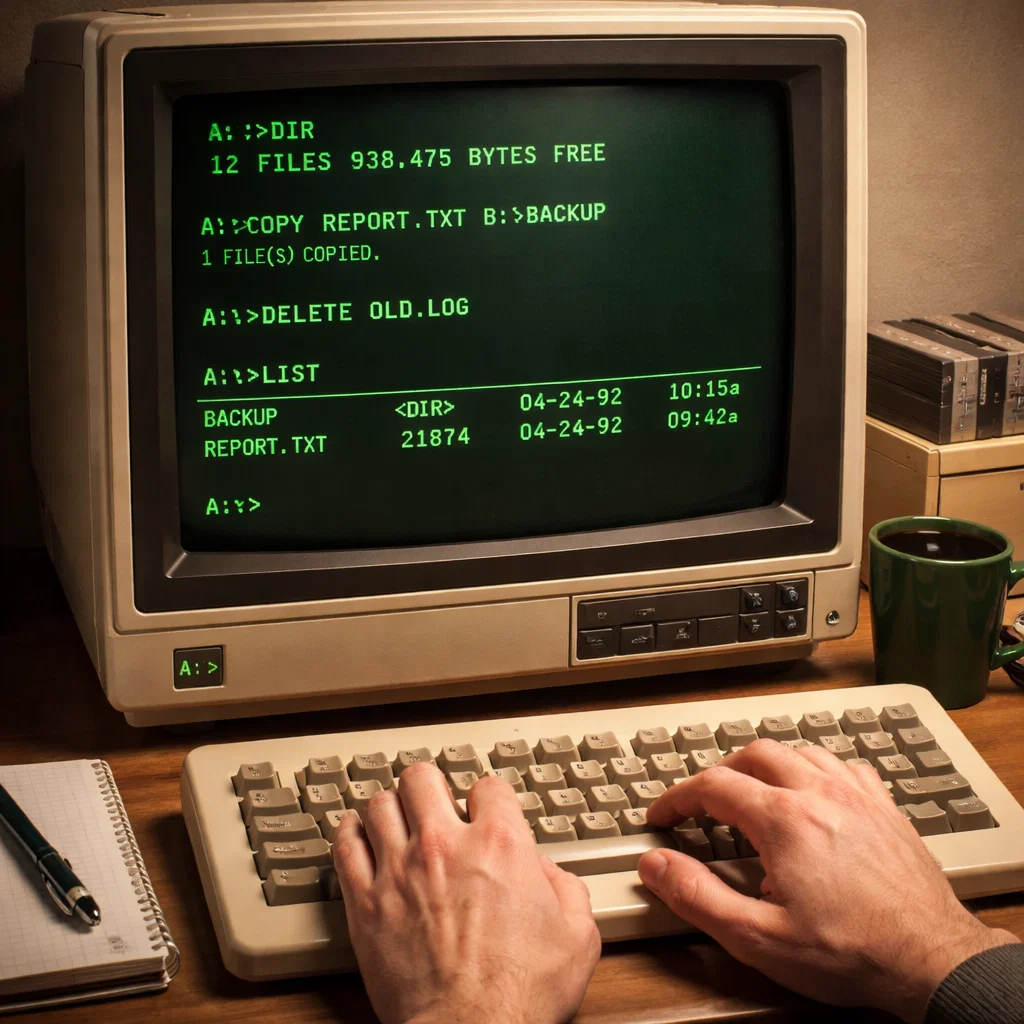
Command-Line Interface Characteristics
CLIs were very effective to those who were already advanced in the use of a system as the controls were very accurate in regard to system activities. Such command functions as COPY, DELETE or LIST enabled programmers and system administrators to do it directly. Nevertheless, with this efficiency there was a loss of accessibility:
- High learning curve: This required the users to memorize commands and syntax.
- Low tolerance to errors: Typed commands might crash programs or result in loss of data.
- Low discoverability: New users could not use available functions without any documentation.
Regardless of such difficulties, command-line interfaces provided the basis of human-computer interaction by providing a clear line through which human beings could send instructions to the machines.
The Initial Inventions in CLI Usability
Despite the limitations of text-based interaction, the pioneers aimed at making it usable. To provide an example, the UNIX shell was the creation of the early 1970s and offered scripting and the history of commands to enable users to automate repetitive tasks. These inventions foreshadowed an understanding that HCI was to support human cognition, and not machine reasoning.
The Invention of Graphical User Interfaces (GUIs)
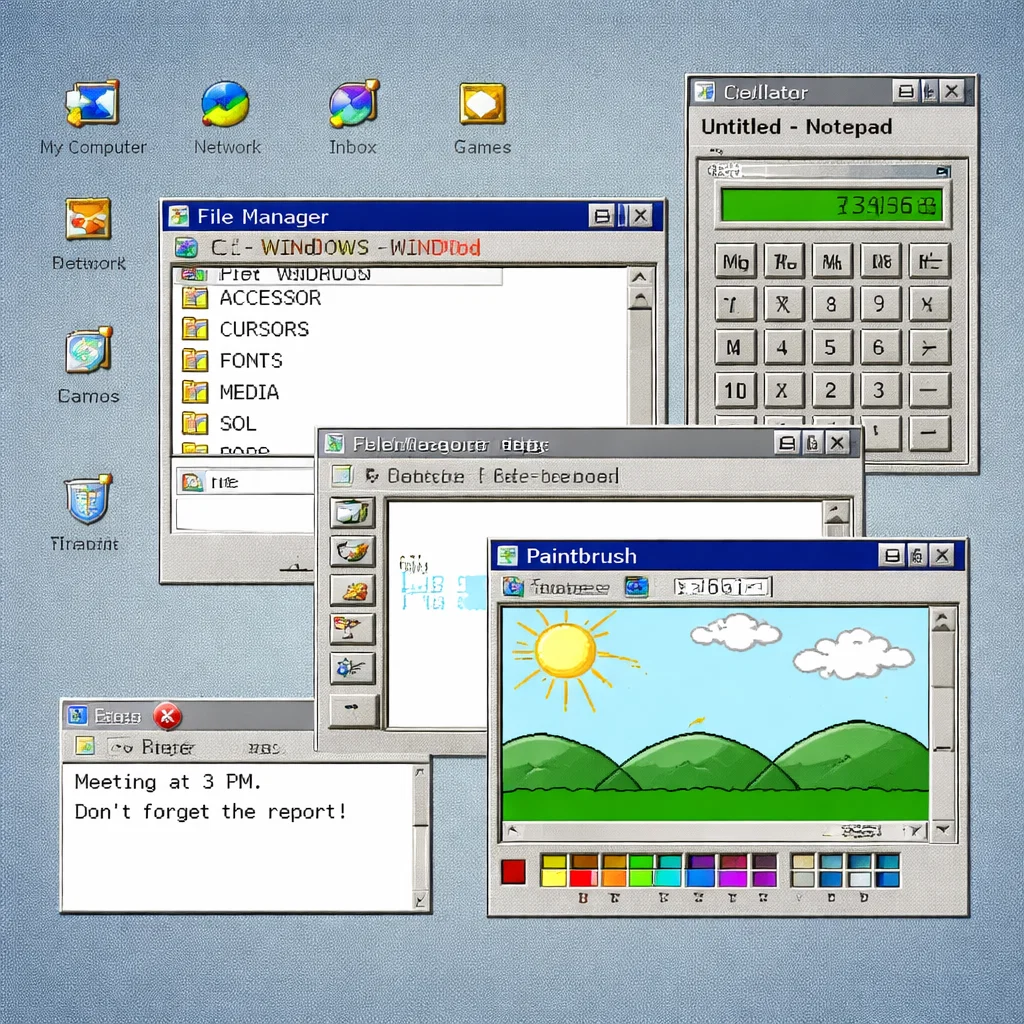
The shift towards the graphical user interface as opposed to command-line interface was a paradigm shift in HCI. GUIs were created to enable human perception to match machine operations, with visual metaphors, icon-based and interactive designs creating an intuitive interface between the computer and its users.
Xerox PARC and the Revolution of GUI
Xerox Palo Alto Research Center (PARC) played a significant role in the development of the demonstration of GUI in the 1970s. Some of the revolutionary thoughts that were put forward by the researchers were:
- Windows: It means that you can open more than just one task at the same time.
- Icons: Visual depiction of programs and files.
- Menus: A structured access to commands.
- Pointers: The mouse was used to manipulate objects on the screen directly.
The innovations that were created at Xerox PARC had a direct impact on subsequent consumer products, such as Apple Lisa and Macintosh computers that popularised GUI in the 1980s.
Implications of Usability and Accessibility
Computers were now available to a wider audience through the use of graphical interfaces, and did not require technical literacy. Key benefits included:
- Visual feedback: Real-time on-screen feedback assisted users to interpret system behavior.
- Reduced error: GUIs ensured that users could interact with elements visually which reduced the chances of syntax errors.
- Affordances: Buttons, sliders and other such features used common analogies in the real world, making it easy to understand.
Early GUIs were also problematic, however. Screen resolution and memory were limited and interface complexity was limited by the poor layout designs that could still confuse the user.
The Emergence of WIMP Interfaces: Windows, Icons, Menus, Pointer
The GUI design converged by the 1980s and 1990s to what is now called WIMP interfaces, due to their four fundamental elements; Windows, Icons, Menus, and Pointers. WIMP systems emerged as the new paradigm of desktop computing, shaping the decades-long software design.
WIMP Systems Important Innovations
- Drag and drop: Ease of use and file management.
- Contextual menus: It contains the relevant options depending on user choice that can enhance efficiency.
- Consistency: Interface elements were standardized and reduced the cognitive load, as well as enhanced predictability.
Such innovations were an indication of increasing knowledge of human factors engineering that focuses on the design of systems based on human abilities and weaknesses.
Challenges and Limitations
WIMP interfaces were still limited by hardware and input devices despite their popular use. Users had to have accurate control of the mouse and GUIs were mainly static with minimal dynamic and context-aware interactions. Such restrictions precondition the following development in HCI which is natural user interfaces.
Ultimate Natural User Interfaces: Touch, Gesture, Beyond
The 2000s have brought a new HCI, which is natural user interfaces (NUIs). NUIs are meant to make technology usage more humanly possible through the utilization of the human ability, touch, gesture and speech.
Touch Interfaces
The introduction of the iPhone in 2007 transformed the way people interacted with each other by introducing the use of capacitive touchscreen. Touch interfaces enabled users to interact with the content by touching it with fingers, bringing in gestures such as:
- Pinch-to-zoom
- Swipe
- Tap and hold
Touch interfaces were an immediate source of physical feedback as well as reduced the learning curve of a beginner user, therefore making digital devices easier than ever before.
Gesture Recognition
Computer vision technology has led to gesture-based interaction, such as the Microsoft Kinect. The movement of the body could be used to control applications, which meant the possibilities of using it in gaming, education and in accessibility systems to enable physically challenged people.
Voice and Conversational Interfaces
Voice-driven systems are the future of natural interaction. Artificial intelligence systems such as Siri, Alexa, and Google Assistant allow users to do complex tasks by speaking with their commands. Key benefits include:
- Hands-free functionality: Multi-tasking and accessibility.
- Contextual knowledge: The current AI systems read between the lines, not the literal ones.
- Personalization: Systems respond to the user preferences and usage trends.
Voice interfaces represent a wider change in direction of conversational computing where communication emulates natural human conversation as opposed to the strict commands.
The Modern HCI of Accessibility and Inclusive Design
Accessibility has also been the focus of change as HCI has been changing. Early computing had been very inaccessible to individuals with disabilities, however contemporary interfaces are more accommodating of the principles of inclusive design.
Key Accessibility Features
- Screen readers and magnifiers: Support the visually impaired users.
- Voice recognition and dictation: Voice activation and dictation are features that allow those users to use the device without mobility difficulties.
- Haptic feedback: Gives non-visual feedback in the form of vibrations.
- Adaptable UI elements: Resizable font size, contrast and layout enhance the usability of the different users.
These characteristics demonstrate one of the main assumptions of the modern HCI: interfaces must be available to all users, not only to the users with technical skills.
Important HCI Technological Inflection Points
Some of the technological advances that influenced the course of HCI are:
- Microprocessors and personal computing (1970s-1980s): Turned computers into affordable, easy to access, and available to individuals and small organisations.
- Graphical operating systems (1980s-1990s): Desktop interfaces became mainstream and there were standards of the graphical operating systems.
- Networking and the Internet (1990s-2000s): Web-based interfaces and e-commerce were introduced, as well as collaborative software.
- Mobile computing and touchscreens (2000s): Allowed the easy interface on portable devices.
- AI and machine learning (2010s-present): Conversational agents, predictive interfaces, and adaptive systems.
Every point of inflection indicates a tension between the technological potential and user-oriented design, which indicates the iterative character of the development of HCI.
Expectations and Behavioral Changes of the User
With the development of the interfaces, there has been an increase in user expectations. The users of the early days were patient with high learning curves and the use of technical terms, however, the users of the present day want everything to be operational within minutes, with a minimum of effort, and bespoke. These behavioral changes are:
- Little attention span: Consumers want speedy and quick response systems that have low friction.
- Cross-device continuity: Interfaces should be cross-platform cross-device.
- Intuitive design: Intuitive design is preferred by the user who favors interactions that are based on real-world metaphors and predictable patterns.
- Adaptive experiences: Learning and anticipatory systems are becoming increasingly important.
When creating new interfaces, designers should take into account such behavioral changes so that technology facilitates human objectives and not artificial limitations.
Human-Computer Interaction Future Directions
The future of HCI is a direction of more immersive, context-aware and intelligent systems. Emerging trends include:
- AR and VR (Augmented Reality and Virtual Reality): Systems that mediate digital information with the real world or provide completely immersive experiences.
- Brain-Computer Interfaces (BCIs): Direct neural control of the devices where one can interact without the use of conventional input.
- Contextual AI assistants: Systems are aware of contextual and emotive circumstances, as well as long-term user preferences.
- Multimodal interfaces: An interface that integrates touch, gestures, voice-activated and eye interaction.
Such inventions will keep on re-shaping the parameters of the human-computer interface, being flexible, accessible, and facially conversational.
Conclusion
The history of the development of the human-computer interaction proves that there has been an ongoing striving to match the technology to human abilities and expectations. Since the monolithic, text-based command-line interfaces of the mid-20th century through to the touch, gesture, and voice-recognition interfaces of the present century, HCI has increasingly put usability, accessibility, and user satisfaction into consideration. Every technological inflection point such as GUIs to natural user interface is an improvement of how humans relate with machines. In the future, interface designers and developers should not stop inclusiveness, user-friendliness, and adaptability in designing interfaces, as we should ensure that technology is not the one that poses a threat to human ability, but a supplement to it.
The history of HCI not only informs us about the past but also reveals to us what the values of the future generation of human-computer interaction are going to be. After all, the purpose will always be the same: to design systems that will give users power by being understandable, easily accessible, and will be smooth to interact with.