In today’s security-conscious world, having an effective surveillance system is more important than ever. One of the core components of any robust video monitoring setup is a DVR security recorder. Whether you are safeguarding your business, home, or public space, understanding what a DVR security recorder does, its key benefits, and how to choose the right one can help you make an informed decision and elevate your security strategy.
What is a DVR Security Recorder?
A DVR security recorder (Digital Video Recorder) is a device that captures video footage from analog security cameras and stores it digitally for playback, monitoring, and evidence purposes. DVR systems have been a staple in the security industry for years, known for their reliability, simplicity, and durability. They are particularly popular in setups that use coaxial cabling to connect cameras, making them ideal for upgrading existing analog infrastructure.
How a DVR Security Recorder Works
At its core, a DVR security recorder receives video signals from connected analog cameras through coaxial cables. Once the video feed is received, the DVR compresses, stores, and manages the footage on internal hard drives. Authorized users can access this stored video to review events, export clips for evidence, or monitor live activity in real time through connected monitors or network access.
Key Components of a DVR Security System
When selecting a DVR setup, it’s helpful to understand the major elements that work together to create a complete surveillance solution:
Cameras
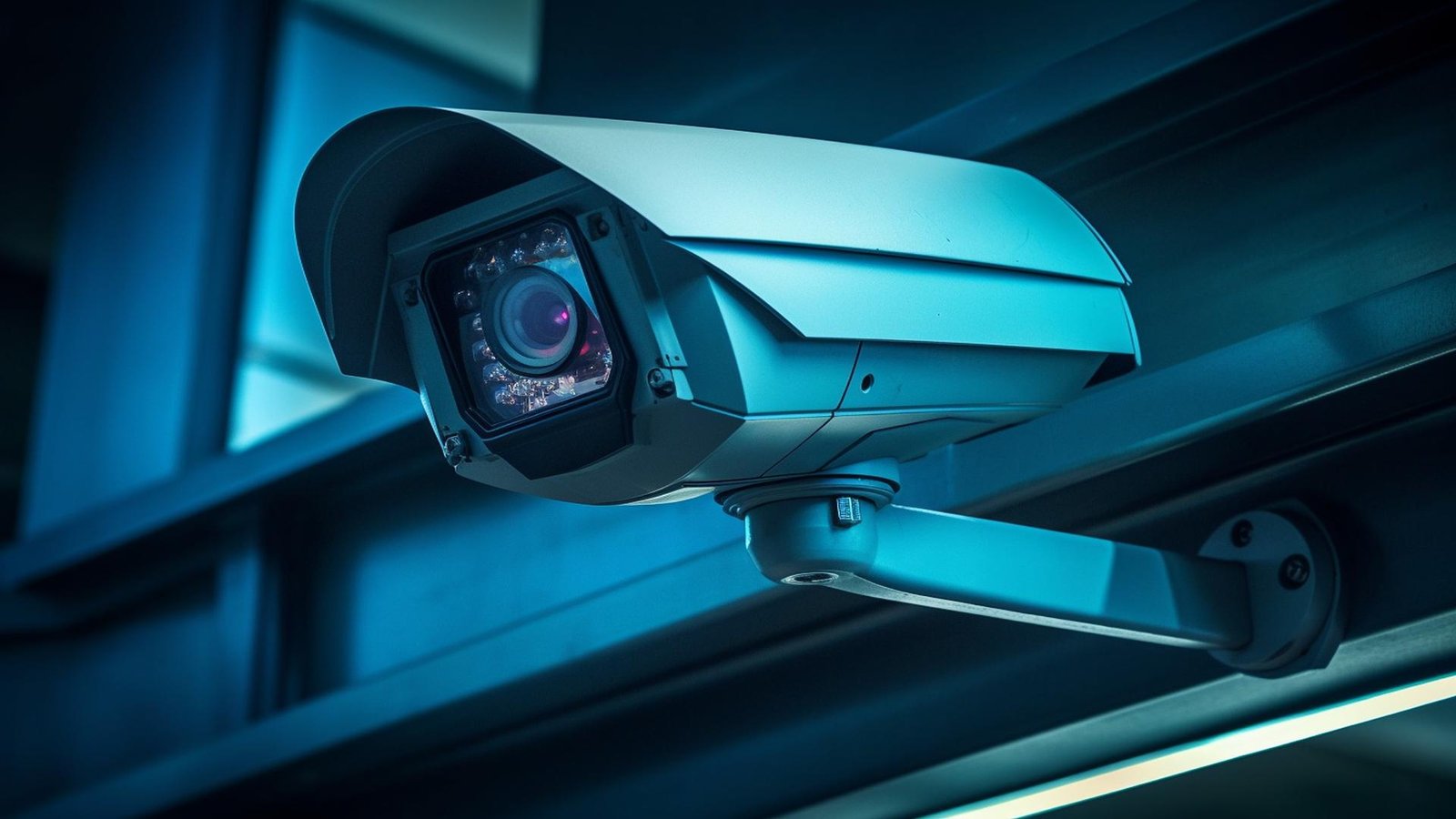
The video feed starts with surveillance cameras that capture scenes and transmit the data to the DVR. While digital IP cameras are growing in popularity, analog cameras paired with DVR security recorders remain widely used due to cost-effectiveness and compatibility with existing systems.
DVR Unit
The DVR security recorder is the brain of the system. It handles video compression, storage, scheduling, and playback. Key features of DVRs include:
- Video compression technology (e.g., H.264, H.265)
- Multiple channel support (e.g., 4, 8, 16, 32 channels)
- Remote viewing capability
- Motion detection and alerts
- Easy-to-use menu and interface
Storage (Hard Drives)
DVR recorders store video on built-in hard drives. The storage capacity determines how much footage you can retain before the system begins overwriting old video. Businesses with stringent compliance requirements or properties with high activity may require larger storage solutions.
Monitor and Display
A connected monitor allows you to view real-time footage or access recorded video directly. Some DVR systems also support remote viewing through mobile apps or web browsers, providing increased flexibility and on-the-go monitoring.
Benefits of Using a DVR Security Recorder
Implementing a DVR-based surveillance system offers several advantages that make it a preferred solution for many security installations.
Cost-Effective Surveillance
Compared to advanced IP camera systems, DVR security recorders provide a budget-friendly way to set up and maintain a comprehensive monitoring solution. Analog cameras and DVR units typically cost less while delivering reliable performance.
Simple Installation and Compatibility
DVR systems use coaxial cables, making installation straightforward — especially in environments where existing wiring is already in place. This compatibility with legacy infrastructure reduces installation time and costs.
Continuous Recording and Storage
A DVR security recorder can be configured to continuously record footage or activate based on motion detection. This flexibility ensures important events are captured while conserving storage space.
Reliable Performance
DVR systems are known for their stability and consistent video quality, even in demanding environments. With fewer network dependencies compared to IP camera systems, DVRs offer dependable operation in various settings.
Choosing the Right DVR Security Recorder
With a range of DVR recorders on the market, selecting the right model depends on your unique security needs, budget, and installation environment.
Number of Channels
Determine how many cameras you plan to connect. DVR recorders are available in multiple channel configurations — from small 4-channel units suitable for homes to large 32-channel systems for commercial installations.
Storage Capacity
Choose a DVR with adequate storage to retain footage for the required duration. Factors to consider include the number of cameras, frame rate, resolution, and desired retention period.
Resolution Support
Higher resolution recording provides clearer images and better detail, which is critical for identification and evidence. Look for DVR systems that support high-definition recording standards such as 1080p or 4MP.
Remote Access Features
Modern DVR security recorders often support remote access through mobile apps or web interfaces. This allows users to view live feeds, playback footage, and receive alerts from anywhere with an internet connection.
Best DVR Security Recorder Solutions
Whether you’re upgrading an existing system or installing a new surveillance setup, there are high-quality DVR security recorders to fit different needs and budgets. For dependable and advanced recorder options that are easy to integrate with your CCTV system, check out this collection of DVR security recorders From WorldStar — offering a variety of models with robust performance, flexible channel support, and excellent storage capabilities.
Installation Tips for Maximum Performance
A well-installed DVR system delivers optimal performance and longevity. Here are some best practices for setting up your DVR security recorder:
Use High-Quality Cables
Invest in quality coaxial cables and connectors to ensure a clear signal path between cameras and the DVR. Poor wiring can lead to signal loss and degraded video quality.
Proper Camera Placement
Strategically position cameras to cover entry points, high-traffic areas, and vulnerable zones. Ensure cameras are mounted at heights and angles that minimize obstructions and maximize visibility.
Network Security
If your DVR system supports remote access, secure it with strong passwords and update firmware regularly to protect against unauthorized access.
Regular Maintenance
Perform periodic checks on all cameras, cabling, and the DVR unit to ensure everything is functioning properly. Clean lenses, check connections, and verify storage capacity to avoid gaps in surveillance.
Conclusion
A DVR security recorder remains a cornerstone of effective surveillance systems — offering reliable, cost-efficient, and scalable performance. Whether you’re securing your home, business, or public facility, choosing the right DVR recorder and installing it with care will significantly enhance your security posture. With flexible features, remote access capabilities, and dependable recording, DVR security solutions provide peace of mind and strong protection against potential threats.
Explore trusted DVR security recorder options today and elevate your surveillance system to the next level.