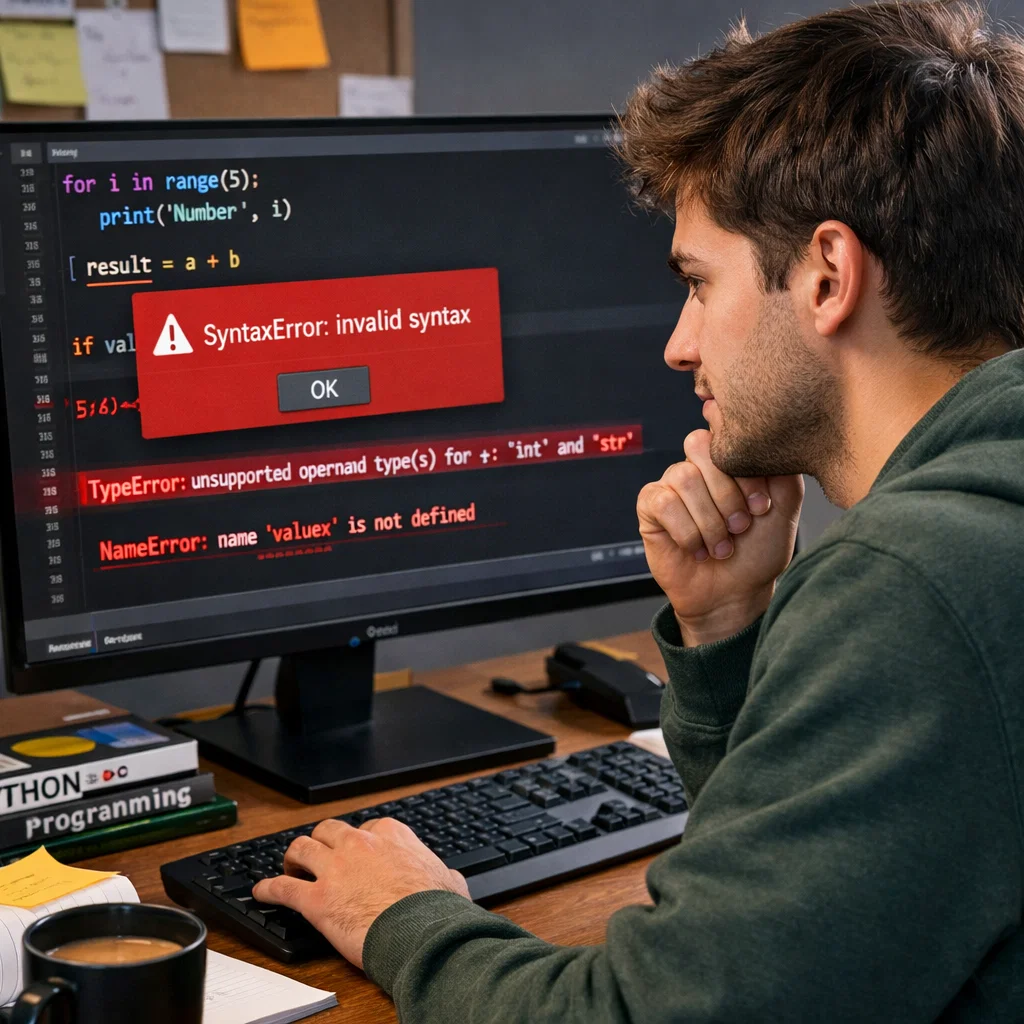
Python is a popular and easy-to-learn programming language, and even highly experienced programmers are faced by bugs. To novice developers, it is annoying to look at a fault, yet it is a step towards learning. Any skill requires time to master, but once it becomes clear about the nature of errors that can take place in Python, then you will be in a position to deal with them without fear.
This paper will address the most prevalent Python errors that a beginner is likely to encounter and present effective tips and tricks to resolve them. Learning how to debug efficiently will assist you in becoming a more efficient problem solver and not becoming discouraged when your code does not work as anticipated.
The most common bug is Syntax Errors.
What is a Syntax Error?
The syntax error happens when the Python language is not able to interpret the code due to the fact that it does not obey the rules or structure of the language. Consider it as a grammar error in a sentence–unless the code has been coded correctly, Python cannot understand it.
Examples of Syntax Errors
print(“Hello World”
In this case, the syntax error is brought about by the missing parenthesis at the end.
if x = 5:
print(x)
In the second example, the double equals sign (==) was used in comparison. The single equals sign (=) will be used, and this will cause a syntax error.
How to Fix Syntax Errors
- Look over the error message displayed by Python carefully; it may often indicate the place of the mistake.
- Make sure that each of the opening parentheses is matched with a closing parenthesis.
- Look at the control structures such as an if, for, and while loop at the end and look at the missing colons (:).
- Use matching quotation marks in string literals (either single or double quotes).
Type Errors: Bad Data Does Not Fit the Expected Type
What is a Type Error?
A type error is an error that occurs when some operation is performed upon an object that is of the inappropriate type. As an illustration, an attempt to add a string to an integer will lead to a type error.
Examples of Type Errors
x = “hello”
y = 5
z = x + y
When using Python, you cannot add a string (x) with an integer (y), and a TypeError is raised.
How to Fix Type Errors
- Make sure that the variables used are of the right type for the operation you are doing.
- Change type when necessary. As an example, int() (a string) and str() (an integer) can be used to convert a string to an integer and vice versa.
x = “hello”
y = 5
z = x + str(y)
print(z)
The error messages of Python will normally show you the types that are involved in the problem. Base your debugging on that information.
Name Mistakes: The Lost Variable
What is a Name Error?
A name error is a situation that arises when Python does not recognize a name. This is normally due to the fact that you may be attempting to reach a variable which has not been defined yet or has been spelled unusually.
Examples of Name Errors
print(a)
In the event that a has not been defined before in the code, you will receive a NameError stating that the name a is not specified.
x = 10
print(y)
Attempts to print y in this case before it has been assigned any value will raise a NameError.
How to Fix Name Errors
- Look for the presence of typos in variable names. Python is case-sensitive, thus, x and X are not considered the same variable.
- Before accessing a variable that you are attempting to use, ensure that the variable is properly initialized.
- For any functions or imported modules, ensure that the appropriate libraries or variables are properly used.
Logical Errors: When the Code Does Run, but Not What Is Expected
What is a Logical Error?
A logical error is when there are no errors in the code, and yet the program fails to behave in the expected manner. This type of error is not as easily detected as it lacks error messages, and the program can still successfully run—it just is not doing the correct task.
Examples of Logical Errors
def multiply(a, b):
return a – b # Error: it should be a * b, not a – b
In the example provided above, multiply is the name of the function, which should multiply two numbers, but because of a trivial error in the operator, it subtracts. The program will be running, but the outcome will not be right.
How to Fix Logical Errors
- Print Debugging: Use print() to display the values of variables at various parts of the program. This will assist you in understanding what the code is doing.
print(a)
print(b)
print(a * b)
- Debug: Most IDEs have integrated debuggers that will allow you to step through the code line by line and view the variables changing on-the-fly.
- Check your logic: Review the steps your code is taking. Attempt to identify areas of failure by testing small segments of the code.
How to Use the Python Error Message to Your Benefit
The debugging tool provided by Python is the error message. They not only inform you of what went wrong, but in most cases, will even give hints as to where the issue may have been. During the process of debugging, it is important that one reads the error messages carefully and uses them to help in taking the next steps.
Problem: Reading a Faulty Message
Traceback (most recent call last):
File “test.py”, line 3, in <module>
x = 5 + “hello”
TypeError: unsupported operand type(s) for +: ‘int’ and ‘str’
In the present example, the error report is easy to understand and shows that there is an unsupported operation between str and int. It can assist you in detecting the cause of the problem and rectify the types in a short duration.
Approaching Bugs Methodically
While debugging can feel frustrating, approaching it with a clear, step-by-step process can make it much easier to solve problems. Here’s a simple guide:
- Understand the Problem: Read the error message and examine the code around it.
- Isolate the Issue: Comment out sections of code or use print() statements to narrow down where the bug is happening.
- Fix the Bug: Once you’ve identified the cause, fix it by making the necessary changes.
- Test: Run your code again to ensure the issue is resolved.
Conclusion: Developing Strong Debugging Skills
Debugging is an essential skill for any programmer, and learning to identify and fix errors is a crucial part of becoming proficient in Python. By familiarizing yourself with common Python errors and using strategies like reading error messages and employing print debugging, you’ll become more confident in your problem-solving abilities.
Remember, every programmer makes mistakes, and encountering errors is a natural part of the learning process. The more you debug, the better you’ll get at it. So, don’t be discouraged by errors—use them as learning opportunities!