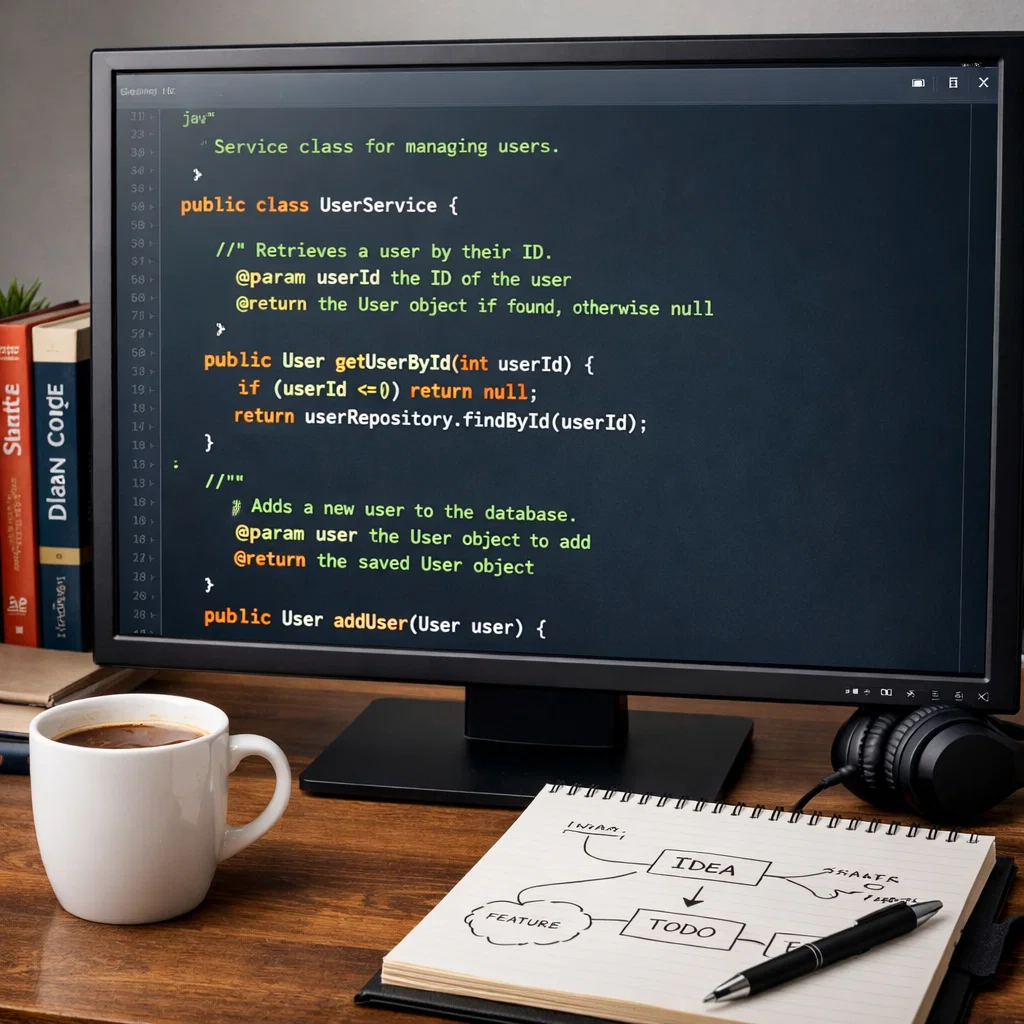
Clean and efficient Java code writing is important to developers who wish to develop maintainable, scalable, and high-performance applications. Clean code makes a process of program readable, debuggable, and it can be modified and extended without adding bugs and making the code hard to comprehend. This paper will present best practice in writing Java code, with emphasis on the code style, naming, modular programming, performance optimization, and debugging.
Table of Contents
- Coding Standards and Guidelines
- Naming Conventions in Java
- Code Documentation
- Modular Programming
- Optimization Techniques of Performance
- Tools and Strategies of Debugging
- Conclusion
Coding Standards and Guidelines
Coding standards are considered critical to the maintenance of consistency in code and the easy comprehensibility of the code among all the developers of a project. Such standards embrace all the aspects such as naming conventions, format, and ensure that the codebase is easily navigable and maintainable.
Some of the major guidelines are:
- Indentation and Spacing: Appropriate indentation would assist in the view of the composition of the code. Generally, 4 levels per level of indentation are suggested in Java. They should not use tabs since they can be set differently based on the editors.
- Line Length: The line length of the code may not be more than 80 to 120 characters. This makes the code readable on small screens, and enhances the ability to read it on version control systems, such as GitHub.
- Consistency of Naming: The variables, methods, and classes need to be named according to the accepted naming conventions, which will be covered in the following section. The descriptive names are clear and help to avoid ambiguity and enhance readability of the code.
To get more specific standards of coding, you may follow this article on coding standards.
- No Magic Numbers: Magic numbers (hard-coded numbers, with no comments) must be changed into named constants. This helps one to reason out the code and makes it easier to bring changes in future.
- Commenting and Documentation: Complicated sections of the code or logic that are not clear should be explained with code comments. But excessive commenting or unnecessary commenting must not be done.
Naming Conventions in Java
Java naming conventions: These are rules that a developer is bound to by so as to make their code readable and maintainable. Following these conventions, developers come up with consistent and easy to understand code by others.
Classes and Interfaces
- Class names: Java classes are supposed to be named in CamelCase and the first letter to be capitalized. StudentRecord, EmployeeManager.
- Name of the interface: Interface names are also expected to be in the CamelCase, though it is a widespread custom to use adjectives, or include an able/ible suffix. As an example, Readable, Sortable.
Methods and Variables
- Names of methods: Method names consist of a lower case letter at the beginning and CamelCase in between the words. Such as, computeSum, locateMaximum.
- Variable names: Variables must also be written in camelCase, beginning with a lower case letter. Examples include, totalAmount, userInput.
Constants
- Constant names: Constants are to be written in upper case and words separated by underscores. For example, MAX_VALUE, PI.
Packages
- Package names: The packages must be written in lower case letters and it must not include underscores. The name used as the package name must be the tradition of taking the reversed domain name of the institution as a prefix. E.g., com.example.myapp.
Through these naming standards, the Java code is made simpler to comprehend and it is not hard to understand what a variable, a method, or a class is.
Code Documentation
Code documentation is vital to present and future code developers. Effective documentation assists teams to work more effectively, enhances understanding of the code and minimizes chances of bugs. Java has various methods of code documentation.
Javadoc
Javadoc is a program which produces API documentation as HTML source code based on Java code. It is employed to provide descriptions of classes, methods, and fields.
- Javadoc remarks: A comment on javadoc begins with /** and a comment ends with */. The comments must outline the intent of the lesson, technique, or discipline.
Example of a javadoc comment on a method:
/**
* Adds together two numbers.
* @param a First number
* @param b Second number
* @return The sum of the two figures.
*/
public int addUp(int a, int b) {
return a + b;
}
Inline Comments
Complicated logic should be explained with the help of inline comments. They ought to be on the same line, according to the code, and ought not to be excessive.
Example:
int result = a + b; // add the two numbers.
Unnecessary remarks must be avoided and the code should be self-elaborating.
Block Comments
In more complicated or larger pieces of code, block comments may be employed to describe the general intent or rationale of the block.
Example:
/*
* This loop computes the Fibonacci number to the nth number.
* The numbers are the total of the two previous ones.
*/
for (int i = 2; i < n; i++) {
fib[i] = fib[i-1] + fib[i-2];
}
Commenting Best Practices
- One can say something rather sparingly; the code must be self-explanatory.
- Comments should be used to justify the choice of certain decisions, not what the code does.
- Make comments current with changes.
Modular Programming
Modular programming is a tool that entails the division of a program into small and manageable and independent modules. In this way, this program is more maintainable, easier to debug, and reusable.
Advantages of Modular Programming
- Reusability: Once the code is shown into smaller modules, it might be reused in other projects or even in other parts of the application.
- Maintained: Smaller modules are simpler to maintain and debug. Amendments done on a single module will not significantly affect other sections of the program.
- Testing: This makes the testing of each module independent and results in more robust and reliable code.
Java Modular Program Practices
- Classes: Divide into different classes between different concerns. As an example, database operations can be separated, user interface handling can be separated, or business logic can be separated.
- Techniques: Be specific in the technique. A method must not be too much, and must not be too long (it should not have more than 20 lines).
- Interfaces and Abstract Classes: Interfaces and abstract classes should be used to implement a common behavior that can be shared with other modules.
Optimization Techniques of Performance
Java code optimization is also important in the application where a large amount of data should be processed or some complicated calculations should be made. The following are some of the methods of optimizing Java code:
Efficient Data Structures
Select the appropriate data structures depending on the application. To illustrate, an ArrayList is helpful when you require random access to the elements in the list, whereas a LinkedList is useful when you require making frequent additions and removals.
Avoiding Memory Leaks
Properly manage resources. Open resources such as file streams or database connections in a finally block or with the try-with-resources statement.
String Handling
Do not concatenate strings with a loop. Concatenation should be used with a StringBuilder or StringBuffer because it is more efficient.
Example:
StringBuilder sb = new StringBuilder();
for (int i = 0; i < 1000; i++) {
sb.append(“Some string “);
}
String result = sb.toString();
Eliminating Synchronization Overhead
Multi-threaded environments introduce the problems of synchronization, which may be a source of performance overhead. Synchronization should only be used when absolutely required and otherwise one should consider other options such as classes of the java.util.concurrent type or the use of volatile keyword.
Profiling and Benchmarking
Apply profiling tools such as JProfiler or VisualVM to locate the performance bottlenecks in the application.
Test the performance of changes with tools such as JMH, to use as a performance benchmark.
Tools and Strategies of Debugging
The process of software development entails debugging. Java has a number of debugging strategies and tools that may assist a programmer to locate and eliminate bugs in the code.
Using the Java Debugger (JDB)
Java Debugger (JDB) is a command line tool that enables one to debug and execute the Java programs. It is capable of creating breakpoints, viewing variables, and stepping through the code.
Integrated Development Environments (IDEs)
Most Java IDEs, including IntelliJ IDEA, Eclipse, and NetBeans, include strong debugging features including breakpoints, variable inspection, and stack trace debugging. They are quicker and more efficient in debugging.
Logging
In debugging, logging is a critical feature, especially in production. Logs can be recorded using the inbuilt logging API of Java or a third-party logging library such as Log4j or SLF4J library in different log levels (e.g., INFO, DEBUG, ERROR).
Exception Handling
Exception handling will aid in the detection of errors at the runtime stage. Always encasement of exception with try-catch blocks so as to gracefully handle such exceptions and give meaningful error messages.
try {
// Some risky operation
} catch (Exception e) {
// Record error message, stack trace.
e.printStackTrace();
}
Conclusion
Writing clean and efficient Java code is achieved by conforming to coding conventions, best practices in coding naming conventions, effective documentation, modular programming techniques, and performance optimization. The development process can also be simplified through the application of debugging strategies and tools, making it easier to detect and correct problems. These best practices are not only a way to make code readable and maintainable but also to make sure that Java applications are optimized to be both fast and highly scalable. Through constant upgrading of your coding habits, you will help in producing the best software that will live to see the day.