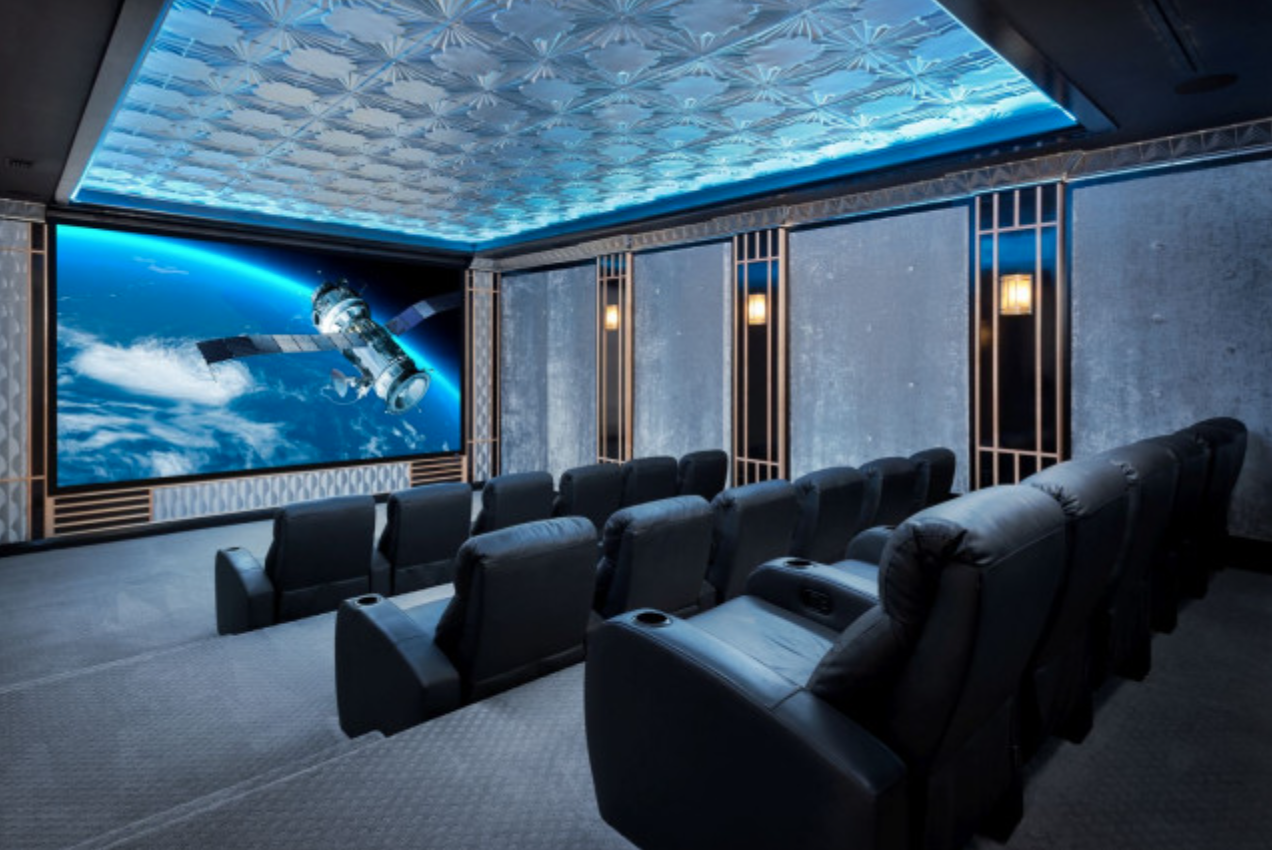
A great movie room starts with smart planning, not random gear. The best results come when you plan your home theater design in 3D before you buy anything. A 3D layout lets you test screen size, seating distance, speaker placement, and lighting in a realistic model of your room. You see problems early. You fix them on screen. You save money, time, and frustration.
Here are nine powerful ideas to design a theater that looks clean, sounds rich, and feels immersive.
1) Build Your Exact Room in 3D First
Measure your room. Enter the length, width, and height into a 3D planner. Add doors, windows, and columns. Place your screen wall and seating.
This step shows you true viewing angles. You can test different screen sizes and see how they fit the space. You can also check walking paths and sight lines. A clear 3D model removes guesswork and keeps your plan realistic.
2) Choose the Right Screen Size by Viewing Distance
Bigger is not always better. The right screen depends on how far you sit. In 3D, move the seats back and forth until the image fills your field of view without strain.
A simple rule works well:
- Sit at 1.2 to 1.6 times the screen width for a cinematic feel.
Test multiple sizes in the model. You will quickly see what feels balanced and what feels overwhelming.
3) Test Seating Layout for Comfort and Sight Lines
Add your seats in the 3D space. Try single row, double row, or staggered seating. Check if every seat has a clear view of the screen.
Also test the walking path. You should move in and out without blocking others. In a tight room, one row with a wide recliner setup often works better than two cramped rows.
4) Place Dolby Atmos Speakers with Precision
Speaker placement is critical. In 3D, you can place front, center, surround, and height speakers exactly where they should be.
Basic layout:
- Front speakers at ear level
- Center speaker aligned with the screen
- Surrounds slightly behind the seating
- Height speakers above for Atmos effects
This visual setup prevents common mistakes like placing surrounds too high or too far back.
5) Select the Right Projector Type and Position
Different projectors need different throw distances. In the 3D model, choose your projector type and test the mount position.
Check:
- Throw distance
- Lens shift range
- Ceiling height
- Ventilation space
You will know if the projector fits before you drill a single hole. This avoids costly repositioning later.
6) Plan Lighting That Does Not Kill the Picture
Lighting can ruin image quality. In 3D, place lights and see how they affect the screen area.
Best practice:
- Use dimmable lights
- Add indirect LED strips
- Keep lights away from the screen wall
- Use wall sconces or floor lights
This keeps the room bright enough to move safely but dark enough for perfect contrast during movies.
7) Preview Acoustic Treatment Placement
Hard walls cause echoes and muddy sound. Acoustic panels fix this. In a 3D preview, you can place panels and see how they look with your decor.
Common placement:
- Side walls at reflection points
- Rear wall behind seating
- Ceiling above listening position
When you visualize this in your home theater design, you balance sound quality and aesthetics without trial and error.
8) Match Equipment with Room Style
A theater should look premium, not cluttered. In 3D, add racks, cabinets, and speaker finishes. Choose colors that match the room theme.
Hide wires inside walls or conduits. Plan where the AV rack will sit. This avoids visible cables and messy corners.
You can also test dark wall colors, carpet style, and seating material to create a true cinema vibe.
9) Simulate the Final Experience Before Buying
The biggest advantage of 3D planning is preview. You can “walk” inside the room virtually. You see how the screen looks from each seat. You see how speakers blend into the walls. You feel the layout before it exists.
At this stage, adjust anything that feels off. Move seats. Resize the screen. Shift speakers. This digital testing prevents real-world mistakes.
Why 3D Planning Changes Everything
Traditional planning uses imagination. 3D planning uses visualization. That difference saves money and improves results.
You avoid:
- Buying the wrong screen size
- Placing speakers incorrectly
- Mounting the projector in the wrong spot
- Choosing a seating layout that blocks views
You make decisions with confidence because you can see the outcome.
Practical Tips for Accurate 3D Design
- Use real room measurements, not estimates
- Choose real product dimensions for seats and speakers
- Keep proper spacing between rows
- Allow space for walking and ventilation
- Test multiple layouts before finalizing
Small changes in the model can lead to big improvements in the real room.
The Result: A Theater That Feels Professional
When you plan carefully in 3D, the final room feels intentional. Every seat has a clear view. The sound surrounds you evenly. The lighting supports the picture. The room looks clean and premium.
You do not end up with random equipment placed randomly. You get a system that works together as one experience.
Final Thoughts
A home theater should be designed, not assembled. 3D planning gives you full control over layout, comfort, sound, and style before you spend money.
By building your room virtually, testing real products, and adjusting placements early, you create a theater that performs like a professional cinema inside your home.