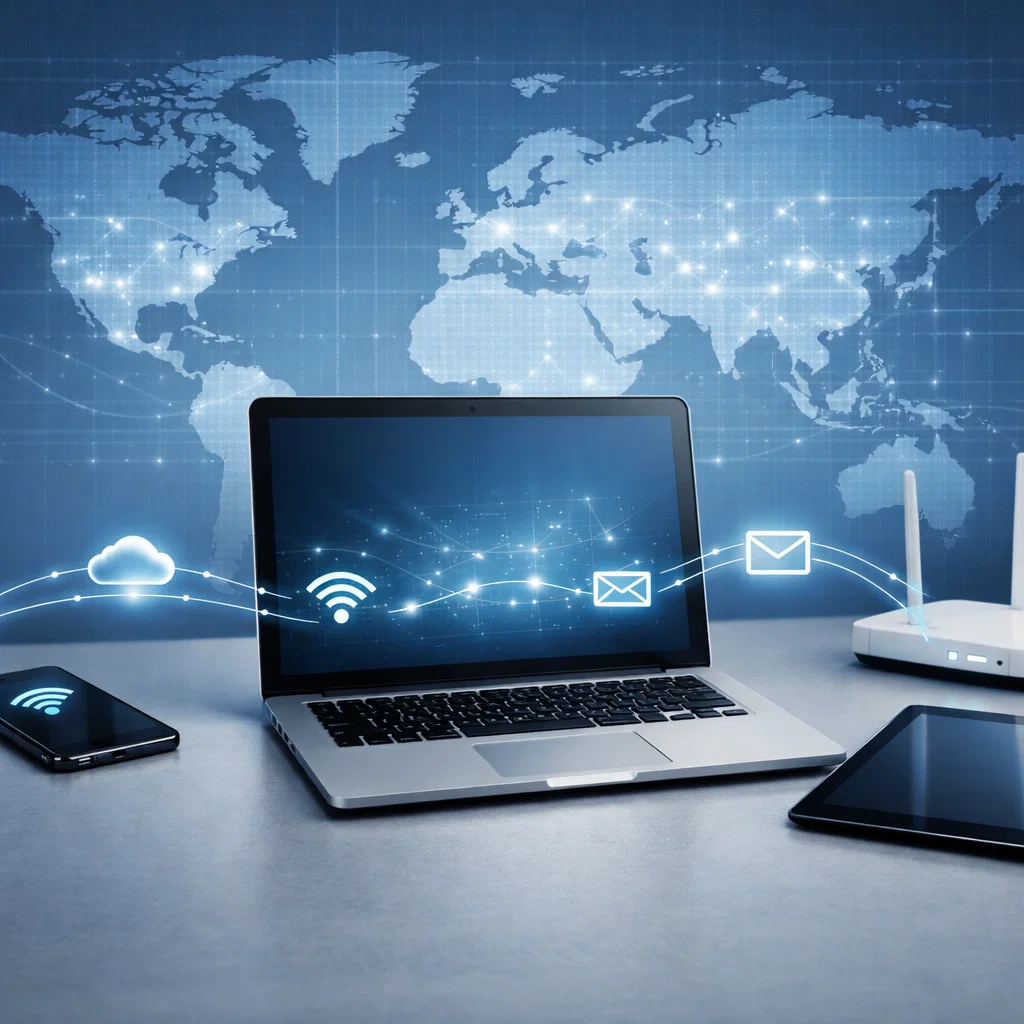
In the new digital age, nearly all our activities are computer networked in one way or another. Not a single message sent via WhatsApp or a video viewed in YouTube can be performed without networks running quietly in the background to enable communication to be possible. Even such basic operations as opening a webpage or handing in a paper online rely upon a highly intricate yet highly structured network of interlinked devices that communicate.
This paper presents the fundamentals of computer networking and internet communications in an easy to understand manner. It describes the concept of computer networks, device interconnection, protocols and how data flows within the local and global networks. At the conclusion of this paper, you are expected to have a good grasp of the flow of information between different gadgets through the internet.
What Is Computer Networking?
Computer networking is the art of computing two or more devices in order to exchange information, resources and services. Such devices may involve computers, smart phones, tablets, printers, servers and even smart devices such as TVs and assistants at home.
A network allows devices to:
- Share files and data
- Interact either via messages, calls or emails
- Share common resources such as a printer or storage
- Connect to the internet
In the absence of networking, the computers will operate in isolation hence not making the digital communication of our time possible.
The Importance of Computer Networks
Computer networks are necessary as they facilitate almost all spheres of the contemporary life. Business education, healthcare, entertainment services, and government services are all services that rely on desired networking.
Computer networks have some advantages which are:
- Communication: The networks are used in email and video calls, as well as social media
- Resource sharing: Hardware and software can be shared by more than one user
- Efficiency: Information is readily available anywhere
- Scalability: It is possible to expand the networks with the introduction of additional devices
In a simple definition, networks enable individuals and systems to remain connected despite distance.
Types of Computer Networks
Computer networks can be categorized according to their size and the area of coverage. The given types have their purposes.
Local Area Network (LAN)
A Local Area Network links the gadgets to a small region in geographic space, including:
- A home
- A school computer lab
- An office building
LANs are privately owned and normally fast. As an example, a school ICT lab contains the computers that are connected by cables or Wi-Fi to form a LAN.
Metropolitan Area Network (MAN)
Metropolitan Area Network is larger in scope of an area than a LAN as is the case with a city or town. Organizations or service providers often have more than one LAN in a single city and typically connect them using MANs.
Wide Area Network (WAN)
A Wide Area Network is very large in area and in most cases covers countries or even continents. The biggest example of WAN is the internet itself. WANs use public networks such as telephone lines, fiber-optic cables and satellite to connect the devices.
Personal Area Network (PAN)
A Personal Area Network is a very small network which is utilized in personal devices. Examples include:
- The earphone and a phone using Bluetooth
- How to connect a laptop to a smartphone hot spot
Building Blocks of a Computer Network
To have a working network, a number of elements have to coordinate.
Devices (Nodes)
Nodes are devices that are attached to a network. These include:
- Computers
- Smartphones
- Servers
- Printers
Each device is involved in the transfer, reception or processing of data.
Network Interface Card (NIC)
A Network Interface Card is a device that enables the connection of a device to the network. It can be:
- Wired (Ethernet)
- Wireless (Wi-Fi)
A device cannot communicate over a network without a NIC.
Transmission Media
The medium of transmission of data is known as transmission media. It can be:
- Wired: Fiber-optic cables, Ethernet cables
- Wireless: WIFI signals, radio waves, satellites
Networking Devices
Data flow is controlled and managed by the following devices:
- Router: Bridges between other networks and routes data
- Switch: Switches devices in a LAN
- Modem: This links a local network to an internet service provider
What Is the Internet?
The internet is an international network of networks. It links millions of personal, government, academic, and institutional networks in the world.
The internet is composed of an infinite number of interconnected networks that communicate with the use of common rules and standards rather than being a unified system. This enables devices by other manufacturers and locations to access information with ease.
Learning the Internet Communication
Internet communication can be defined as the transmission and receipt of data over the internet. This process might sound as quick, but it is a work of various steps.
When you e-mail or visit a Web site:
- A request is made by your device
- The request is subdivided into smaller data packets
- Packets cross a variety of networks
- The data is sent to the destination device where it is reassembled
This process normally takes a fraction of a second.
What Are Protocols?
The protocols are guidelines that specify the communication of data within a network, how it is received, and interpreted. They have been used to make all devices communicate in a standard and organized manner.
Devices would not communicate with one another even when they were shared in the same network without protocols.
Conventions of Networking Protocols
Transmission Control Protocol (TCP)
TCP guarantees secure intercourse. It:
- Breaks data into packets
- Checks for errors
- Resends lost packets
- Recreates data in the proper sequence
TCP is employed in operations where precision matters such as:
- Emails
- File transfers
- Web browsing
Internet Protocol (IP)
IP is in charge of routing and handling of data packets. Each device in a network is assigned an IP address which serves as a digital address.
The IP protocol provides the information packets to the appropriate destination.
Hypertext Transfer Protocol (HTTP/HTTPS)
Transferring of web pages is made by use of HTTP. The secure version is called HTTPS which encrypts information, and it keeps the sensitive information (passwords and bank information) safe.
File Transfer Protocol (FTP)
Transfers between computers in a network, particularly between a client and a server are done using FTP.
The Explanation of IP Addresses in a Simple Way
The IP address is a special identifier of a device within a network. It assists networks to understand where to transmit data.
There are two main types:
- IPv4: Uses numbers like 192.168.1.1
- IPv6: IP addresses are assigned longer numbers and words
A very similar situation is an IP address, just like the case of a postal address, data is sent to the right device.
Domain Name System (DNS)
The human beings cannot remember IP addresses and therefore we employ domain names such as the one example; Google.com. These domain names are converted to IP addresses by the Domain Name System (DNS).
When you are typing a web site address into your own browser:
- The IP address is looked up in the DNS server
- Your request is submitted to such IP address
- The site is presented to your gadget
DNS is the telephone book of the internet.
The Mechanism of Transfer of Data Across Networks
Transmission of data refers to the process of transmitting data between two devices. This may occur in a number of ways.
Data Packets
Big data is divided into small units referred to as packets. Each packet contains:
- Part of the data
- Source address
- Destination address
Splitting data into packets enhances speediness and dependability of transmission.
Routing
Routers make decisions on the most optimal route to take packets. The packets can be routed differently though they can still reach the destination.
Error Correction and Detection
Such protocols as TCP send errors check during transmission. In case of the loss or damage of a packet, it is resent so as to deliver correctly.
Local Communication as Compared to Global Communication
Local Network Communication
Devices do not interact with each other via switches and routers in a local network. This is normally quick and does not need the internet.
International Network Communication
International communication occurs through the internet. Information is moved across several networks, internet service providers and international cables to the destination.
Wireless vs Wired Communication
Wired Networks
Wired networks involve use of physical cables. They are:
- Faster
- More stable
- Less influenced by interference
Frequently found in offices and storage centers.
Wireless Networks
Radio waves are deployed in wireless networks. They are:
- Convenient
- Flexible
- Easy to set up
They can however be influenced by distance and barriers.
Role of Servers and Clients
Clients
A device that requests information is a client that includes:
- A smartphone
- A laptop
- A tablet
Servers
A server is an influential computer because it renders services or data. Examples include:
- Web servers
- Email servers
- File servers
When you open a webpage, your computer (client) makes a request to a server which answers and gives you the desired information.
Network Security Basics
Network security secures against unauthorized access and attacks of data and systems.
The most common security measures are:
- Firewalls
- Encryption
- Secure passwords
- Antivirus software
There should be security to ensure safety of personal information and confidence in online communication.
Computer Networking Challenges
Although it has its advantages, the networking is associated with challenges which include:
- Network congestion
- Security threats
- Hardware failures
- Signal interference
Engineers never stop their attempts to enhance speed, reliability and security.
Computer Networking Future
New technologies such as still continue to evolve computer networking:
- 5G and beyond
- Cloud computing
- Internet of Things (IoT)
- Intelligence in network Neural networks Artificial intelligence
Such developments are meant to help communication be more quick, intelligent and certain.
Conclusion
Learning the fundamentals of computer networking and internet communication can make us realize that digital systems operate in the background. Networks, whether small local networks or the huge global internet are based on devices, protocols and transmission methods to ensure efficient movement of information.
When the readers read about networks, protocols, data transmission, and communication all over the internet, they can accumulate valuable knowledge that can be used in education, profession, and use of technology in daily lives. Computer networking is no longer a narrow technical subject matter but the core of the contemporary digital life.