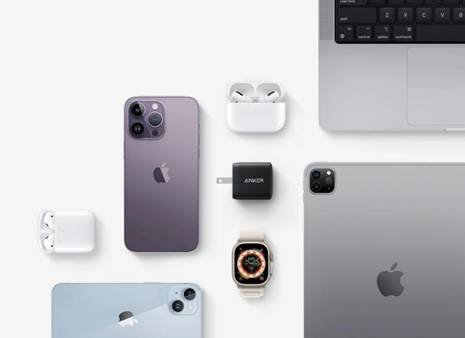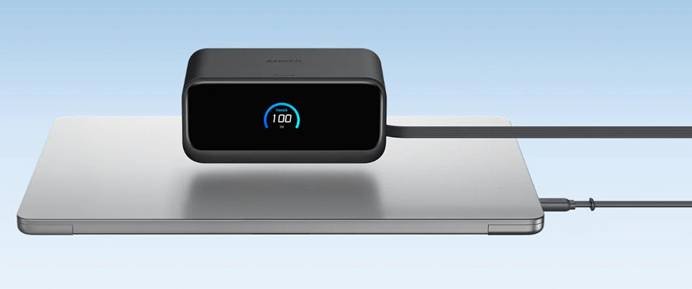
USB-C chargers have become the industry standard for iPhone charging, providing quicker power supply, increased efficiency, and compatibility with a wide range of devices. Understanding the fundamental characteristics of USB-C chargers is critical, whether you’re upgrading to the latest iPhone model or trying to simplify your charging arrangement. USB-C technology has clear benefits for both regular users and tech aficionados, including quicker charging speeds and higher data transfer rates. This tutorial will discuss the significance of USB-C charging, explain how charging speeds operate, and give key suggestions for a safe and successful charging experience.
What to Know About Multi-Port Chargers?
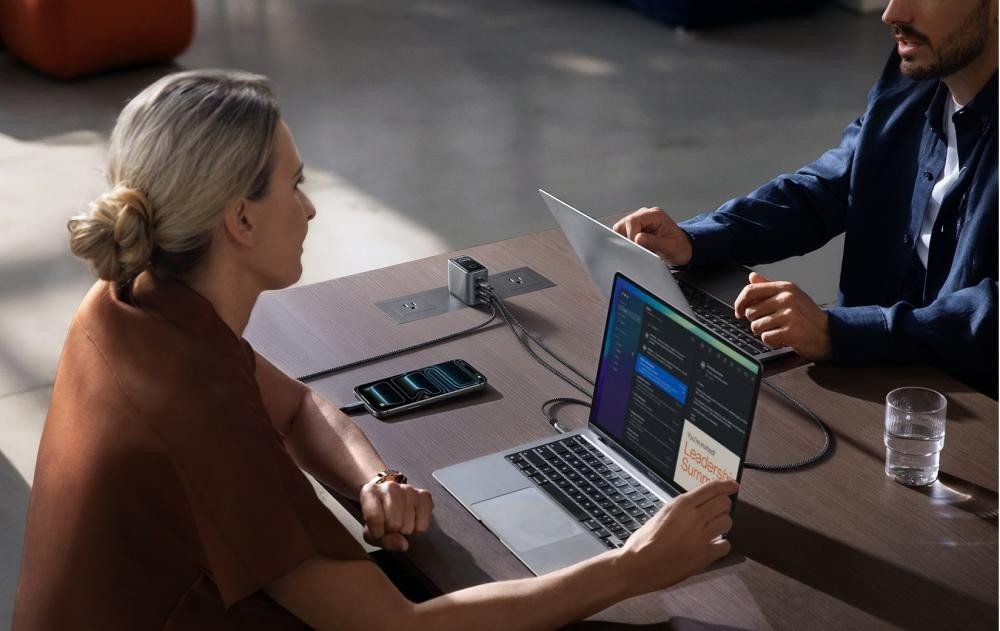
Multi-port chargers with USB-C connections are an excellent choice for charging numerous devices at once. These chargers frequently have a mix of USB-A and USB-C connections, allowing you to charge your iPhone alongside other devices like tablets, laptops, or earphones. While multi-port chargers are helpful, be sure the USB-C port you’re using has adequate power for your iPhone. Many multi-port chargers have various power ratings for each port, so select the one that supports fast charging to achieve the best charging speed for your iPhone.
Understanding Power and Charging Speed
Charging Power Ratings and Their Impact
Watts (W) are used to quantify the amount of power that a charger can give to an iPhone. Higher power ratings often lead to faster charging periods, especially on newer iPhone models that enable higher watts. For example, a 20W charger may charge your iPhone more quickly than a standard 5W charger, decreasing the amount of time you spend plugged in. To ensure optimal performance, choose a charger that matches your device’s power needs. However, exceeding the specified power level would not necessarily harm your iPhone because it controls power consumption to guarantee safe charging.
How USB-C Affects Charging Speed
USB-C chargers excel at supplying greater power outputs than their predecessors, such as Lightning chargers. Users may benefit from USB-C fast-charging features, which reduce the amount of time they spend waiting for their phone to charge. The USB Power Delivery (PD) standard allows for efficient power transfer, and newer iPhones may charge at up to 20W or higher when linked with a suitable USB-C charger. The upgraded architecture of USB-C connections enables quicker data transfer and better power management, guaranteeing a balance between speed and battery life. This makes USB-C a crucial alternative for anybody trying to optimize their iPhone charging experience.
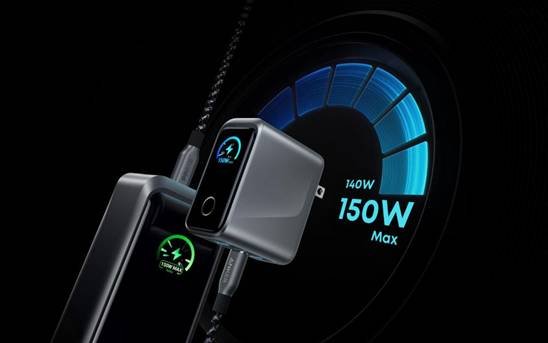
USB-C iPhone Charger Ports: Compatibility and Usage
Choosing the Right USB-C Port for Your iPhone
It’s crucial to confirm that the USB-C charger you choose is compatible with your particular iPhone model. While many more recent iPhones are compatible with USB-C, older devices might need a Lightning-to-USB-C connection or an adaptor. Make sure the charger supports USB Power Delivery (PD), the technology that enables rapid charging, if you want the fastest possible charging speed. Checking the charger’s power rating is also crucial; for recent iPhones, a USB-C charger with a power rating of 20W or more is usually the best option. Selecting a reputable brand guarantees quality and prevents any charging problems.
How USB-C Supports Data Transfer and Power
USB-C serves a dual purpose: it transports both data and power. This makes it an adaptable choice for iPhone users who need to transmit files or sync data while charging. Unlike older chargers, which are sometimes limited to power supply, USB-C’s expanded capabilities allow for quicker data transfer rates between devices. When linked to a computer or external storage, USB-C allows for speedier data synchronization, backups, and file management. USB-C provides speedier charging, allowing you to charge up your iPhone while quickly transmitting data or utilizing other accessories.
Safety Tips for Using USB-C iPhone Chargers
Avoiding Fake Chargers and Cables
Using counterfeit or low-quality chargers and cords is one of the most serious concerns while charging your iPhone. Fake chargers frequently lack the safety measures found in authentic devices, which can cause overheating, short circuits, and even damage to your iPhone’s battery. Always buy authorized USB-C chargers and cables from trustworthy manufacturers or straight from Apple. Look for indicators of quality, such as certification markings and strong construction quality. Avoid using inexpensive, unbranded chargers, since they may not fulfill safety regulations, putting your device at risk and inflicting long-term harm to your phone.
Overheating and Short Circuit Protection
Overheating is a typical problem that can occur with malfunctioning charging equipment or after extended charging sessions. Modern iPhones and USB-C chargers include built-in thermal protection to avoid overheating and damage. These devices manage temperature by automatically delaying or stopping charging when the temperature rises too high. Furthermore, USB-C chargers usually have short-circuit protection, which ensures that your phone is not destroyed if there is an electrical malfunction. To ensure maximum safety, avoid charging your iPhone in hot conditions and always use authorized cords and chargers.
Conclusion
Switching to a usb c iphone charger offers numerous benefits, from faster charging speeds to enhanced data transfer capabilities. Understanding charging power ratings, selecting the correct charger, and taking safety precautions will help you extend the life of your device and have an ideal charging experience. Always use approved items and adhere to recommended procedures to avoid potential problems such as overheataing or overcharging. With USB-C’s rising popularity, now is the time to switch your charging setup to a USB-C iPhone charger, which will allow your iPhone to charge more quicker, efficiently, and safely.