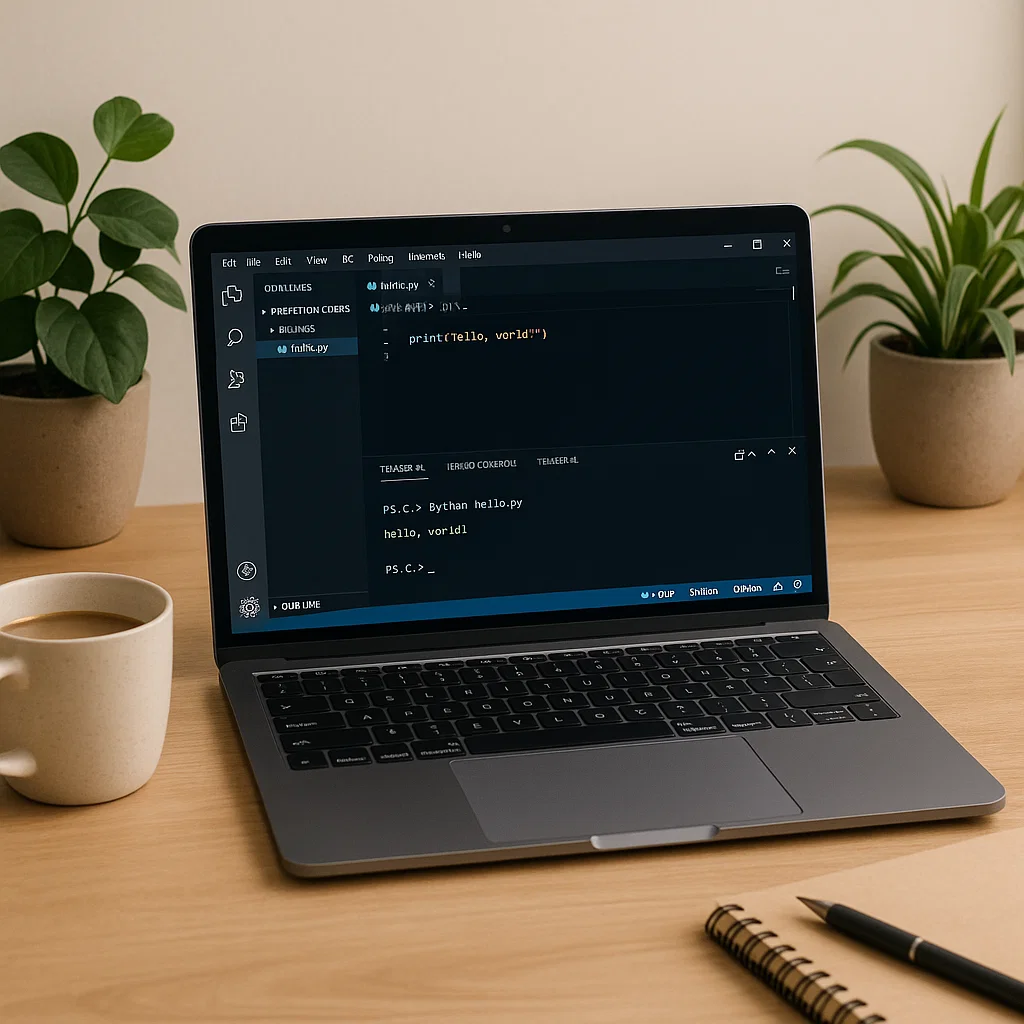
Python is among the most general and easy-to-learn programming languages in the present day. Python is a good place to start when you want to create web applications, process data, and/or automate processes. In this tutorial, we are going to walk you through the process of installing Python, configuring your working environment, and writing a basic Python program. In conclusion, you will be comfortable in beginning your coding process and have all the information on how to begin writing Python code.
Introduction to Python and Python Uses
Python is a simple yet readable language and therefore can be used by beginners. The syntax of the language is very simple and one can represent the ideas with fewer lines of code as compared to other programming languages. Python has been used in some common applications that include:
- Web development: Python has been employed in websites such as Django and Flask to create dynamic websites.
- Data science: Python is an extensive language used in data analysis, machine learning, and artificial intelligence applications.
- Automation: Python has the ability to be automated (e.g., to handle files or web scraping).
- Software development: Python is also applied in the creation of desktop applications and games.
Python has an enormous variety of libraries and frameworks and it is not surprising that it conquered the position of one of the most popular programming languages in the world.
Installing Python
Python must also be installed on your computer before you can start writing Python programs. To have a smooth process of installation, follow these steps.
Step 1: Download Python
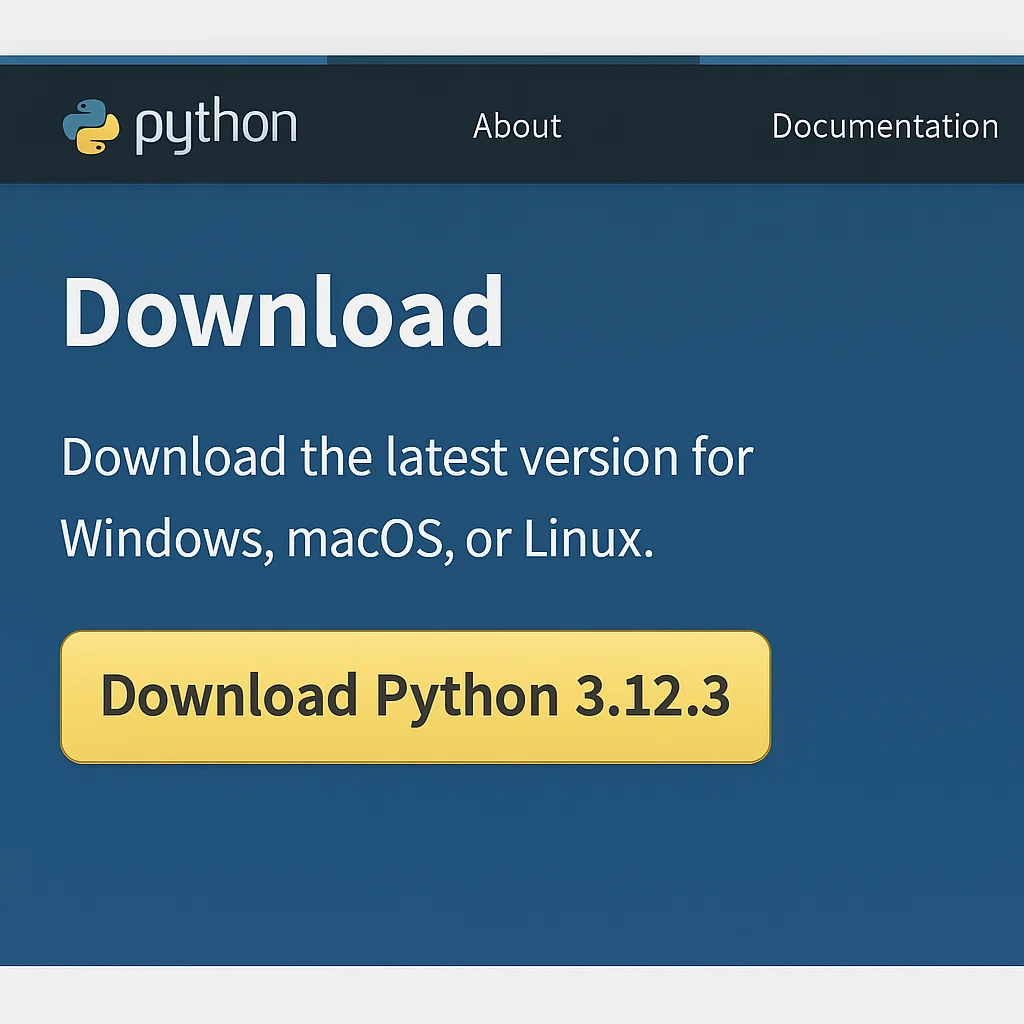
Visit the official Python site to download the most recent version of Python. It is important to select the version which is compatible with your operating system (Windows, macOS, or Linux).
- Windows: Click on the “Download Python” button in order to download the latest version. The site will automatically identify your operating system.
- macOS: Choose the correct installer for macOS.
- Linux: Python is either pre-installed in most Linux distributions. Otherwise, it can be installed through the terminal.
Step 2: Run the Installer
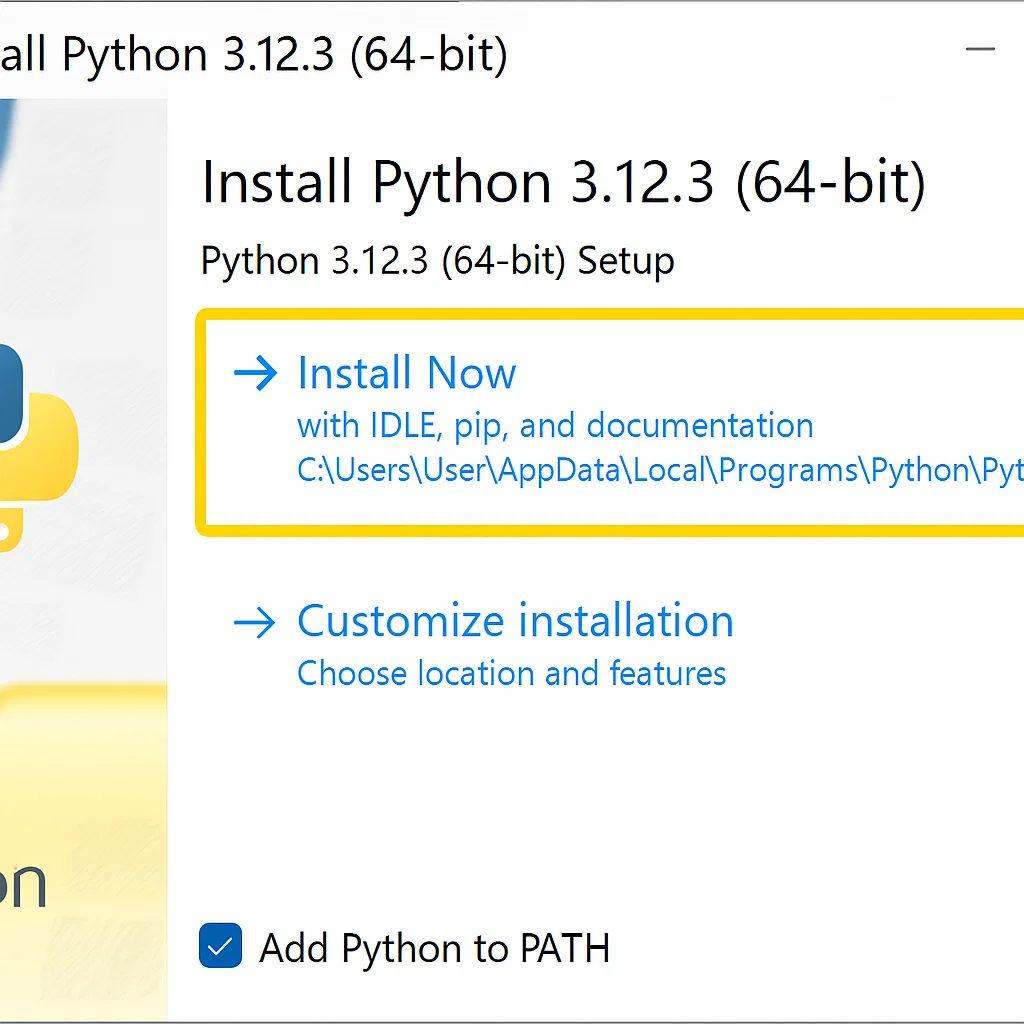
After the installer has been downloaded, run it:
- Windows: It is important to enable the box to add Python to PATH and then click on “Install Now.” This guarantees that Python can be executed at the command line.
- macOS/Linux: Python can be installed by following the instructions on the screen. Installation can require you to enter your password on Mac or Linux.
Once installed, make sure that Python is properly installed by opening the command line (Windows) or terminal (macOS/Linux) and running:
python –version
You will find that there is something like:
Python 3.x.x
This is an indication of the correct installation of Python.
Setting Up Your Python Development Environment
Although Python also has an in-built environment named IDLE, most developers would prefer to use more efficient applications such as VS Code. VS Code is a full-fledged code editor that is available as a lightweight and recommended tool for Python development.
Step 1: Installing VS Code
In order to install VS Code, go to the official site and download the version that fits your operating system. Once downloaded, open the installer and proceed with the instructions to complete the installation.
Step 2: Python Extensions for VS Code Installation
After installing VS Code, you will need to install the Python extension, which will give you Python-specific functionality, such as syntax highlighting, auto-completion, and debugging. To do this:
- Open VS Code.
- On the sidebar, click on the Extensions view icon or use Ctrl+Shift+X.
- Search for “Python” and install the one provided by Microsoft.
- Click “Install.”
This will bring Python support to VS Code, which will make it an effective coding tool.
Step 3: Verify Python in VS Code
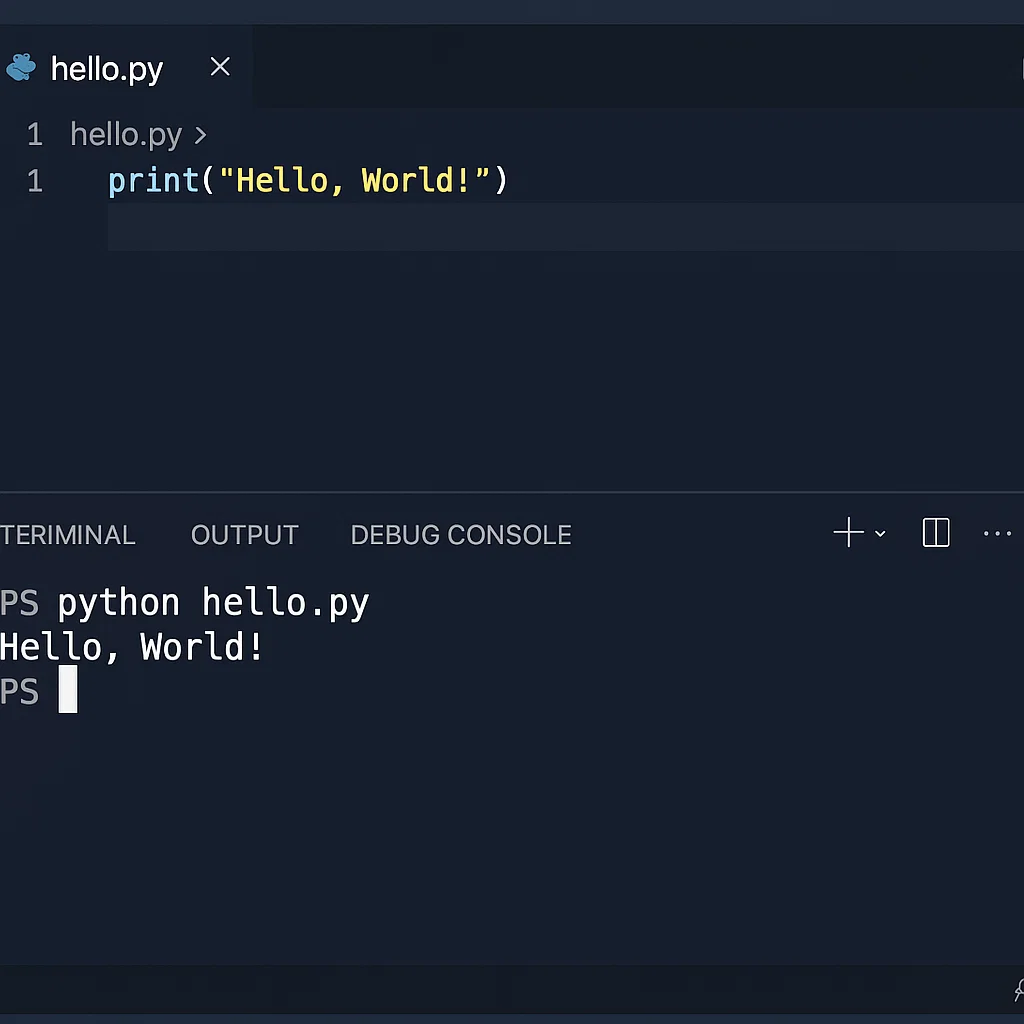
In order to verify whether all the setups are correct, make a simple Python script and execute it in VS Code:
- Open VS Code and create a new file by clicking File > New File.
Type a simple Python program:
print(“Hello, World!”)
- Save it as a .py file (e.g., hello.py).
- To execute the script, press the play button in the upper right pane or press the keys Ctrl+Shift+P and run Python: Run File in Terminal.
You should see the output:
Hello, World!
And that Python and VS Code are collaborating!
How to Write Your First Python Program
At this point, you have an environment ready, which means you are now ready to write a simple Python program. We will begin with the age-old Hello, World! script. This is the program that is usually written first by novices who are learning a new language.
Step 1: Open a New File
When you have IDLE, you can open it by typing idle in your command line (Windows) or terminal (macOS/Linux). In case you are using VS Code, create a new file as we have done earlier.
Step 2: Write the Code
The following code should be typed in your new file:
print(“Hello, World!”)
The print() command is employed in order to display some text or value on the screen. Upon running this program, Python will print the text, Hello, World!.
Step 3: Save and Run the Program
You can save your file as a Python file (e.g., hello_world.py). Next, start the program as outlined above.
The following output should be seen:
Hello, World!
Congratulations! You have just created and run your first Python program.
Major Suggestions on How to Practice Python Regularly
Python, as with any other skill, needs to be practiced regularly. The following are the main suggestions on how to keep up with it:
1. Write Code Every Day
The most important thing in learning how to program is consistency. You may only spend 15 minutes a day; however, attempt to write code on a regular basis. This will eventually assist you in getting familiar with the syntax and concepts of Python.
2. Break Down Problems
When presented with a complex problem, divide it into smaller and manageable parts. Begin by listing the steps and go through each one of them separately. This systematic process will make you not feel overwhelmed.
3. There Is No Reason to Be Afraid of Making Mistakes
The process of coding is one of trial and error. There is nothing wrong with making a mistake, and all the mistakes can also be learning. Troubleshoot with the help of such tools as the Python documentation and online communities.
4. Use Python Resources
The list of resources to learn Python is endless, with official documentation, forums, and tutorial videos. These resources can be used by exploiting them when you are stuck to speed up your learning.
5. Build Small Projects
After learning the fundamental stuff, you can also construct small projects of your interest. This will assist you in practicing what you have learned and also make the process more exciting.
6. Practice Problem-Solving
The common mistake of many beginners is reading about Python but not attempting to solve real problems. Test on sites such as LeetCode or Codewars in participating in coding challenges and practice problems.
Common Mistakes to Avoid
Being a beginner, one can make some mistakes along the way. The following are some of the pitfalls to avoid:
- Indentation Errors: Python uses indentation to delimit code blocks. Space is to be consistently used or tabs (spaces are preferred).
- Missing Parentheses: It is a common mistake to forget about parentheses when working with such functions as print().
- Lacking Version Control: When you begin working on more complicated programs, version control software such as Git will come in handy and allow you to maintain records of the changes and avoid losing your progress.
Knowing about these pitfalls will help you save a lot of frustration and continue with your learning process.
Conclusion
Python is a thrilling experience to start with and one can learn to master it with the right tools and attitude. Use this guide to install Python, configure up your development environment, and write your first program.
Always remember not to give up on practicing, to be patient with yourself, and there is no need to be afraid of making mistakes. Python is such a highly flexible language that it provides many opportunities. Happy coding!